

Add Subscriber to a Mailerlite Group for failed payment in Paddle
When a Paddle subscription payment fails, this workflow puts that customer into a MailerLite group you choose, so you can send them your own payment-reminder emails from MailerLite. The customer must already be a MailerLite subscriber.
 Paddle
 MailerLite
2 steps Setup ~5 min Used on 1.0k sites Free to import
What this workflow does
A failed renewal does not always mean a customer wants to leave. Cards expire and banks decline charges, and the customer may not notice. If you run your customer emails in MailerLite, you want those people in a group you can write to. This workflow places them there when Paddle reports the failure.
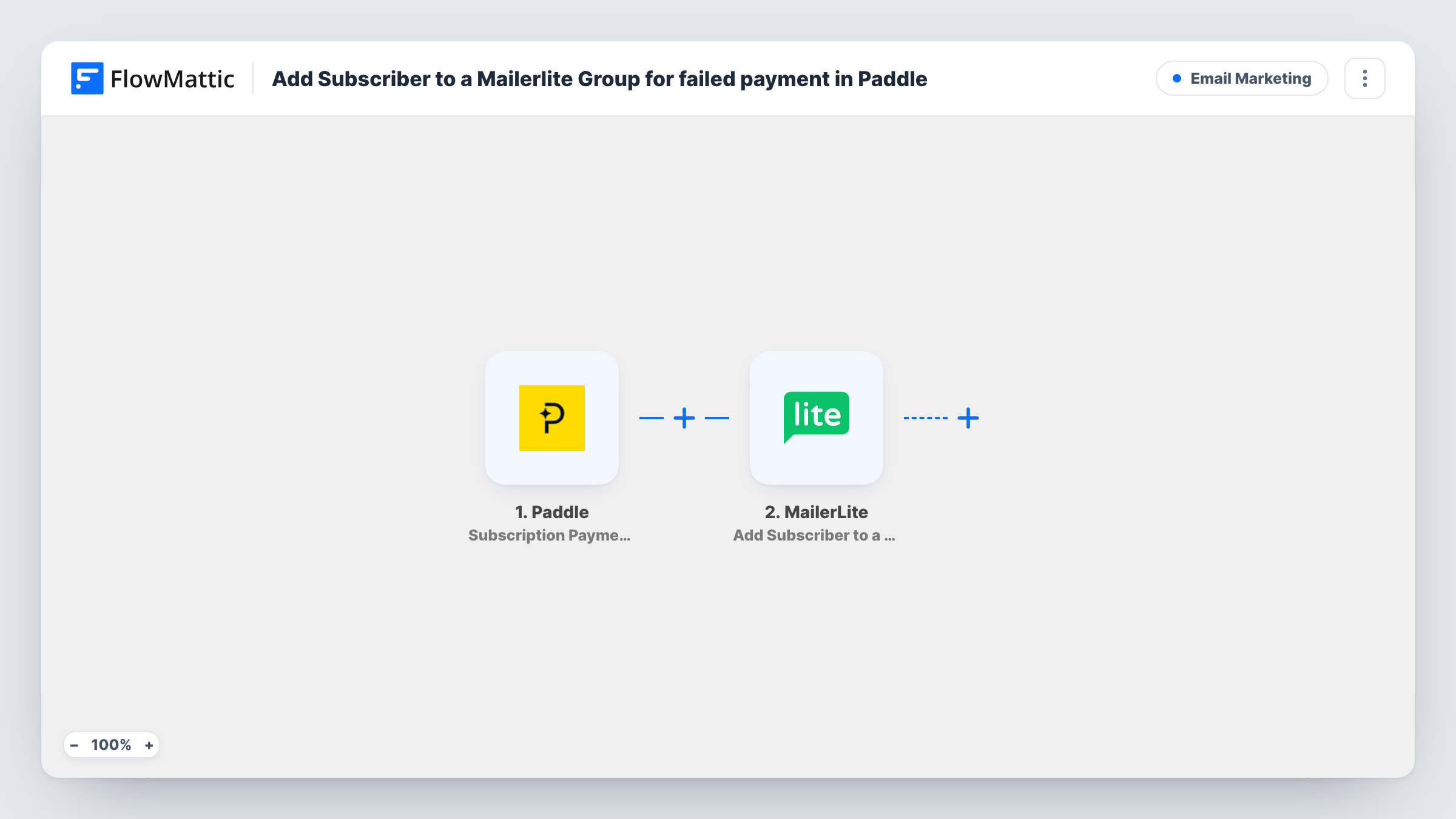
The Paddle trigger fires when a subscription payment fails. FlowMattic receives the details Paddle sends about the subscription and customer, and passes them to MailerLite. The Add Subscriber to a Group action assigns an existing subscriber to an existing group, so map the customer's email from the Paddle data and choose the group.
Because the action works on existing subscribers, the customer has to be in MailerLite already, for example because you added them when they first bought. If they are not, the step cannot place them, and Task History shows MailerLite's response for that run. The workflow does not remove anyone from the group after a later payment succeeds, so plan how people leave it.
SaaS card-update reminders
Customers whose renewal fails join a MailerLite group that receives your email asking them to update their card in Paddle.
Membership sites on Paddle billing
Members with a failed subscription payment are grouped in MailerLite, so you can send a personal note before access lapses.
Reporting on billing problems
The group gives you a running list of subscribers who had a failed payment, which you can review in MailerLite at any time.
How this workflow runs
What happens at each step once the workflow is on, and what you need before you import it.
 Paddle Subscription Payment Failed
Fires when a Paddle subscription payment fails. The subscription and customer details Paddle sends become data you can map into MailerLite.
- MailerLite Add Subscriber to a Group
Assigns an existing MailerLite subscriber to the group you choose. Connect your MailerLite account, select the group and map the customer's email from Paddle. Test with a customer who is already a subscriber.
What you need
- FlowMatticCore
- Paddle AccountAccount
- MailerLite AccountAccount
After importing, map your own data. To keep the template universal, not every step is pre-filled. Open each step in the builder and connect your accounts and fields (channels, lists, sheets, recipients) before you switch the workflow on.
Make it yours
Changes worth making after you import it.
- Insert MailerLite's Create or Update Subscriber action before the group step, mapped to the same Paddle email, so customers not yet in MailerLite are added first.
- Build an automation inside MailerLite that starts when someone joins this group, so your reminder email goes out without a manual send.
- Fire a test with an email you know is already in MailerLite, then check Task History and the group to confirm the subscriber was added.
Questions about this workflow
What happens if the Paddle customer is not a MailerLite subscriber yet?
The action assigns existing subscribers only, so the step cannot place that person. Task History shows MailerLite's response. To cover these people, add a Create or Update Subscriber step before the group step.
Does this workflow email the customer about the failed Paddle payment?
No. It only places them in a MailerLite group. The email itself comes from a MailerLite automation or campaign you set up for that group.
Are customers removed from the MailerLite group once they pay?
Not by this workflow. Remove them yourself, or build a second workflow on a successful Paddle payment that uses MailerLite's Delete Subscriber From Group action.
Does Paddle stop retrying the payment because of this workflow?
No. The workflow only reads the failure event. Paddle's own billing and retry behaviour is unchanged.
More Email Marketing workflows
Other ready-to-import templates from the same category.





Import this workflow into your WordPress site
Download the JSON, import it from the Workflows screen and connect your accounts. Every run stays on your server, with no per-task fees.
30-day money-back guarantee Unlimited workflows and runs Self-hosted