

Add new Olx leads to a Mailchimp audience for nurturing
Each new lead you receive on Olx is added to your Mailchimp audience, or updated there if the address is already on the list, so your follow-up emails can reach buyers who asked about your listings.
 Olx
Olx
 Mailchimp
2 steps Setup ~5 min Used on 2.0k sites Free to import
What this workflow does
Buyers who ask about a listing on Olx often move on if nobody follows up. Copying each enquiry into your mailing list by hand is easy to forget, especially across many listings. This workflow puts every new lead into Mailchimp as it arrives.
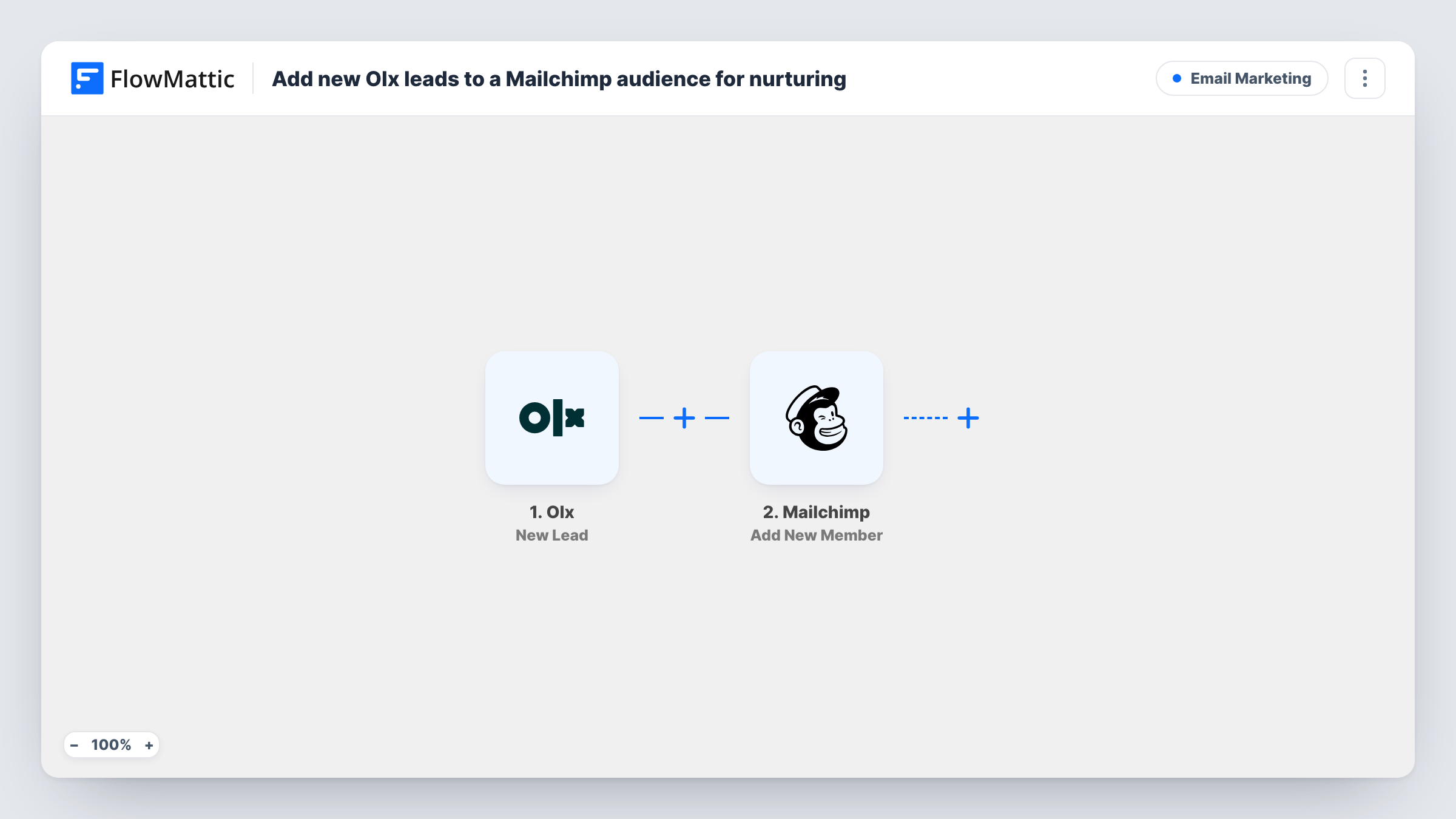
The Olx trigger fires when a new lead is created in your Olx account. FlowMattic passes the lead's details to Mailchimp, where the Add New Member action adds that person to the audience you pick. If the email address is already a member, Mailchimp updates the existing record instead of creating a second one.
From there, your Mailchimp automations, tags or campaigns take over. The workflow only adds the member; what you send them is set up inside Mailchimp. Each run is logged in Task History, where you can see the lead data and the response Mailchimp returned.
Car dealer listing used vehicles
Buyers who enquire about a car on Olx join your Mailchimp audience, so they hear about new stock and price changes in your regular email.
Real estate agent with rental listings
Each Olx enquiry about an apartment adds the person to your audience, and a Mailchimp welcome email can share your other available properties.
Furniture reseller
People asking about one item are added to your list, so your weekly newsletter of fresh arrivals reaches them too.
How this workflow runs
What happens at each step once the workflow is on, and what you need before you import it.
 Olx New Lead
Runs when a new lead is created in your Olx account. The lead's details are passed on so you can map them in the Mailchimp step.
- Mailchimp Add New Member
Adds the lead to the Mailchimp audience you choose, or updates the member if that email address is already there. Map the lead's email, plus any name fields Olx provides.
What you need
- FlowMatticCore
- Olx AccountAccount
- Mailchimp AccountAccount
After importing, map your own data. To keep the template universal, not every step is pre-filled. Open each step in the builder and connect your accounts and fields (channels, lists, sheets, recipients) before you switch the workflow on.
Make it yours
Changes worth making after you import it.
- Add a Filter after the trigger that continues only when the lead has an email address. Leads without one would give Mailchimp nothing to add.
- Run a test after import with a real Olx enquiry, then check Task History to see which lead fields arrived before you finish the Mailchimp mapping.
- Use a separate Mailchimp audience or tag for Olx leads if you want to send them different emails from your other subscribers.
Questions about this workflow
What if the Olx lead is already in my Mailchimp audience?
Add New Member adds the person, or updates them if they already exist, so you won't get a duplicate member for the same email address.
Does this send an email to the Olx lead?
Not from FlowMattic. The workflow adds the member to Mailchimp. Any email they receive comes from automations or campaigns you set up in Mailchimp.
Will leads from before I turn it on be added?
No. The trigger responds to new leads, so only enquiries that arrive after the workflow is active reach Mailchimp.
Do Olx leads always include an email address?
Check a test run in Task History to see what your leads carry. If a lead has no email, Mailchimp can't add it, and Task History shows the error on that step.
More Email Marketing workflows
Other ready-to-import templates from the same category.




Import this workflow into your WordPress site
Download the JSON, import it from the Workflows screen and connect your accounts. Every run stays on your server, with no per-task fees.
30-day money-back guarantee Unlimited workflows and runs Self-hosted