

When new form submission is received in Fluent Forms, add a new subscriber in Mailchimp
Send each Fluent Forms submitter to your Mailchimp audience as soon as they submit, with existing members updated rather than duplicated.
 Fluent Forms
 Mailchimp
2 steps Setup ~5 min Used on 938 sites Free to import
What this workflow does
Fluent Forms collects the sign-ups, and Mailchimp sends the campaigns. Joining the two by exporting entries means recent subscribers miss your next email. This workflow adds each submitter to Mailchimp right after they submit the form.
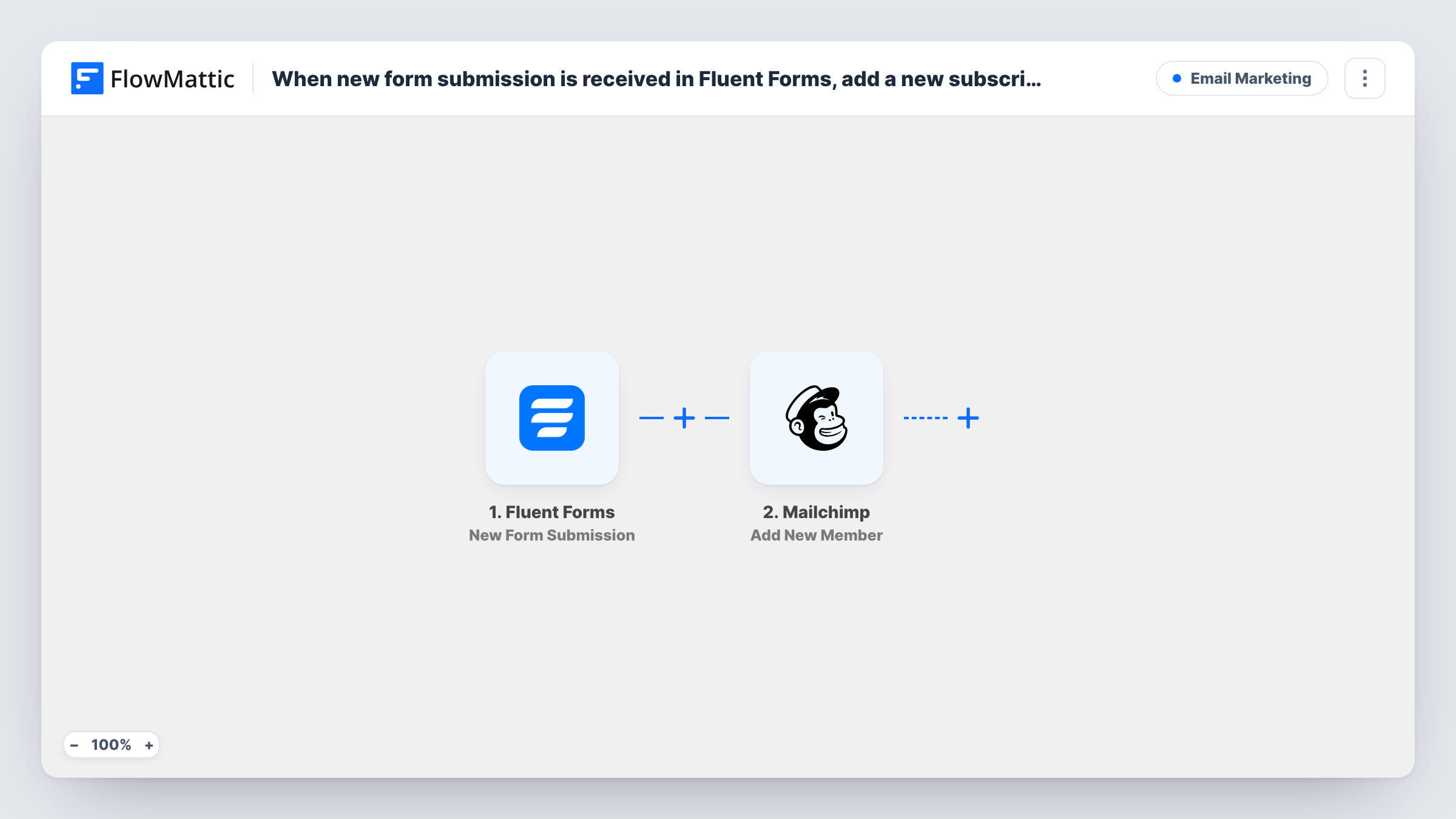
The Fluent Forms trigger starts when a new submission is received on the form you select. FlowMattic passes the answers to Mailchimp, and Add New Member puts the email address on your list. When that address is already a member, Mailchimp updates them with the new details.
The entry stays in Fluent Forms as well, so you have the full answers on your site and the contact in Mailchimp. You can see each submission the workflow handled, and what Mailchimp replied, in Task History.
Online shop newsletter form
A Fluent Forms box on your product pages collects emails. Each visitor joins the Mailchimp audience you use for offers and new stock.
Course waitlist
Prospective students join a waitlist form. Mailchimp holds them so you can email the whole list when enrolment opens.
Updating details from a preferences form
Existing subscribers resubmit a form to change their name. Because Add New Member updates existing members, Mailchimp keeps one record per address.
How this workflow runs
What happens at each step once the workflow is on, and what you need before you import it.
 Fluent Forms New Form Submission
Begins a run whenever your selected Fluent Forms form receives a new submission. The answers are passed to Mailchimp for mapping.
- Mailchimp Add New Member
Puts the submitter on your Mailchimp list, or updates their member record if the address is already there. Map the email field and any name fields from the form.
What you need
- FlowMatticCore
- Fluent Forms PluginPlugin
- Mailchimp AccountAccount
After importing, map your own data. To keep the template universal, not every step is pre-filled. Open each step in the builder and connect your accounts and fields (channels, lists, sheets, recipients) before you switch the workflow on.
Make it yours
Changes worth making after you import it.
- Add a Filter after the trigger so only people who tick your newsletter checkbox are added to Mailchimp.
- Collect first and last names in the form and map them, so your Mailchimp campaigns can greet subscribers by name.
- Run a test entry after import so FlowMattic captures the Fluent Forms fields before you map them into Mailchimp.
Questions about this workflow
What happens when a Fluent Forms submitter is already on my Mailchimp list?
Add New Member updates the existing member with the submitted details instead of adding a second copy.
Can I use a Fluent Forms form that has no email field?
No. Mailchimp needs an email address to add a member, so the form must collect one and you must map it.
Will past Fluent Forms entries be added to Mailchimp?
No. The trigger handles submissions received after the workflow is turned on. Older entries remain in Fluent Forms.
More Email Marketing workflows
Other ready-to-import templates from the same category.





Import this workflow into your WordPress site
Download the JSON, import it from the Workflows screen and connect your accounts. Every run stays on your server, with no per-task fees.
30-day money-back guarantee Unlimited workflows and runs Self-hosted