

Add new Quickbase contacts to a Google Sheets spreadsheet
Each contact added in Quickbase becomes a new row in your Google Sheets spreadsheet, so people who work outside Quickbase can sort, share and report on new contacts.
 Quickbase
 Google Sheets
2 steps Setup ~5 min Used on 1.4k sites Free to import
What this workflow does
Quickbase holds your contact records, but not everyone who needs the list has a Quickbase seat. A spreadsheet is easy to share with a sales assistant, an accountant or a partner. This workflow copies each new contact into a sheet as it is added, so nobody has to export and paste.
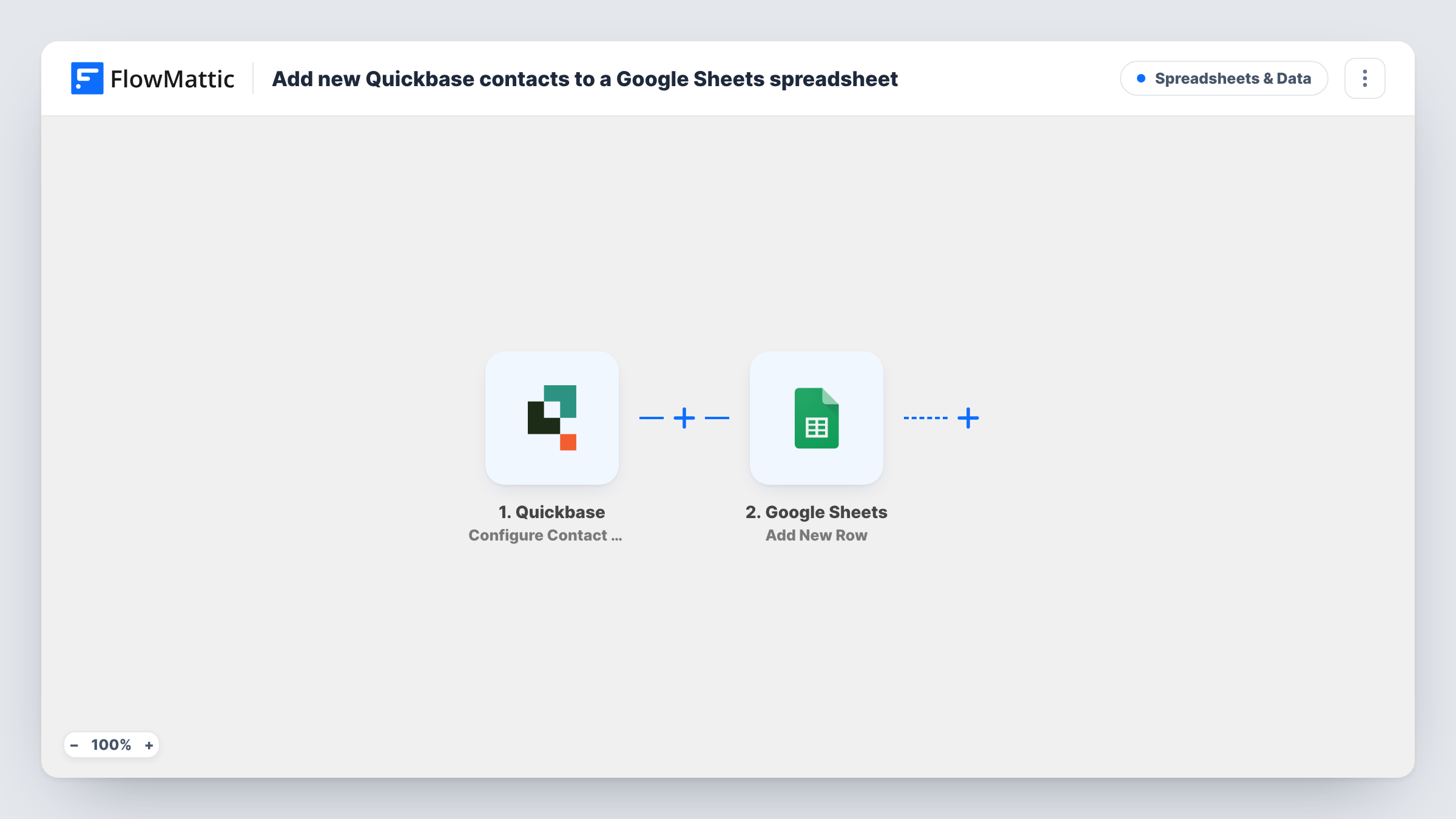
The Quickbase trigger is Configure Contact Webhooks. FlowMattic describes it as firing when a contact is added, deleted or modified, and which of those events reach the workflow depends on how you create the webhook in Quickbase. Choose only the added event there. If you also tick modified or deleted, every edit and every deletion runs the workflow too, and each one adds another row.
The Google Sheets step adds one new row per run. It ships unmapped: after import you connect your Google account, pick the spreadsheet and sheet, and match the contact values Quickbase sends to your column headers. Add a test contact in Quickbase and look at Task History to see which values arrive before you map them.
The sheet is a copy, not a live link. Changing a contact in Quickbase later doesn't change its row, and deleting the contact leaves the row in place.
Contact list for a partner without Quickbase access
A reseller needs your new customer contacts each week. You share the Google Sheet with them, and each contact your team adds in Quickbase shows up there as its own row.
Mail-merge source from new Quickbase contacts
Your office manager sends welcome letters from a spreadsheet. New Quickbase contacts land in the sheet with whichever name and address values the webhook sends, ready for the next merge.
Weekly count of contacts added
A manager wants to see how many contacts the team entered in Quickbase this week. If the webhook sends a created date, mapping it into a column lets them filter the sheet by week and count the rows.
How this workflow runs
What happens at each step once the workflow is on, and what you need before you import it.
 Quickbase Configure Contact Webhooks
Starts a run when Quickbase sends the contact webhook. FlowMattic describes this trigger as covering added, deleted or modified contacts, so create the Quickbase webhook with only the added event selected.
- Google Sheets Add New Row
Adds a new row to the spreadsheet you choose for each contact that arrives. No columns are mapped in the template, so after import you pick the sheet and map the Quickbase contact values into its columns.
What you need
- FlowMatticCore
- Quickbase AccountAccount
- Google Sheets AccountAccount
After importing, map your own data. To keep the template universal, not every step is pre-filled. Open each step in the builder and connect your accounts and fields (channels, lists, sheets, recipients) before you switch the workflow on.
Make it yours
Changes worth making after you import it.
- Put the column headers in row 1 of the sheet before you map the Google Sheets step, so each Quickbase contact value has a named column to go into.
- Map the Quickbase record ID into its own column, if the webhook sends it. If you later look a contact up in the sheet, the ID tells two people with the same name apart.
- Add a Filter between the Quickbase trigger and the Google Sheets step if only some contacts belong in the sheet, for example where a contact type field equals Customer. Use your own Quickbase field and value; this one is only an example.
Questions about this workflow
Will editing a Quickbase contact add a second row to the sheet?
Not if the Quickbase webhook sends only the added event. If you select modified as well, each edit runs the workflow and the Google Sheets step adds another row for the same contact.
Which Quickbase contact fields can I put in Google Sheets?
Whatever the Quickbase webhook sends for the contact. Add a test contact, open the run in Task History, then map the values you want into your columns.
Does deleting a contact in Quickbase remove its row?
No. Nothing in this template deletes or clears a row. With only the added event selected, a deletion doesn't start a run at all, and the row stays in the sheet until you remove it.
Do I need a Quickbase app with a Contacts table?
Yes. The trigger is built around contact records, so you need a table of contacts in Quickbase that you can create a webhook on, plus a Google account with access to the spreadsheet.
More Spreadsheets & Data workflows
Other ready-to-import templates from the same category.



Import this workflow into your WordPress site
Download the JSON, import it from the Workflows screen and connect your accounts. Every run stays on your server, with no per-task fees.
30-day money-back guarantee Unlimited workflows and runs Self-hosted