

Add new RedPodium registrants to a Mailchimp audience for event updates
Each new RedPodium registration adds the registrant to your Mailchimp audience, or updates them if they are already on it, so you can email everyone signed up for your event from one list.
 RedPodium
 Mailchimp
2 steps Setup ~5 min Used on 1.6k sites Free to import
What this workflow does
Race directors and event organisers take sign-ups in RedPodium, then send updates about packet pickup, start times or course changes. Exporting registrants and importing them into Mailchimp before every announcement is slow, and someone who registered yesterday is easy to miss. This workflow keeps the audience current as registrations come in.
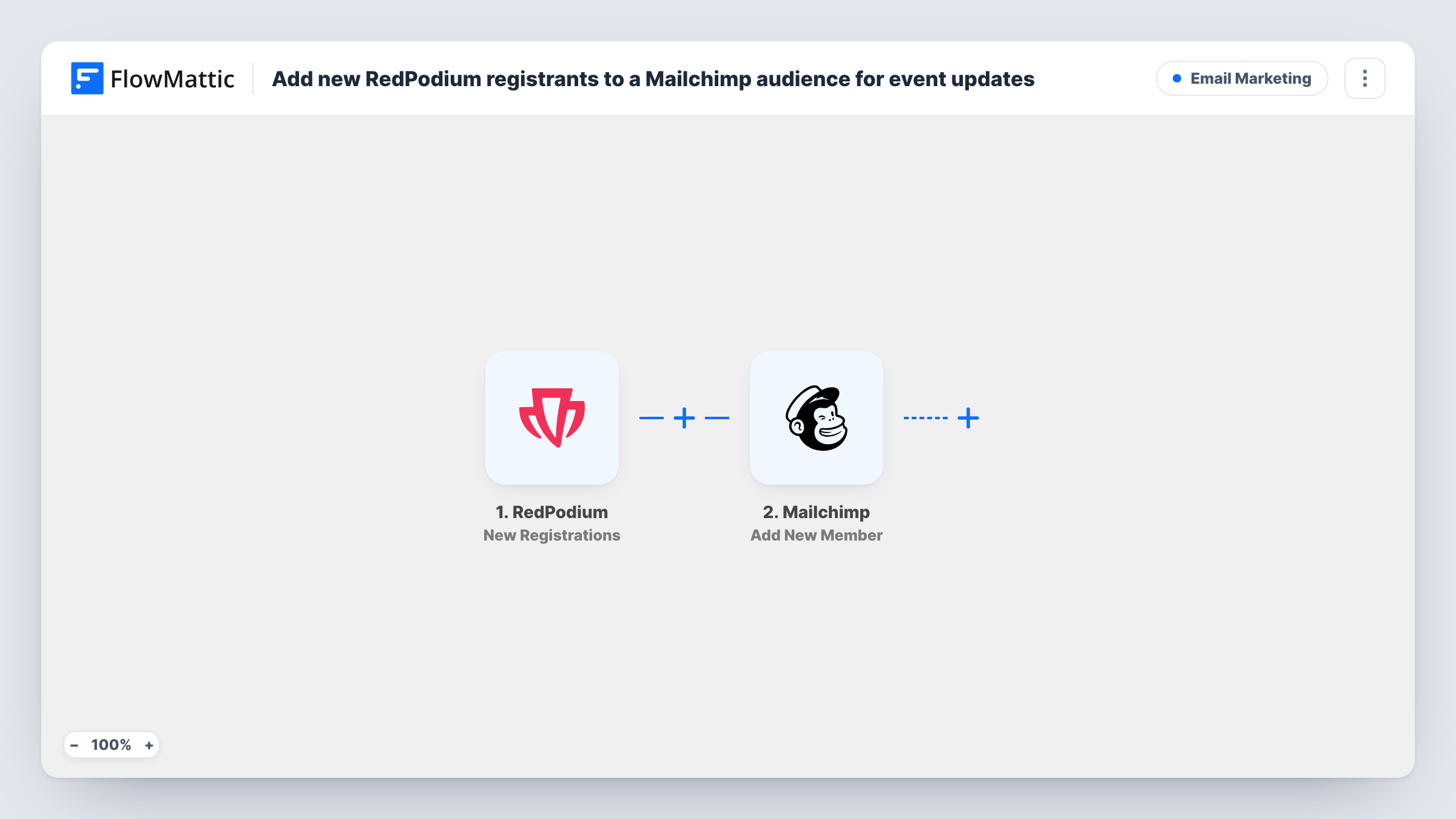
The RedPodium trigger fires when a new registration is created. FlowMattic passes the registration data to Mailchimp and runs Add New Member on the audience you pick. You map the registrant's email address and any name fields you want stored. If the address is already in that audience, Mailchimp updates the existing member instead of adding a second copy.
The template sends every registration to the same audience. If you run several events, use a separate audience or add tags in Mailchimp so you can send to one event's registrants. Each run appears in Task History with the data sent, which helps when a registrant says they never got your updates.
Race-week reminders for a 10K
Every runner who registers in RedPodium is on your Mailchimp audience by race week, so one campaign covers bib pickup times and parking for the whole field.
Updates for a cycling sportive
When the route changes or the start is delayed, you write one Mailchimp email and it reaches every rider who signed up through RedPodium.
Building a list for next year's event
Registrants collect in a Mailchimp audience you can use to announce the next edition when registration opens again.
How this workflow runs
What happens at each step once the workflow is on, and what you need before you import it.
 RedPodium New Registrations
Runs each time someone completes a sign-up and RedPodium records a new registration. Their details are passed on so you can map them in the Mailchimp step.
- Mailchimp Add New Member
Adds the registrant to the Mailchimp audience you choose, or updates them if they already exist there. Map the email address from RedPodium, plus any name values you want on the member.
What you need
- FlowMatticCore
- RedPodium AccountAccount
- Mailchimp AccountAccount
After importing, map your own data. To keep the template universal, not every step is pre-filled. Open each step in the builder and connect your accounts and fields (channels, lists, sheets, recipients) before you switch the workflow on.
Make it yours
Changes worth making after you import it.
- Make one test registration after import. FlowMattic then captures a sample, so you can see which RedPodium values are available to map into Mailchimp.
- Add a Filter after the trigger if one RedPodium account runs several events and only one of them should feed this audience.
- Make sure you have permission to email registrants, for example a consent line on your RedPodium form, before you send marketing campaigns to the audience.
Questions about this workflow
What if a RedPodium registrant is already in my Mailchimp audience?
Mailchimp's Add New Member action treats an address already on the list as an update, so that registrant keeps a single entry in the audience. The mapped RedPodium values overwrite what the member had before.
Are past RedPodium registrations copied to Mailchimp?
No. Only registrations created after the workflow is turned on trigger a run. Import earlier registrants into Mailchimp yourself if you need them.
Can I keep each RedPodium event in its own Mailchimp audience?
As imported, every registration goes to one audience. Add a Router with a route per event, each with its own Mailchimp step pointing at a different audience, and give each route a condition on a value that identifies the event.
Does this send any email to the registrant?
No. The workflow only adds or updates the member in Mailchimp. Any welcome email depends on what you set up in Mailchimp itself.
More Email Marketing workflows
Other ready-to-import templates from the same category.







Import this workflow into your WordPress site
Download the JSON, import it from the Workflows screen and connect your accounts. Every run stays on your server, with no per-task fees.
30-day money-back guarantee Unlimited workflows and runs Self-hosted