

Add new RSS posts via email
Send an email to FlowMattic’s Email Parser address and this workflow turns it into a new item in your FlowMattic RSS feed, so you can publish feed entries straight from your inbox.
 Email Parser by FlowMattic
 RSS Feed
2 steps Setup ~5 min Used on 1.1k sites Free to import
What this workflow does
Sometimes the quickest way to publish a short update is to write an email. This workflow lets you add entries to an RSS feed that way, with no dashboard to open and no feed file to edit.
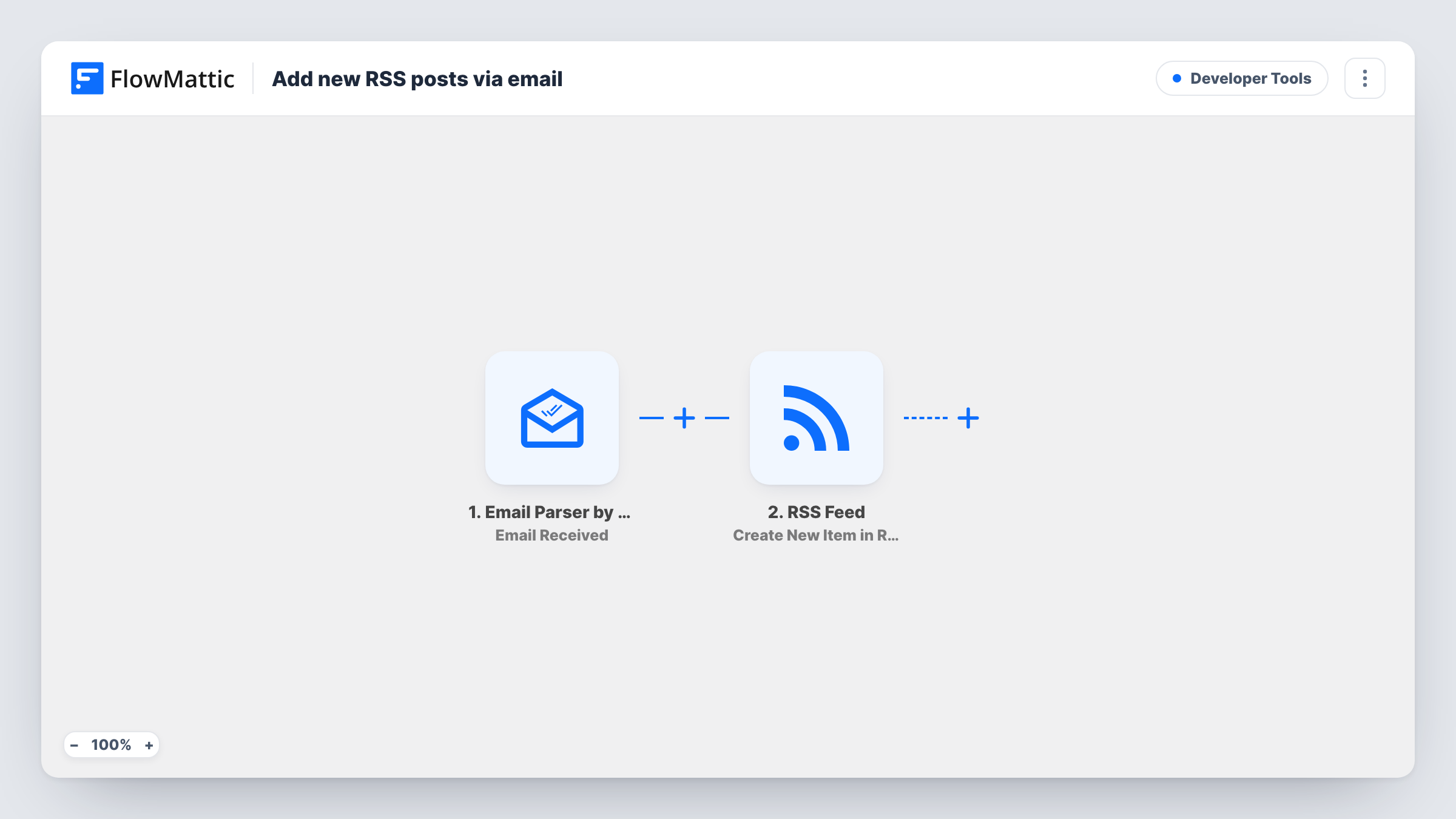
The Email Parser by FlowMattic gives you an address of its own, and its Email Received trigger fires when a message lands there. FlowMattic passes the email's parts to the RSS Feed step, whose Create New Item in RSS Feed action adds an item to the custom feed FlowMattic powers. You map the parts you want into the item, for example the subject as the item's title and the body as its content.
Every email that reaches the parser address becomes an item, whoever sent it. Keep the address private, or add a Filter on the sender so only your own messages get through. Task History lists each email received and the item it produced.
Status updates for a service
Your on-call engineer emails a short incident note, and people who follow the status feed in their reader see it as a new item.
Newsletter archive as a feed
Forward each newsletter issue to the parser address, and the feed becomes a list of past issues readers can subscribe to.
Link sharing from your phone
Email yourself an article you found, with a note, and it appears in a reading-list feed you share with your team.
How this workflow runs
What happens at each step once the workflow is on, and what you need before you import it.
 Email Parser by FlowMattic Email Received
Fires when an email arrives at the Email Parser by FlowMattic address. The message's details, such as sender, subject and body, are captured for mapping.
- RSS Feed Create New Item in RSS Feed
Adds a new item to your RSS feed in FlowMattic. Map parts of the email into the item, then send a test email and check the feed to see how it looks.
What you need
- FlowMatticCore
After importing, map your own data. To keep the template universal, not every step is pre-filled. Open each step in the builder and connect your accounts and fields (channels, lists, sheets, recipients) before you switch the workflow on.
Make it yours
Changes worth making after you import it.
- Add a Filter after the trigger that continues only when the sender's address is yours. Anyone else who learns the parser address then can't post to your feed.
- Use a word in the subject line, such as Publish, as a Filter condition, so you can forward emails for reference without them all becoming feed items.
- Send a test email after import, then map the captured subject and body in the RSS step before you share the feed's address.
Questions about this workflow
Where do readers subscribe to the email-built feed?
FlowMattic powers the custom feed on your WordPress site through its RSS Feed app. Readers subscribe to that feed in any RSS reader.
Can anyone add RSS items by emailing the parser address?
As imported, yes. Every email the parser receives creates an item. Add a Filter on the sender to limit it to addresses you trust.
Do I need a separate email service for the Email Parser?
No. Email Parser by FlowMattic provides the address. You can send to it directly or forward from your usual mailbox.
Do emails sent before import show up in the feed?
No. Only emails received after the workflow is turned on create feed items. Forward older messages to the parser address if you want them added.
More Developer Tools workflows
Other ready-to-import templates from the same category.







Import this workflow into your WordPress site
Download the JSON, import it from the Workflows screen and connect your accounts. Every run stays on your server, with no per-task fees.
30-day money-back guarantee Unlimited workflows and runs Self-hosted