

Collect new Formium responses as rows on Google Sheets
Each time someone submits a Formium form, this workflow writes their answers to a new row in a Google Sheets spreadsheet you pick, so every response sits in one shareable table.
 Formium
 Google Sheets
2 steps Setup ~5 min Used on 2.8k sites Free to import
What this workflow does
Formium collects your survey and form answers, but reviewing them alongside other data, sharing them with a colleague or building a quick chart is easier in a spreadsheet. Copying responses across by hand is slow and easy to get wrong. This two-step workflow moves each response for you.
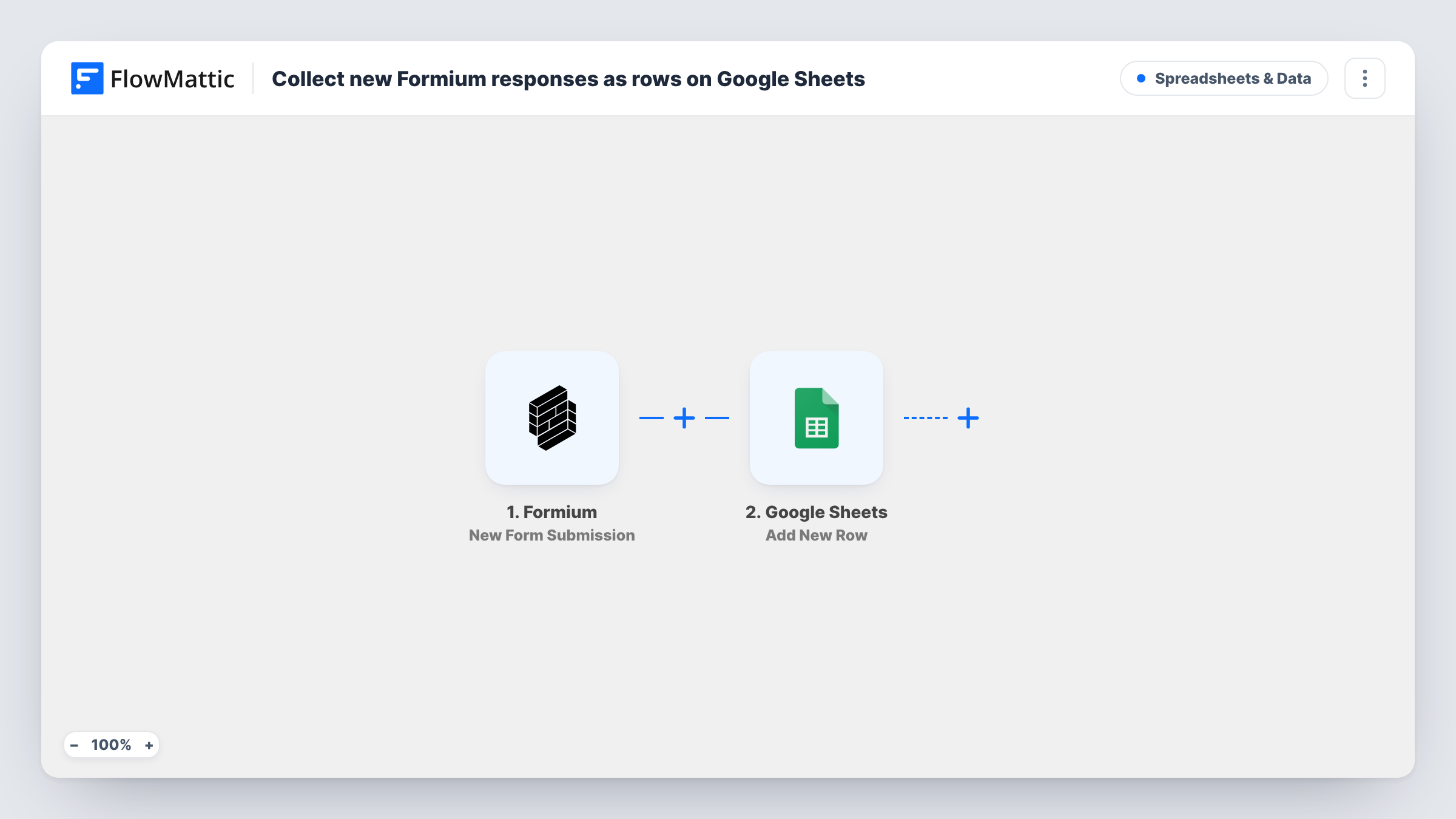
The Formium trigger fires when a new submission arrives on the form you connect. FlowMattic receives the answers and passes them to Google Sheets, where the Add New Row action appends one row to the spreadsheet and tab you choose. You decide which answer goes into which column when you map the step.
Nothing is filtered out as imported: every Formium response becomes a row. Task History keeps a record of each run, so you can see what Formium sent and what was written to the sheet.
Customer feedback survey
A Formium satisfaction survey fills a sheet that your support lead sorts by score each Friday, without exporting anything from Formium.
Workshop sign-up sheet
People register through a Formium form, and the organiser shares the resulting Google Sheet with the venue as the attendee list.
Internal requests log
Staff submit equipment or IT requests through Formium, and each request lands as a row the office manager can mark as done in an extra column.
How this workflow runs
What happens at each step once the workflow is on, and what you need before you import it.
 Formium New Form Submission
Starts the run as soon as a respondent completes the Formium form you connect. The submitted answers become data you can map in the Google Sheets step.
- Google Sheets Add New Row
Writes each Formium response into one fresh row of your Google Sheets file. Connect your Google account, pick the spreadsheet and tab, then map each column to a Formium answer.
What you need
- FlowMatticCore
- Formium AccountAccount
- Google Sheets AccountAccount
After importing, map your own data. To keep the template universal, not every step is pre-filled. Open each step in the builder and connect your accounts and fields (channels, lists, sheets, recipients) before you switch the workflow on.
Make it yours
Changes worth making after you import it.
- Put header names in the first row of the sheet before you map the step, so each column is easy to match with a Formium answer.
- Add a Filter between the two steps if only some responses belong in this sheet, for example answers where a chosen option equals a certain value.
- Add a column for the submission time and map it, so you can sort responses by when they arrived.
Questions about this workflow
Are Formium responses from before I import this copied to the sheet?
No. The trigger reacts to new submissions, so only responses received after you turn the workflow on are added as rows.
Can I send responses from several Formium forms to one Google Sheet?
Check during setup which form the trigger is tied to. For a second form, clone the workflow, point the copy at that form and map it to the same spreadsheet.
What happens if I rename a column in the Google Sheet later?
Open the Google Sheets step and check the mapping again after the change, then send a test response to confirm the row still lands in the right columns.
More Spreadsheets & Data workflows
Other ready-to-import templates from the same category.





Import this workflow into your WordPress site
Download the JSON, import it from the Workflows screen and connect your accounts. Every run stays on your server, with no per-task fees.
30-day money-back guarantee Unlimited workflows and runs Self-hosted