

Create a Bigin contact for every new WPForms submission
Each new WPForms submission on your WordPress site creates a contact record in Bigin by Zoho from the answers you map, so form leads are in your CRM pipeline without retyping.
 WPForms
 Bigin by Zoho
2 steps Setup ~5 min Used on 1.8k sites Free to import
What this workflow does
Bigin is built for small teams that want a simple CRM, and WPForms is often where their leads first show up. Moving each enquiry from the form inbox into Bigin by hand slows the first reply and lets details slip. This workflow creates the Bigin contact for every submission.
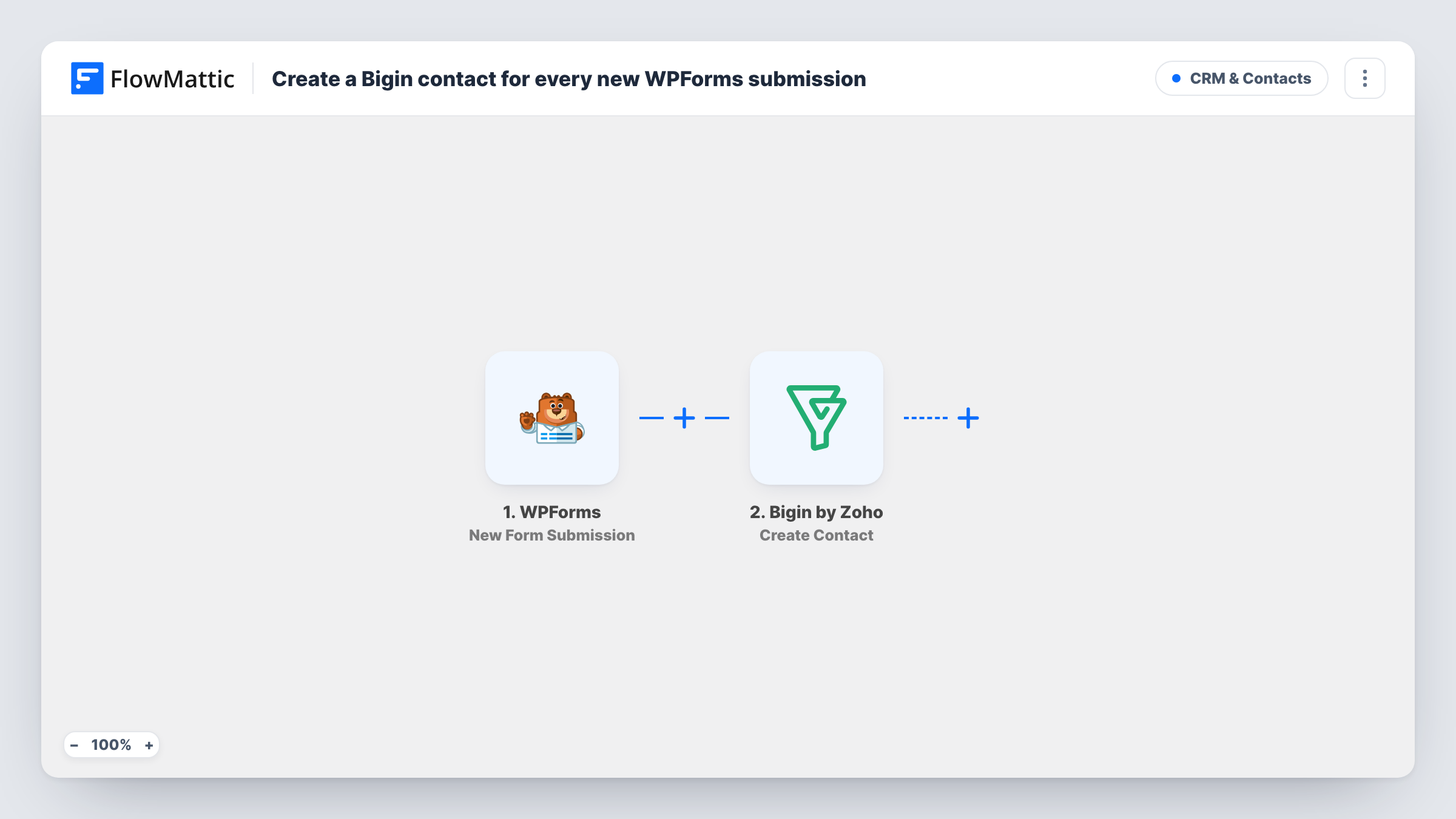
The WPForms trigger runs on New Form Submission, after a visitor sends a form, and passes on every answer. FlowMattic then uses Create Contact in Bigin by Zoho, which creates a new contact record. You map the form's name, email, phone and any other answers to the contact's fields.
Create Contact always makes a new record. If the same person sends the form twice, Bigin may store a second contact for them or refuse it, and Task History shows which. If you would rather update existing people, Bigin's Upsert Contact action is available in FlowMattic as a replacement step.
Contact page for a small agency
Each enquiry from the agency's WPForms contact page becomes a Bigin contact, ready for the owner to add a deal or a follow-up task.
Quote requests for a trades business
A roofer's quote form adds the customer's name, phone and address notes to Bigin, where the office books the site visit.
Partner or reseller applications
Businesses applying to resell your product fill in a WPForms application, and each one lands in Bigin as a contact to review.
How this workflow runs
What happens at each step once the workflow is on, and what you need before you import it.
 WPForms New Form Submission
Picks up every new submission sent through WPForms on your site. All answers in that entry are passed on for mapping into Bigin.
- Bigin by Zoho Create Contact
Creates a new contact record in Bigin by Zoho. Map the WPForms answers, such as first name, last name, email and phone, to the contact fields.
What you need
- FlowMatticCore
- WPForms PluginPlugin
- Bigin by Zoho AccountAccount
After importing, map your own data. To keep the template universal, not every step is pre-filled. Open each step in the builder and connect your accounts and fields (channels, lists, sheets, recipients) before you switch the workflow on.
Make it yours
Changes worth making after you import it.
- Replace Create Contact with Bigin's Upsert Contact action if people often submit your form more than once and you want one record each.
- Add a Bigin Create Deal step after the contact if every enquiry should also start a deal in your pipeline.
- Add a Filter on the email field so submissions without an address, or test entries from your own domain, do not create contacts.
Questions about this workflow
What if the WPForms submitter is already a contact in Bigin?
Create Contact does not look for an existing record first. Bigin may add a duplicate or refuse the step, and Task History shows its reply. Swap in Upsert Contact if you need matching.
Which WPForms fields can go into the Bigin contact?
Any answer from the submission can be mapped. Send a test entry after import so FlowMattic shows the form's fields, then map them in the Bigin step.
Does WPForms keep its own copy of the entry?
The workflow does not change your WPForms settings. It only reads the submission and sends the mapped answers to Bigin.
Will earlier WPForms entries be added to Bigin?
No. Only submissions made after the workflow is turned on create contacts.
More CRM & Contacts workflows
Other ready-to-import templates from the same category.







Import this workflow into your WordPress site
Download the JSON, import it from the Workflows screen and connect your accounts. Every run stays on your server, with no per-task fees.
30-day money-back guarantee Unlimited workflows and runs Self-hosted