

Create a Freshdesk ticket when a Sendcloud refund is requested
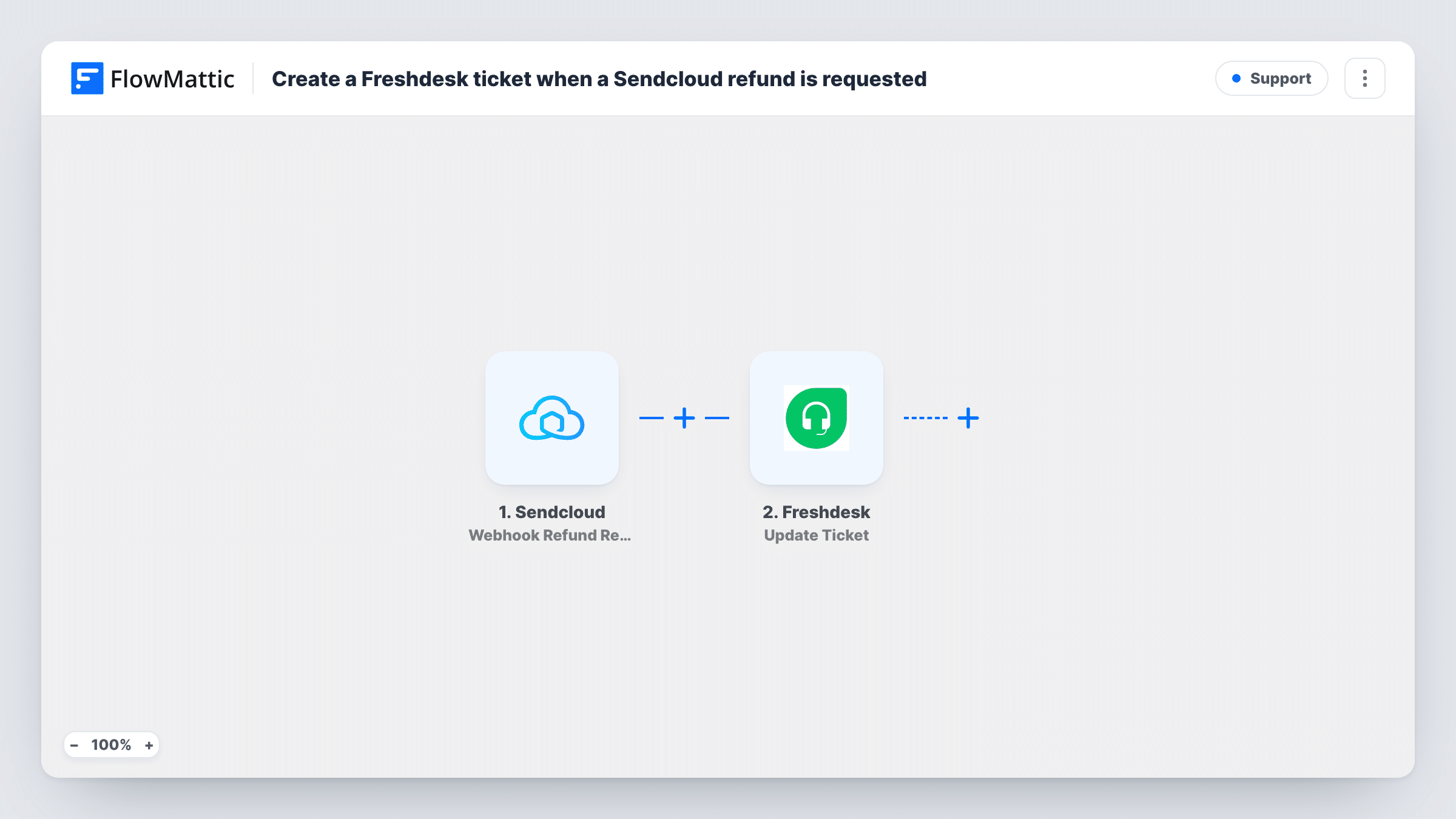
When a refund is requested in Sendcloud, FlowMattic sends a POST request you set up with API by FlowMattic to open a Freshdesk ticket, so your support team can handle the return.
 Sendcloud
 API by FlowMattic
2 steps Setup ~5 min Used on 2.8k sites Free to import
What this workflow does
Refund requests that only live in your shipping tool are easy to miss, especially when the people who approve refunds work in a helpdesk. This workflow takes each Sendcloud refund request and turns it into a Freshdesk ticket, so it joins the same queue, owners and reporting as every other customer issue.
The Sendcloud trigger fires when a refund is requested and passes the request data on. A test run shows which parcel and order details are included.
FlowMattic's Freshdesk integration offers triggers but no ticket action, so the ticket is created with API by FlowMattic. The POST step ships unmapped: after import you enter the ticket endpoint for your Freshdesk account, add the authentication Freshdesk asks for with your API key, and build the request body from the fields Freshdesk's API documentation lists for a new ticket. Map Sendcloud data into it, such as the parcel or order reference and the customer's email if the request carries one.
Every refund request sends one request. Send a test refund and check Task History for Freshdesk's response, which shows whether the ticket was created or which field it rejected.
Returns desk in Freshdesk
A fashion store's support agents handle refunds from their Freshdesk queue, and each Sendcloud refund request arrives there as a ticket with the parcel reference.
Carrier refund follow-up
An operations team tracks each refund request against the carrier in a Freshdesk ticket until the money comes back.
One queue for all customer issues
A small shop with a single support person keeps refund requests in Freshdesk next to delivery questions, instead of checking Sendcloud separately.
How this workflow runs
What happens at each step once the workflow is on, and what you need before you import it.
 Sendcloud Webhook Refund Requested Object
Starts the workflow when a refund is requested in Sendcloud. The refund request data is passed on; run a test to see which parcel and order fields arrive.
- API by FlowMattic POST
Sends a POST request to Freshdesk's API to create the ticket. It ships unmapped: after import enter your Freshdesk ticket endpoint and API key authentication, then build the ticket body from the Sendcloud data.
What you need
- FlowMatticCore
- Sendcloud AccountAccount
After importing, map your own data. To keep the template universal, not every step is pre-filled. Open each step in the builder and connect your accounts and fields (channels, lists, sheets, recipients) before you switch the workflow on.
Make it yours
Changes worth making after you import it.
- Put the Sendcloud parcel or order reference in the ticket subject, so agents can find the shipment in Sendcloud from the ticket list.
- Set a fixed ticket type, group or tag in the request body, if your Freshdesk account uses them, so refund tickets reach the right agents.
- Use the API key of a Freshdesk agent whose role allows creating tickets, and keep that key out of any field that ends up in the ticket text.
- Check Task History after your first test refund: Freshdesk's response shows the new ticket's details or the field it rejected.
Questions about this workflow
Why does the Freshdesk ticket use API by FlowMattic?
FlowMattic's Freshdesk app has triggers, such as New Ticket, but no action that creates one. API by FlowMattic sends the request to Freshdesk's API directly, so you set it up yourself.
What do I need from Freshdesk to finish the POST step?
Your Freshdesk account's API address for tickets and an API key from your Freshdesk profile. Freshdesk's API documentation lists the fields a new ticket needs.
Does the Sendcloud refund request include the customer's email for the ticket?
Run a test refund and look at the trigger data in Task History. Map the email if it's there; Freshdesk tickets usually need a requester, so check its documentation for alternatives if it isn't.
Will a Sendcloud refund request create more than one Freshdesk ticket?
Each refund request event starts one run and one POST. If Sendcloud sends the event again for the same request, another ticket is created, as nothing checks for an existing one.
More Support workflows
Other ready-to-import templates from the same category.







Import this workflow into your WordPress site
Download the JSON, import it from the Workflows screen and connect your accounts. Every run stays on your server, with no per-task fees.
30-day money-back guarantee Unlimited workflows and runs Self-hosted