

When a BrainCert test is completed, open a Fluent Support ticket and alert Slack
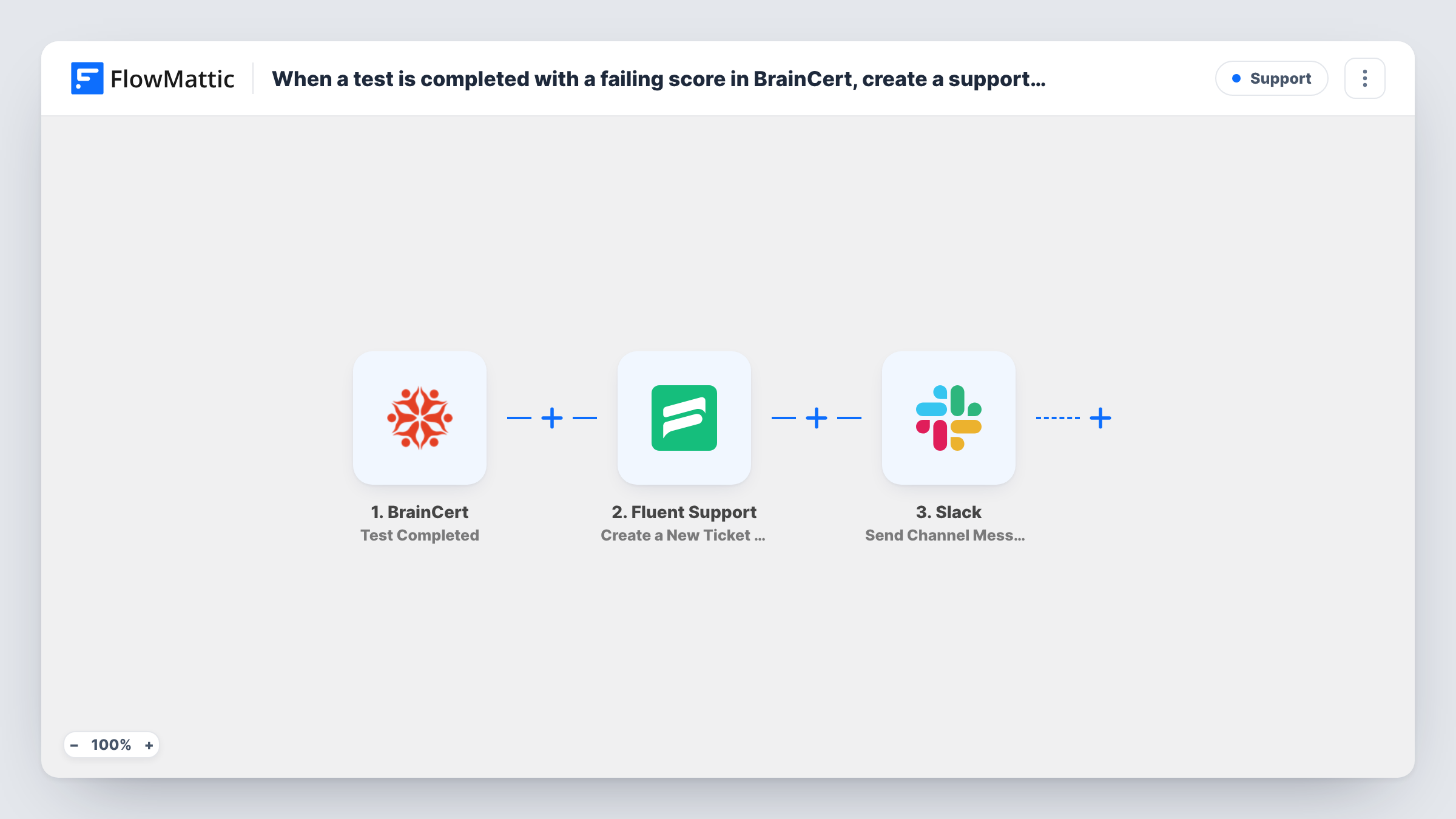
Each time a learner completes a BrainCert test, FlowMattic opens a ticket in Fluent Support for that learner and posts a Slack message, so someone on your team reviews every result.
 BrainCert
 Fluent Support
 Slack
3 steps Setup ~5 min Used on 2.0k sites Free to import
What this workflow does
Test results that sit in BrainCert are easy to miss, especially when you want a person to look at each one: to grade written answers, offer a retake or check in with a struggling student. Turning every completed test into a support ticket gives each result an owner and a status, and a Slack post makes sure the team knows it's there.
The BrainCert trigger fires when a user completes a test. FlowMattic receives the result data BrainCert sends, which you can see in full after one test run.
Step two creates a ticket in Fluent Support, the helpdesk plugin on your WordPress site, using the learner as the customer. Then Slack receives a channel message. Both actions ship unmapped: after import you map the learner's details and the test name or score into the ticket's title and content, then pick the Slack channel and write the alert, mapping in whatever helps your team act on it.
There is no score check in the template, so passes and fails alike open a ticket. If you only want follow-up on low results, add the Filter described in the tips. Complete a practice test yourself and look at Task History to confirm which BrainCert fields arrived and what Fluent Support and Slack returned.
Manual review of written answers
An online academy uses tests with essay questions, and each completion opens a Fluent Support ticket so a tutor can mark the answers and reply to the learner.
Certification results checked by staff
A training provider wants a person to confirm every certification attempt before issuing anything, and the ticket queue becomes that review list.
Instructor channel for test activity
Instructors watch a Slack channel where each completed test is announced with the learner's name and the test title, so they can pick up their own students' results.
How this workflow runs
What happens at each step once the workflow is on, and what you need before you import it.
 BrainCert Test Completed
Starts the workflow when a learner completes a test in BrainCert. The test result data is passed to the helpdesk and Slack steps.
- Fluent Support Create a New Ticket Using Customer
Creates a new Fluent Support ticket with the learner as the customer. The step is unmapped in the template, so map the learner's email and name, and put the test name and score in the ticket text.
- Slack Send Channel Message
Posts an alert to a Slack channel. Pick the channel and write the message after import, mapping in the learner, the test and the ticket details returned by the previous step.
What you need
- FlowMatticCore
- BrainCert AccountAccount
- Fluent Support PluginPlugin
- Slack AccountAccount
After importing, map your own data. To keep the template universal, not every step is pre-filled. Open each step in the builder and connect your accounts and fields (channels, lists, sheets, recipients) before you switch the workflow on.
Make it yours
Changes worth making after you import it.
- To open tickets only for low results, put a Filter between the BrainCert trigger and the Fluent Support step with a score condition such as less than your pass mark. Scores are compared as whole numbers.
- Map the BrainCert test name into the ticket title, so agents can sort the Fluent Support queue by test.
- Use a dedicated Slack channel for test results, and mention the instructor group in the message text if you want them notified.
Questions about this workflow
Does every completed BrainCert test create a ticket, even a pass?
Yes, as imported. There is no condition on the score. Add a Filter on the score between the BrainCert trigger and the Fluent Support step if only some results should become tickets.
Must Fluent Support be installed where FlowMattic runs for the ticket step?
Yes. Fluent Support is a WordPress helpdesk plugin, and the ticket step works with the copy installed on the site where FlowMattic runs.
Is the Slack message posted to a private channel?
The action as shipped posts to standard, public channels. To alert a private channel about BrainCert results, replace it with Slack's Send Private Channel Message action.
Which BrainCert details can I put in the ticket?
The fields BrainCert sends with the completed test. Finish a practice test after import and map from the data FlowMattic shows for that run.
More Support workflows
Other ready-to-import templates from the same category.






Import this workflow into your WordPress site
Download the JSON, import it from the Workflows screen and connect your accounts. Every run stays on your server, with no per-task fees.
30-day money-back guarantee Unlimited workflows and runs Self-hosted