

Create a Google Docs file from every new Krisp outline generated
Every time Krisp generates an outline for a meeting, this workflow creates a new Google Docs file with the outline in it, so each meeting has a document you can edit and share from Drive.
 Krisp
Krisp
 Google Docs
2 steps Setup ~5 min Used on 1.2k sites Free to import
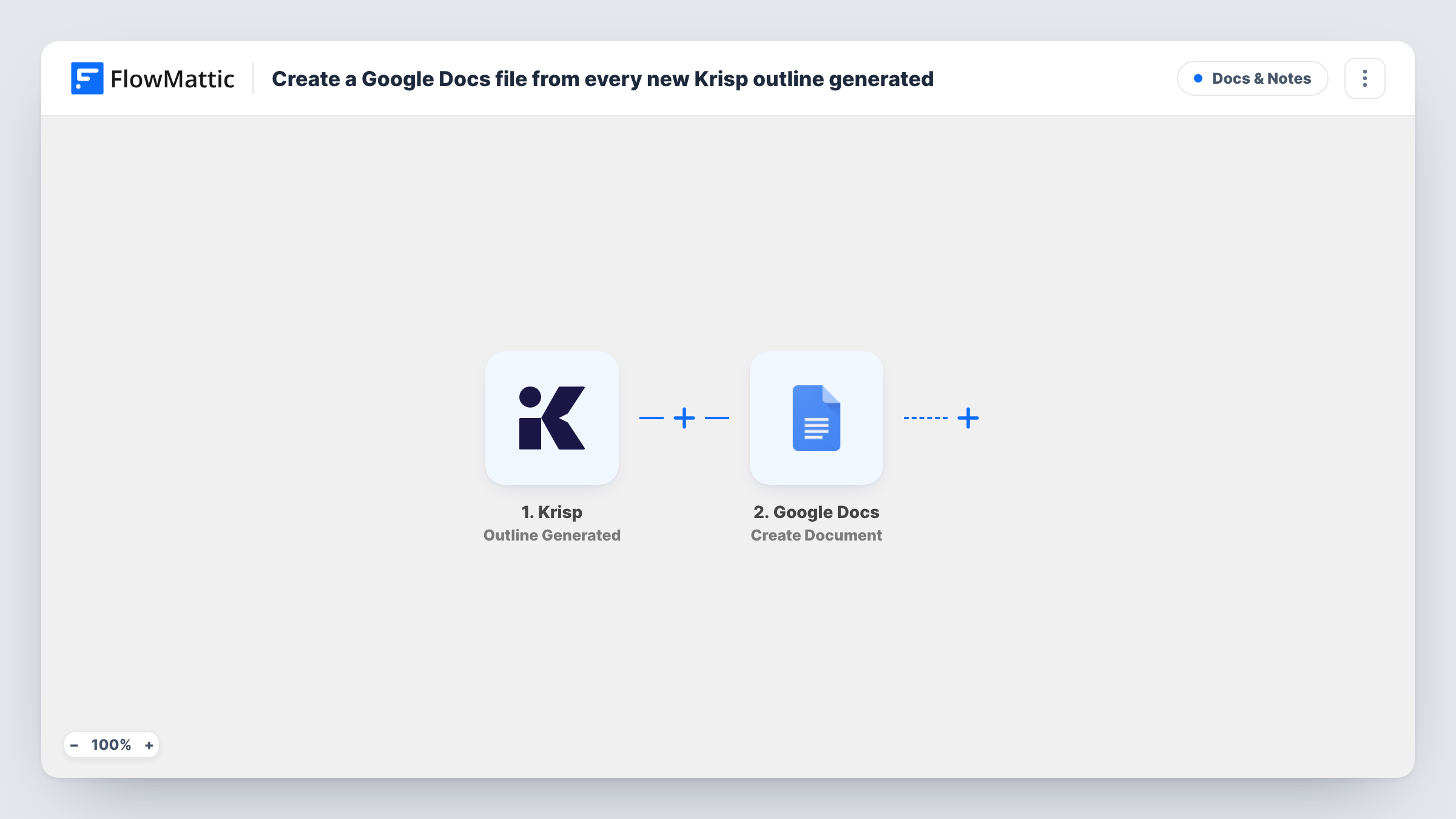
What this workflow does
A meeting outline is most useful when people outside the call can read it and add to it. Inside Krisp, it is tied to your account. A Google Doc can be shared with a client, commented on by colleagues and filed with the rest of the project. This workflow creates that document for each outline.
The Krisp trigger is Outline Generated. It fires when a meeting outline is generated in Krisp. FlowMattic passes the outline and meeting details to Google Docs, where Create Document makes a new Google Doc with optional content. You map a title, such as the meeting name and date, and put the outline into the document's content.
Each outline gets its own new document. The workflow does not share the file or move it into a project folder unless the step lets you pick one, so check the result in Drive after a test run. Task History lists each run and the response from Google.
Client meeting recap documents
After each client call, a Google Doc with Krisp's outline is ready for the account manager to tidy and share with the client.
Team stand-up records
Weekly stand-ups recorded with Krisp produce an outline doc that the team lead links in the project channel for people who missed it.
Interview debrief drafts
Hiring managers get an outline doc after each interview and add their own scores and comments under it before the debrief.
How this workflow runs
What happens at each step once the workflow is on, and what you need before you import it.
 Krisp Outline Generated
Runs when Krisp generates an outline for one of your meetings. The outline and meeting details are passed on to the document step.
- Google Docs Create Document
Creates a new Google Doc and fills it with the content you map. Connect your Google account, then map the meeting name into the title and the Krisp outline into the body.
What you need
- FlowMatticCore
- Krisp AccountAccount
- Google Docs AccountAccount
After importing, map your own data. To keep the template universal, not every step is pre-filled. Open each step in the builder and connect your accounts and fields (channels, lists, sheets, recipients) before you switch the workflow on.
Make it yours
Changes worth making after you import it.
- Put the meeting date at the start of the document title, so the files sort in date order in Drive.
- Swap Create Document for Create Document From Template if you want every outline in the same layout, with placeholders for the title, date and outline.
- Add a Slack or email step after Google Docs that sends the document link to the people who were in the meeting.
Questions about this workflow
Does the Google Doc include the full Krisp transcript?
No. The trigger is Outline Generated, so the document holds the outline and any meeting details you map. Krisp's Transcript Created trigger is the one to use for full transcripts.
Who can see the Google Docs files this workflow creates?
They are created in the Google account you connect and follow its sharing settings. Share them from Drive, or add a step that sends the link to the right people.
Will Krisp outlines from past meetings get documents?
No. Only outlines generated after the workflow is turned on create a Google Doc.
Can I add the Krisp outline to one running document instead?
Not as imported, since Create Document makes a new file each time. Google Docs has other actions in FlowMattic, such as Find a Document and Batch Update Document, that you can test for that set-up.
More Docs & Notes workflows
Other ready-to-import templates from the same category.




Import this workflow into your WordPress site
Download the JSON, import it from the Workflows screen and connect your accounts. Every run stays on your server, with no per-task fees.
30-day money-back guarantee Unlimited workflows and runs Self-hosted