

Save each updated Bokun product list to a Notion database
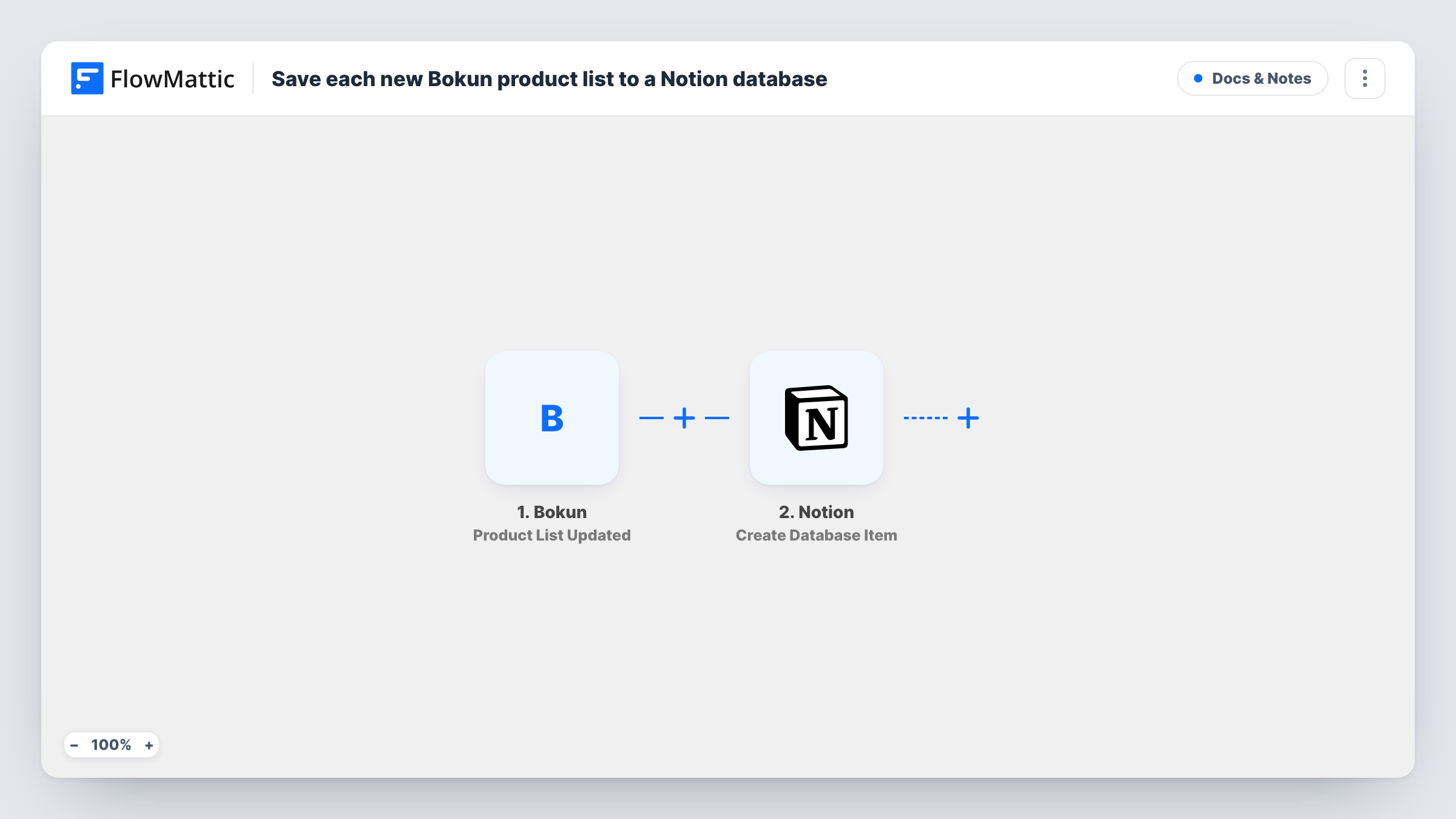
Each time a product list is updated in Bokun, FlowMattic adds an item to a Notion database, so your team has a dated record of product list changes in the workspace where it plans tours.
 Bokun
Bokun
 Notion
2 steps Setup ~5 min Used on 3.0k sites Free to import
What this workflow does
Tour and activity operators group their Bokun products into lists for resellers, websites or seasons. When those lists change, sales and marketing people often only find out later. This workflow records every product list update in Notion, where the team can see what changed and plan around it.
The Bokun Product List Updated trigger fires when a product list is updated in Bokun. FlowMattic passes the data Bokun sends about that list to the next step. Run a test by editing a list to see which values arrive.
The Notion Create Database Item step then adds an item to the database you choose. It ships unmapped: after import you connect Notion, pick the database and map Bokun values, such as the list's name or ID, into its properties.
Every update creates its own Notion item, so editing the same list several times adds several entries. That makes the database a change log rather than one page per list. Task History shows each run and what Notion created.
Change log for reseller lists
A tour operator that shares product lists with travel agents keeps a Notion log of every list update, so account managers can tell agents what changed.
Seasonal planning in Notion
A marketing team planning summer campaigns sees each update to the Bokun summer list as a new item in its Notion planning database.
Audit trail for a small team
An activity company with several staff editing Bokun uses Notion to review list changes at the weekly meeting.
How this workflow runs
What happens at each step once the workflow is on, and what you need before you import it.
 Bokun Product List Updated
Fires when a product list is updated in Bokun. The list data Bokun sends is passed on for mapping into the Notion item.
- Notion Create Database Item
Creates a new item in the Notion database you select for each update. Map the Bokun values into the database properties after import, since the template leaves the step empty.
What you need
- FlowMatticCore
- Bokun AccountAccount
- Notion AccountAccount
After importing, map your own data. To keep the template universal, not every step is pre-filled. Open each step in the builder and connect your accounts and fields (channels, lists, sheets, recipients) before you switch the workflow on.
Make it yours
Changes worth making after you import it.
- Add a date property to the Notion database and map the run time or update time into it, so the log sorts by when each change happened.
- Add a status property such as Reviewed in Notion, so whoever checks the log can tick off each Bokun update.
- If only one list matters, put a Filter between the Product List Updated trigger and the Notion step that continues when the list name matches it. A test run shows the field to check.
Questions about this workflow
Does each Bokun product list update create a new Notion item?
Yes. Every update starts a run, and the Create Database Item step always adds a new item. Edits to the same list build up as separate entries.
Do changes to a single Bokun product start this workflow?
Not as such. This trigger covers product list updates. Bokun's Product Updated event is a separate trigger you can use in another workflow.
Must the Notion database exist before the Bokun updates start?
Yes. Create the database with the properties you want to fill, make sure your connected Notion account can reach it, then select it in the step.
More Docs & Notes workflows
Other ready-to-import templates from the same category.






Import this workflow into your WordPress site
Download the JSON, import it from the Workflows screen and connect your accounts. Every run stays on your server, with no per-task fees.
30-day money-back guarantee Unlimited workflows and runs Self-hosted