

Create a Google Docs file from every new BugBug schedule
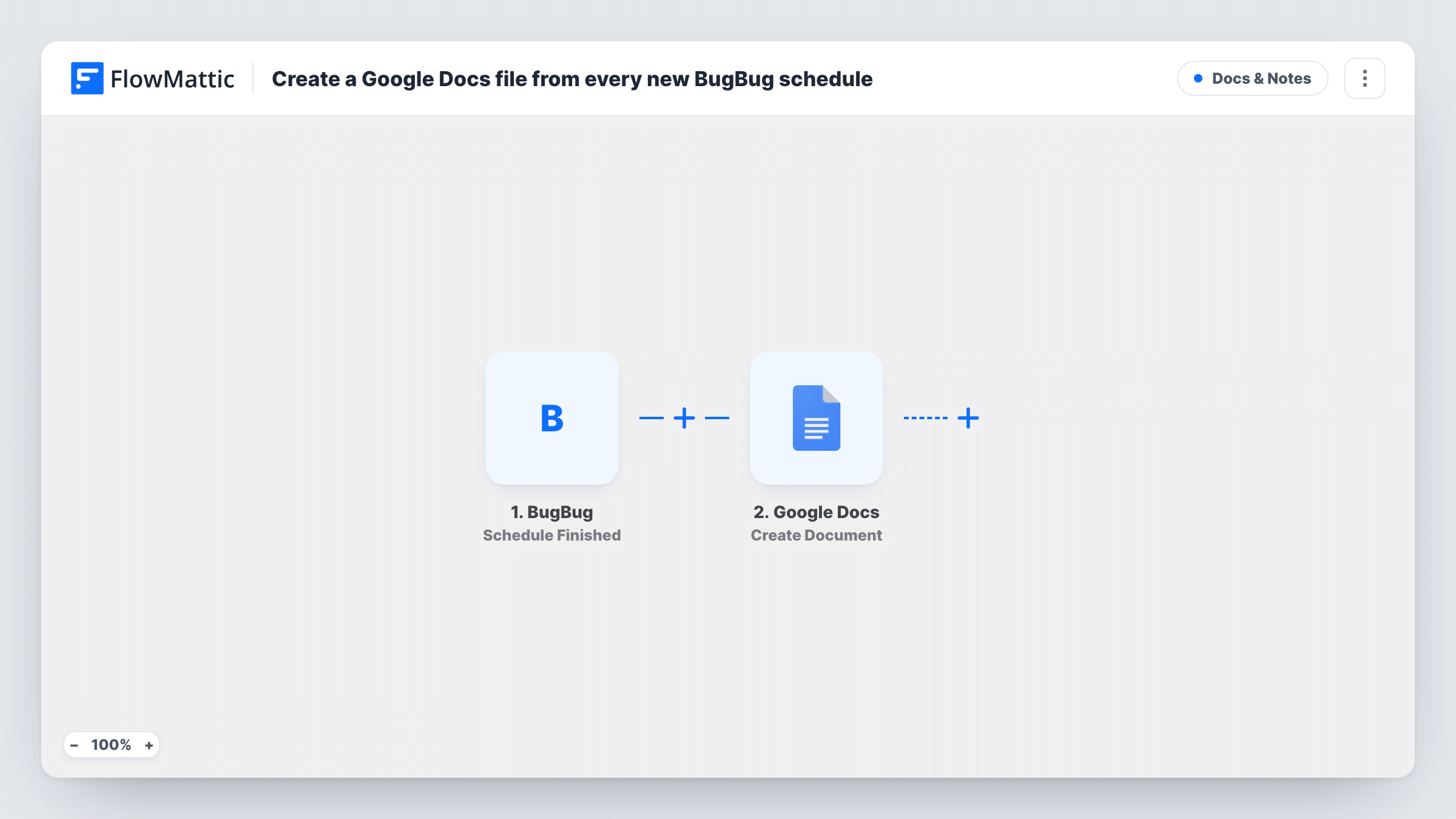
Every time a scheduled BugBug run finishes, this workflow creates a new Google Docs file holding the run details you map in, so each scheduled test session leaves a document behind.
 BugBug
 Google Docs
2 steps Setup ~5 min Used on 2.5k sites Free to import
What this workflow does
BugBug runs your browser tests on a schedule, and the results live inside BugBug. If a client, a manager or a teammate without a BugBug login needs to see what happened, someone has to write it up. This workflow writes a fresh Google Doc for each scheduled run instead.
BugBug has no trigger for a schedule being created. The BugBug trigger used here is Schedule Finished, and it fires whenever a scheduled run finishes. So the "new BugBug schedule" in the title means each finished scheduled run: every one of them starts the workflow, and none are passed over. Runs you start by hand, outside a schedule, don't fire this trigger.
FlowMattic then passes the run data to Google Docs, where the Create Document action makes a new document with optional content. You choose what goes into that document by mapping values from the BugBug step. Because one document is made per finished run, a schedule that runs several times a day produces several documents a day.
Nightly regression reports for a client
A nightly BugBug schedule tests a client's checkout. Each morning a new Google Doc from last night's run is ready to share with the client, who never needs to open BugBug.
A paper trail for release checks
Your team schedules a BugBug suite before each release window. Every finished run leaves its own Google Doc, so you can point back to the record for a given date.
Status notes for non-technical staff
Support or marketing staff can read a plain Google Doc of each scheduled test run without learning BugBug or asking QA for an update.
How this workflow runs
What happens at each step once the workflow is on, and what you need before you import it.
 BugBug Schedule Finished
Fires whenever a scheduled run finishes in BugBug. Every finished scheduled run starts the workflow, and its data is passed to the Google Docs step for mapping. Creating a schedule does not fire it.
- Google Docs Create Document
Creates a new Google Doc for the finished run, with optional content you build from the BugBug data. Connect your Google account on import, then check a test run to see which BugBug values you can map.
What you need
- FlowMatticCore
- BugBug AccountAccount
- Google Docs AccountAccount
After importing, map your own data. To keep the template universal, not every step is pre-filled. Open each step in the builder and connect your accounts and fields (channels, lists, sheets, recipients) before you switch the workflow on.
Make it yours
Changes worth making after you import it.
- Let one scheduled run finish after import so FlowMattic captures the BugBug data, then map the values you want into the Google Docs step before you switch the workflow on.
- Put the run date or schedule name from the BugBug step into the document title so each new file is easy to find in Google Drive.
- Want a laid-out report rather than a plain document? Swap the action for Google Docs Create Document From Template, which fills placeholder variables in a template you design.
- Prefer one running log over many files? Use Google Docs Append Text to Document instead, pointed at a single document you created by hand.
Questions about this workflow
Does this run when I create a new schedule in BugBug?
No. BugBug's triggers in FlowMattic cover tests, suites and schedules starting or finishing, and none fires when a schedule is created. This template uses Schedule Finished, so each finished scheduled run starts the workflow.
Will a BugBug test I run by hand create a Google Doc?
No. Schedule Finished fires for scheduled runs only. To cover manual runs too, build a second workflow with BugBug's Test Finished or Suite Finished trigger.
How many Google Docs will this make?
One per finished scheduled run. If a schedule runs every hour, you get a new document every hour, so plan a Drive folder for them.
What does the Google Doc contain as imported?
The template doesn't fill the document for you. You decide its title and content by mapping data from the BugBug step, so check a test run to see which run details are available.
More Docs & Notes workflows
Other ready-to-import templates from the same category.






Import this workflow into your WordPress site
Download the JSON, import it from the Workflows screen and connect your accounts. Every run stays on your server, with no per-task fees.
30-day money-back guarantee Unlimited workflows and runs Self-hosted