

Create a Google Docs file from every new KonfHub attendee cancellation
Whenever an attendee cancels a KonfHub registration, FlowMattic creates a new Google Docs file with the details you map, giving you one written record per cancellation for refunds and follow-up.
 KonfHub
 Google Docs
2 steps Setup ~5 min Used on 1.5k sites Free to import
What this workflow does
Cancellations need handling: a refund to check, a seat to release, maybe a note to the speaker or sponsor. When they only live in your KonfHub dashboard, it is easy to lose track of which ones you have dealt with. This workflow turns each cancellation into its own document.
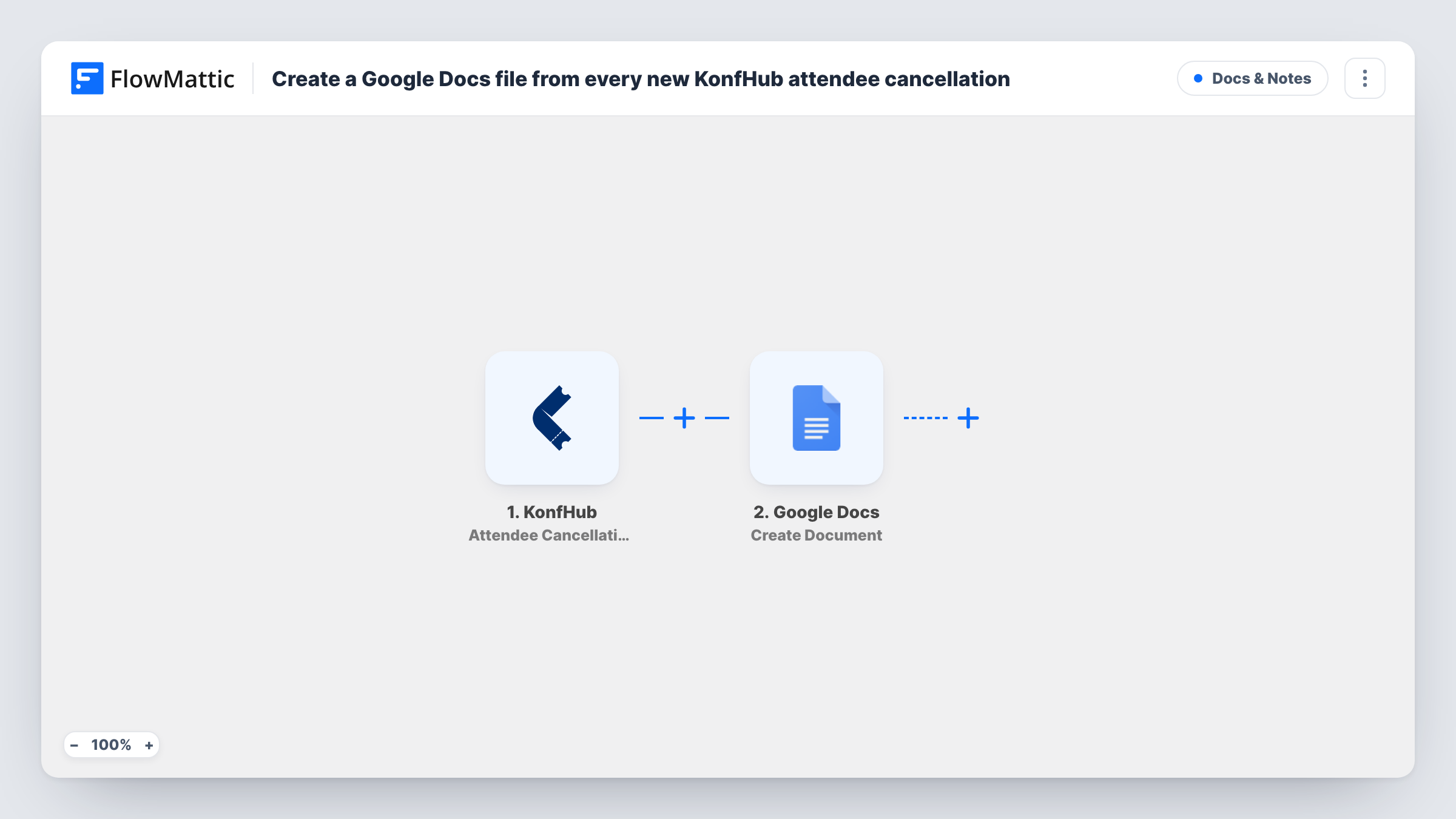
The KonfHub trigger fires when an attendee cancels their registration. FlowMattic passes the cancellation data to Google Docs, where the Create Document action makes a new doc. You decide after import what the doc is called and what goes in its body, mapping details from the cancellation such as the attendee's name, email and ticket.
Nothing else happens in the run: no email is sent and KonfHub is not changed. You end up with one Google Doc per cancellation in your Drive, and each run is listed in Task History.
Refund paperwork
The finance person opens each cancellation doc, processes the refund, and adds a note in the doc saying when it was paid.
Waitlist handling for a sold-out event
Every new cancellation doc tells the organiser a seat has opened, so they can offer it to the next person on the waitlist.
Post-event review
After the conference, the team reads the cancellation docs together to see how many people dropped out and which tickets they held.
How this workflow runs
What happens at each step once the workflow is on, and what you need before you import it.
 KonfHub Attendee Cancellation
Runs when an attendee cancels their KonfHub registration. The cancellation details are passed to the next step so you can place them in the document.
- Google Docs Create Document
Creates a new Google Doc for the cancellation. Connect your Google account, give the doc a title such as the attendee's name, and map KonfHub details into its content.
What you need
- FlowMatticCore
- KonfHub AccountAccount
- Google Docs AccountAccount
After importing, map your own data. To keep the template universal, not every step is pre-filled. Open each step in the builder and connect your accounts and fields (channels, lists, sheets, recipients) before you switch the workflow on.
Make it yours
Changes worth making after you import it.
- Put the event name and the attendee's name in the document title, so the docs are easy to tell apart in Google Drive search.
- Add a Filter after the trigger if you run several events from one KonfHub account and only want documents for one of them.
- Cancel a test registration after import so FlowMattic captures the cancellation fields, then map them in the Google Docs step before switching the workflow on.
Questions about this workflow
Does the workflow refund the KonfHub attendee?
No. It only creates a Google Doc with the cancellation details. Refunds and any messages to the attendee stay with you.
Where do the Google Docs files get saved?
In the Google Drive of the account you connect to the Google Docs step. Check the doc after a test run to see where it lands.
Will cancellations made before I import it get a document?
No. Only cancellations that happen while the workflow is on start a run.
More Docs & Notes workflows
Other ready-to-import templates from the same category.






Import this workflow into your WordPress site
Download the JSON, import it from the Workflows screen and connect your accounts. Every run stays on your server, with no per-task fees.
30-day money-back guarantee Unlimited workflows and runs Self-hosted