

When a new download is created, create a corresponding post in WordPress
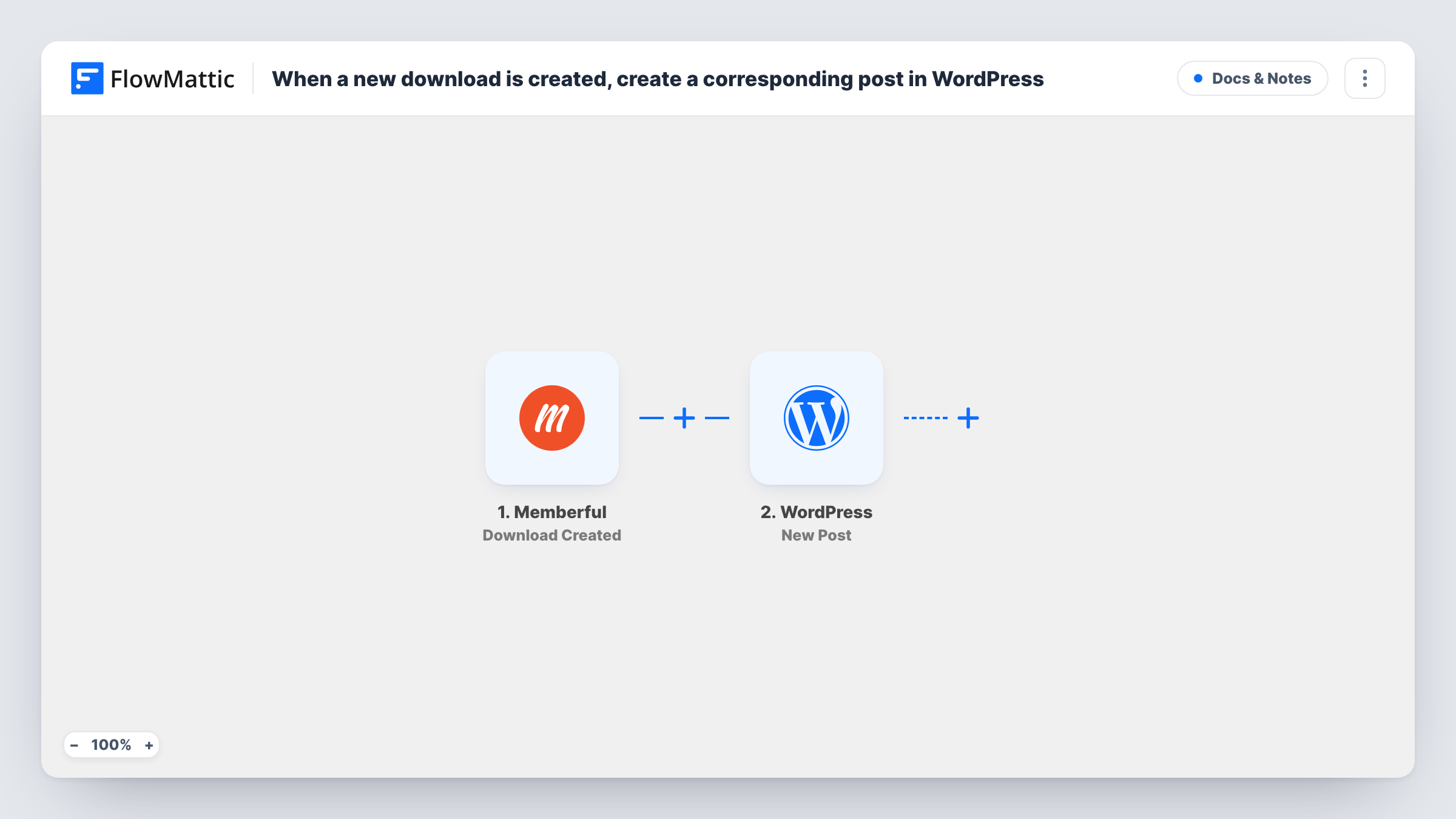
When you create a new download in Memberful, this workflow creates a WordPress post from it, so each file you add for members gets its own page on your site.
 Memberful
 WordPress
2 steps Setup ~5 min Used on 3.4k sites Free to import
What this workflow does
Memberful lets you offer files to members, but adding a file there does not tell anyone on your site about it. Many membership sites keep a library page or announce new resources in a post. Writing that post each time is easy to put off. This workflow creates it for you.
The Memberful trigger fires when a new download is created in your Memberful account. FlowMattic passes the download's data, such as its name, to the WordPress step, which creates a new post on the site where FlowMattic runs. You map download values into the post title and content.
One download creates one post. The workflow does not change the post if you rename the download later, and it does not handle access control for the post itself. Create a test download after import so FlowMattic captures its fields, then decide what the post should contain.
Resource library for paying members
Each template, worksheet or ebook you add in Memberful gets a post in your resources category, ready for you to add a description.
Announcing new files on a creator site
A creator who uploads monthly bonus files to Memberful gets a post for each one to share with the audience.
Course materials for a membership
When you add slides or handouts as Memberful downloads, a matching post gives each file a page you can link from lessons.
How this workflow runs
What happens at each step once the workflow is on, and what you need before you import it.
 Memberful Download Created
Runs when a new download is created in Memberful. The download's data is passed on so you can use it in the post.
- WordPress New Post
Creates a new post on your WordPress site. Map the Memberful download values into the title and content, and run a test to see the post it creates.
What you need
- FlowMatticCore
- Memberful AccountAccount
After importing, map your own data. To keep the template universal, not every step is pre-filled. Open each step in the builder and connect your accounts and fields (channels, lists, sheets, recipients) before you switch the workflow on.
Make it yours
Changes worth making after you import it.
- Write a fixed intro paragraph in the post content around the mapped download name, so every post reads the same way.
- Restrict the new posts with your Memberful plugin settings if the files should stay members only. The workflow does not set access.
- Add a Slack or email step after the post if you also want your team told when a new download goes up.
Questions about this workflow
Does the WordPress post include the Memberful download file?
The post holds whatever you map from the download event. Run a test after import to see which values Memberful sends, such as the name.
What happens if I edit or delete the download in Memberful?
Nothing. The workflow only runs when a download is created, so later changes do not touch the post.
Do I need the Memberful WordPress plugin for this workflow?
The workflow needs your Memberful account connected in FlowMattic. Use the Memberful plugin as you normally would for member access on the site.
Are downloads created before the import turned into posts?
No. Only downloads created after you turn the workflow on produce a WordPress post.
More Docs & Notes workflows
Other ready-to-import templates from the same category.




Import this workflow into your WordPress site
Download the JSON, import it from the Workflows screen and connect your accounts. Every run stays on your server, with no per-task fees.
30-day money-back guarantee Unlimited workflows and runs Self-hosted