

Create a HubSpot CRM contact from each new DIDWW inbound caller
Each inbound call to your DIDWW number creates a contact in HubSpot CRM from the call data, so phone enquiries reach your CRM without anyone typing them in after the call.
 DIDWW
DIDWW
 HubSpot CRM
2 steps Setup ~5 min Used on 2.7k sites Free to import
What this workflow does
Callers who ring your business number often never fill in a form, so they never reach your CRM. Someone has to note the number and enter it by hand, and busy days mean some get missed. This workflow creates the HubSpot contact for you when the call comes in.
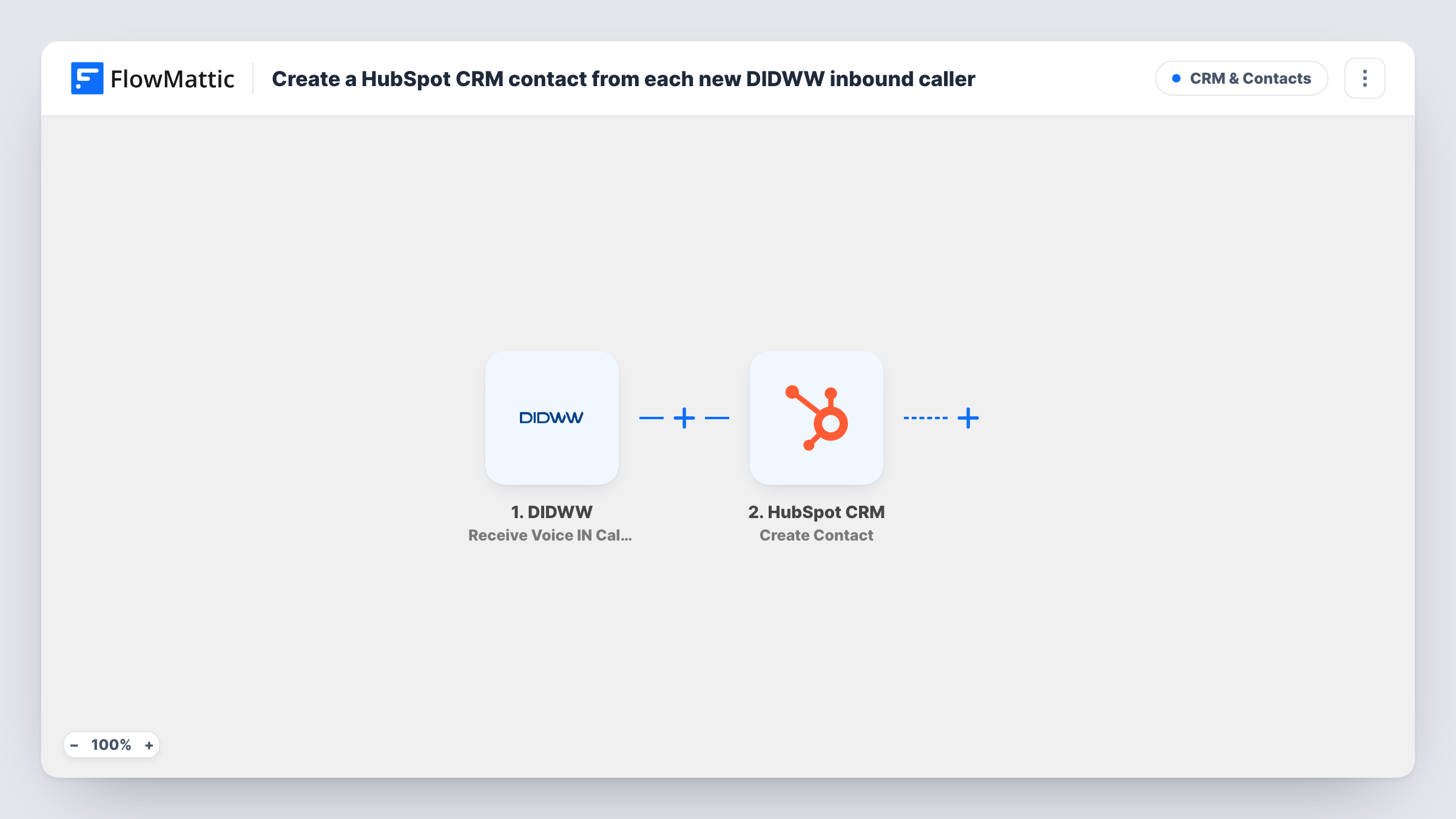
The DIDWW trigger is Receive Voice IN Call Event, which fires when a call is received on your DIDWW number. FlowMattic gets the call data DIDWW sends. The HubSpot CRM step then runs Create Contact, and you map the call details you want onto the contact's properties.
Nothing in the template checks whether the caller is new. Every inbound call runs the workflow, so a person who calls three times sends three Create Contact requests. HubSpot may reject or duplicate those, depending on what you map; Task History shows HubSpot's answer on each run.
Sales line for a small business
Prospects ring the number on your website. Each call puts the caller into HubSpot, where a rep can add notes and follow up from the contact record.
Tracking calls from a print or radio ad
Give the campaign its own DIDWW number and add a Filter for it. A fixed lead source value in the HubSpot step then marks those contacts, so you can count leads from the ad.
After-hours enquiries
Calls that arrive when nobody can answer still produce a HubSpot contact, so the team has the number to call back the next morning.
How this workflow runs
What happens at each step once the workflow is on, and what you need before you import it.
 DIDWW Receive Voice IN Call Event
Fires when a voice call is received on your DIDWW number. The call event data, which you can inspect after a test call, becomes available to the HubSpot step.
- HubSpot CRM Create Contact
Sends the caller to HubSpot CRM through Create Contact. Connect your HubSpot account and map the caller details from the DIDWW event onto contact properties, such as the phone number.
What you need
- FlowMatticCore
- DIDWW AccountAccount
- HubSpot CRM AccountAccount
After importing, map your own data. To keep the template universal, not every step is pre-filled. Open each step in the builder and connect your accounts and fields (channels, lists, sheets, recipients) before you switch the workflow on.
Make it yours
Changes worth making after you import it.
- Make one test call after import so FlowMattic captures a real DIDWW event. Open it in Task History to see which caller details are there before you map them.
- Set a fixed value in a HubSpot property, such as lead source, so contacts created from calls are easy to find and report on.
- Add a Filter after the trigger on a field in the DIDWW event, such as the number that was called, if you only want calls to one of your numbers to create contacts.
Questions about this workflow
Does every DIDWW call create a HubSpot contact, even from existing customers?
The workflow runs on every inbound call, so it tries to create a contact each time. No step checks HubSpot first, so as imported it can't tell a first-time caller from a regular one.
What caller details does DIDWW send to HubSpot?
Only what the DIDWW call event contains. Place a test call and open the run in Task History to see the fields, then map the ones you want into HubSpot.
Will missed or unanswered calls create HubSpot contacts?
The trigger reacts to calls received on the number. Check a test run with a call you don't answer to see whether DIDWW sends an event for it in your setup.
Can the caller's name be added to the HubSpot contact?
Only if the DIDWW event includes one. If the test call shows no name, plan for a team member to name those contacts in HubSpot later.
More CRM & Contacts workflows
Other ready-to-import templates from the same category.





Import this workflow into your WordPress site
Download the JSON, import it from the Workflows screen and connect your accounts. Every run stays on your server, with no per-task fees.
30-day money-back guarantee Unlimited workflows and runs Self-hosted