

Create a HubSpot CRM contact from each new LendingWise borrower
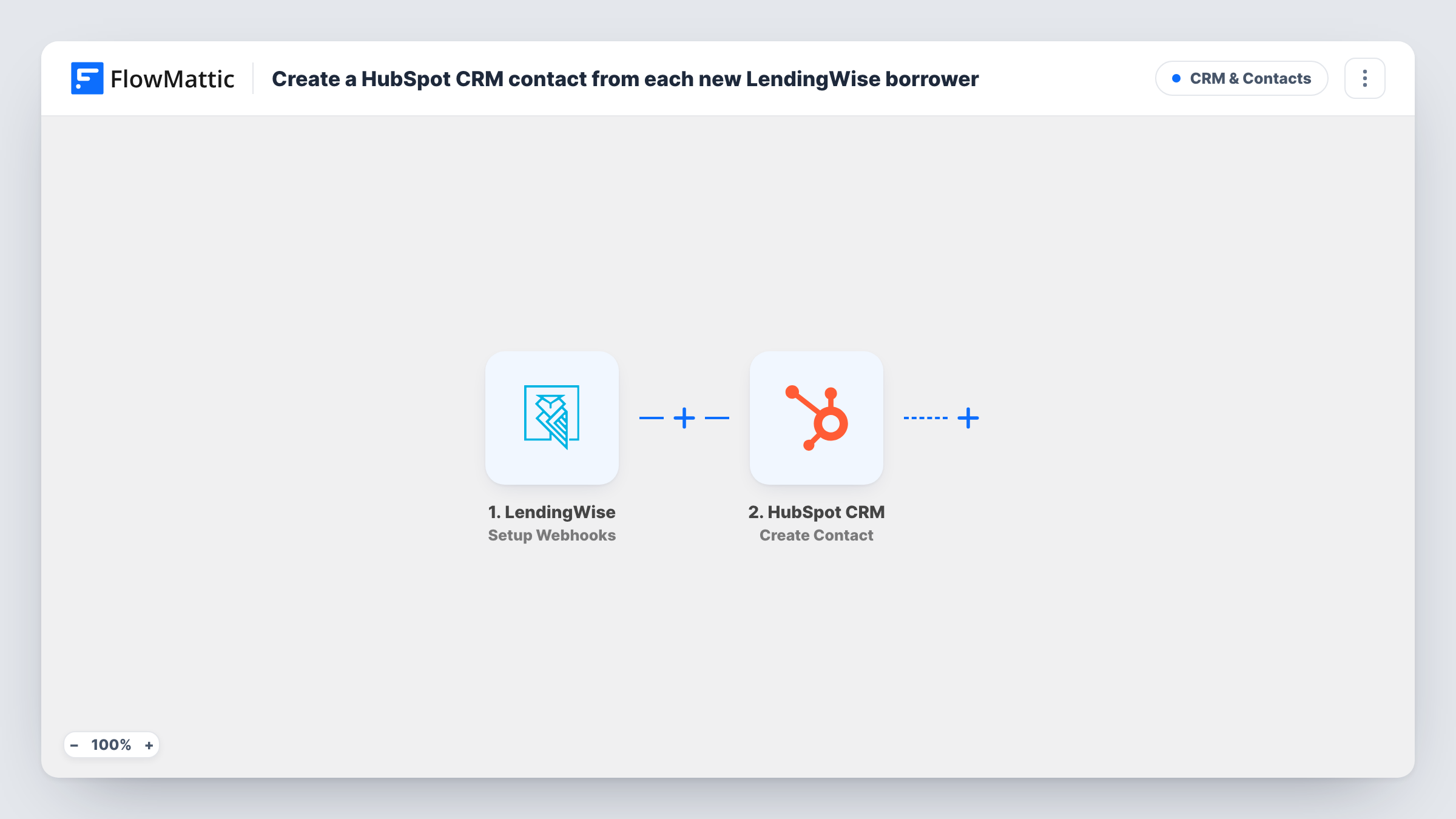
When LendingWise reports a new borrower or a newly created loan, this workflow creates a contact in HubSpot CRM from the details it sends, so your sales and servicing team can follow up from HubSpot.
 LendingWise
 HubSpot CRM
2 steps Setup ~5 min Used on 2.7k sites Free to import
What this workflow does
Loan files live in LendingWise, but follow-up emails, calls and pipeline notes often happen in HubSpot. Typing each borrower into the CRM by hand is slow, and people get missed. This workflow passes the borrower across when LendingWise reports the event.
The LendingWise trigger is a webhook set up for events you pick inside LendingWise. Pick only the new-borrower or loan-created event there. If you also send update events, every edit to a loan file starts another run and another attempt to create the same contact. FlowMattic receives the event data, and the next step passes the details you map to HubSpot CRM.
The HubSpot step is Create Contact. It only creates; it does not look up or update an existing record. If the borrower's email already belongs to a HubSpot contact, HubSpot may refuse the request, and Task History shows the response on that step. Run one test event after import to see which borrower fields LendingWise sends before you map them.
Broker shop that nurtures borrowers in HubSpot
Each borrower LendingWise reports as new appears as a HubSpot contact, ready for the email sequences and call tasks your loan officers already run from the CRM.
Private lender with a separate marketing team
The marketing team never logs into LendingWise. They see new borrowers as HubSpot contacts and can add them to their own lists and campaigns.
Referral tracking for loan officers
With borrowers in HubSpot, you can record who referred each one on the contact and report on referral sources from the CRM.
How this workflow runs
What happens at each step once the workflow is on, and what you need before you import it.
 LendingWise Setup Webhooks
Receives a webhook from LendingWise for the events you choose in LendingWise. Send only the new-borrower or loan-created event so each borrower starts one run, and run a test to see the fields that arrive.
- HubSpot CRM Create Contact
Creates a new contact in HubSpot CRM from the borrower data you map. It does not update an existing contact. Connect your HubSpot account on import and map the details from a test run.
What you need
- FlowMatticCore
- LendingWise AccountAccount
- HubSpot CRM AccountAccount
After importing, map your own data. To keep the template universal, not every step is pre-filled. Open each step in the builder and connect your accounts and fields (channels, lists, sheets, recipients) before you switch the workflow on.
Make it yours
Changes worth making after you import it.
- In LendingWise, tick only the event for a new borrower or a created loan when you set up the webhook. Update events would fire the workflow again for the same borrower.
- Add a Filter after the trigger that continues only when the borrower email is not empty, so HubSpot never receives a contact with nothing to identify it.
- If the test event carries loan details, map them into a HubSpot contact property so your team can see which loan each borrower came in with. Check the test run first rather than guessing at field names.
Questions about this workflow
What if the LendingWise borrower is already a HubSpot contact?
This template's HubSpot step never edits a contact that is already there. HubSpot may refuse a request for an email it already holds, and Task History shows HubSpot's response on that step. Nothing in the workflow merges the two.
Which LendingWise events should start this workflow?
Only the event for a new borrower or a newly created loan. The trigger runs for whatever events you send to its webhook URL, so adding update events would repeat the contact creation on each edit.
Does it create a deal in HubSpot for the loan?
No. The template has one HubSpot step, and it creates a contact. Add HubSpot's Create Deal action after it if you also want each loan in your HubSpot pipeline.
Will borrowers already in LendingWise be copied to HubSpot?
No. Only events LendingWise sends after you set up the webhook start a run, so existing borrowers stay where they are unless you import them separately.
More CRM & Contacts workflows
Other ready-to-import templates from the same category.




Import this workflow into your WordPress site
Download the JSON, import it from the Workflows screen and connect your accounts. Every run stays on your server, with no per-task fees.
30-day money-back guarantee Unlimited workflows and runs Self-hosted