

Send a Gmail email when a monday sales CRM deal status changes to Won
When a deal’s status on your monday sales CRM board changes to Won, FlowMattic sends an email from your Gmail account, so the people who need to act on a closed deal hear about it.
 Monday.com
 Gmail
2 steps Setup ~5 min Used on 1.6k sites Free to import
What this workflow does
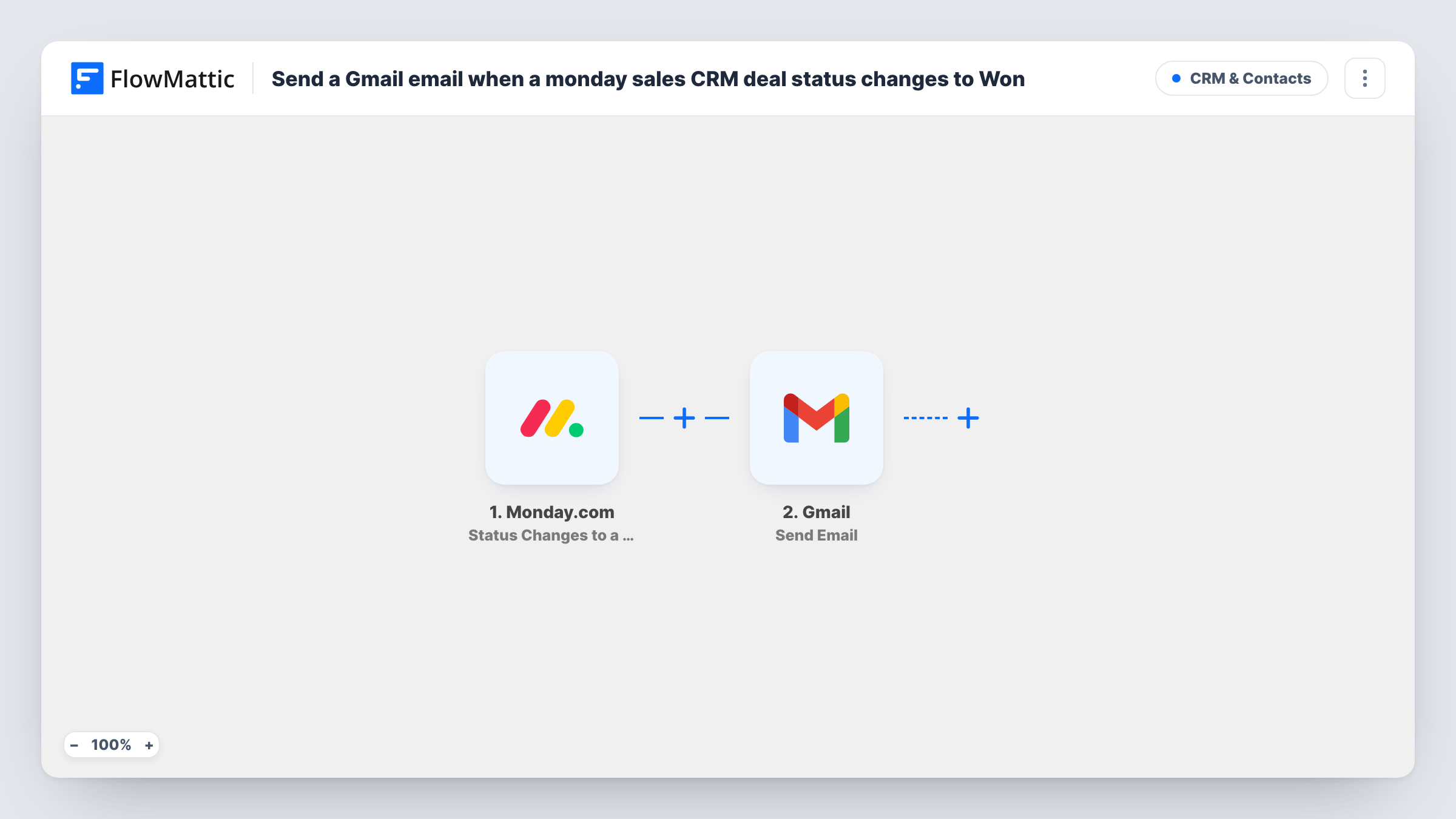
Closing a deal usually sets other work in motion: finance raises an invoice, onboarding books a kickoff, a manager wants to say well done. If those people only find out by checking the board, things wait. This workflow emails them from Gmail as soon as a deal on your monday board is marked Won.
The Monday.com trigger is Status Changes to a Specific Value. It fires when a status column changes to the value you choose, so after import you connect monday, pick the board and status column of your sales CRM, and set the value to Won. Changes to any other value don't start a run. If a deal is moved off Won and back again, the change to Won happens twice and so do the emails.
The Gmail Send Email step then sends one message. It ships unmapped: connect the Gmail account it should send from, add the recipients, and write the subject and body. Map details from the monday item into the text, such as the deal name, so readers know which deal closed.
Change a test item's status to Won and look in Task History to see the item data monday sent and what Gmail returned.
Hand-off from sales to onboarding
An agency's onboarding lead gets an email the moment a deal is marked Won on the monday sales board, with the deal name in the subject line.
Invoicing prompts for finance
A software reseller's bookkeeper receives a Gmail message for each won deal, so the invoice goes out without waiting for the weekly sales meeting.
Win alerts for a sales manager
A sales manager who doesn't live in monday gets an email whenever a rep moves a deal to Won and can congratulate them the same day.
How this workflow runs
What happens at each step once the workflow is on, and what you need before you import it.
 Monday.com Status Changes to a Specific Value
Fires when a status column on your monday board changes to the value you set. Choose your sales CRM board, the deal status column and the value Won after import; other status changes are ignored.
- Gmail Send Email
Emails the people you choose through the connected Gmail account. Nothing is preset: add the recipient addresses, write the subject and message, and map deal details from the monday item into them.
What you need
- FlowMatticCore
- Monday.com AccountAccount
- Gmail AccountAccount
After importing, map your own data. To keep the template universal, not every step is pre-filled. Open each step in the builder and connect your accounts and fields (channels, lists, sheets, recipients) before you switch the workflow on.
Make it yours
Changes worth making after you import it.
- Put the deal name from the monday item in the subject line, so recipients can tell won deals apart in their inbox.
- Use a shared address such as an onboarding or finance mailbox as the recipient, so the email still reaches the team when people change roles.
- Include a link to the monday board in the email body, so recipients can open the deal straight from the message.
- Set up a second copy of this workflow with the value Lost if you also want a short note when deals fall through.
Questions about this workflow
Does the email go out for every monday status change?
No. The trigger only fires when the status changes to the specific value you choose, which for this flow is Won. Moves to other statuses don't start a run.
Can the Gmail message go to several people?
Yes. Add every recipient you need in the Send Email step. Everyone listed gets the same message for each won deal.
What if a won deal is reopened and marked Won again?
That counts as another change to Won, so the workflow runs again and sends another email for the same deal.
Do I need monday sales CRM specifically, or any monday board?
Any monday board with a status column works, since the trigger watches a status column for the value you set. A sales CRM board with a deal status column is the natural fit.
More CRM & Contacts workflows
Other ready-to-import templates from the same category.






Import this workflow into your WordPress site
Download the JSON, import it from the Workflows screen and connect your accounts. Every run stays on your server, with no per-task fees.
30-day money-back guarantee Unlimited workflows and runs Self-hosted