

Create a HubSpot CRM contact when an Exly lead is captured
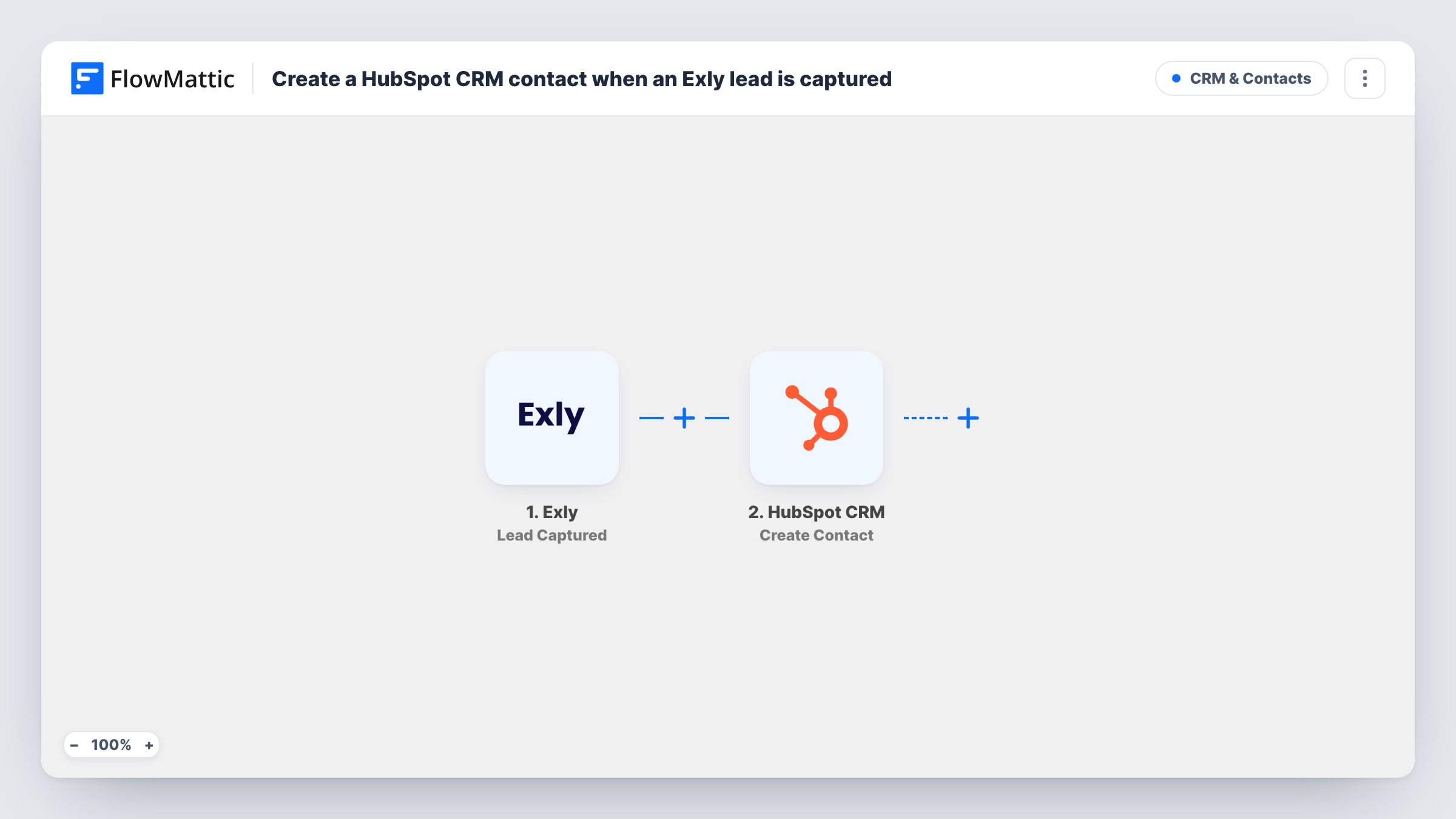
Each time Exly captures a new lead, this workflow creates a contact in HubSpot CRM from the lead’s details, so your sales follow-up starts from one place instead of two.
 Exly
Exly
 HubSpot CRM
2 steps Setup ~5 min Used on 2.9k sites Free to import
What this workflow does
Exly collects leads from your offerings and pages, but if your follow-up runs from HubSpot, those leads are out of sight. Copying them across by hand is slow and easy to forget. This workflow creates a HubSpot contact for every lead Exly captures.
The Exly Lead Captured trigger fires when a new lead is captured in your Exly account. Whatever Exly sends about that person is then ready for mapping. The HubSpot CRM step then runs Create Contact with the email, name and any other values you choose from the lead.
Create Contact only makes new records. If the lead's email already belongs to a HubSpot contact, HubSpot may decline to add it again, and that run's entry in Task History shows the response. A person who becomes a lead twice in Exly starts two runs. Leads captured before the workflow is on are not sent.
Coaching enquiries into a sales pipeline
A coach collects interest through Exly. Each lead appears in HubSpot, where follow-up tasks and deals are already managed.
Workshop interest list
People who show interest in an upcoming Exly workshop become HubSpot contacts, ready for the reminder sequence your team runs there.
Shared view for a sales assistant
An assistant who works only in HubSpot sees new Exly leads without needing a login to your Exly account.
How this workflow runs
What happens at each step once the workflow is on, and what you need before you import it.
 Exly Lead Captured
Starts a run for each lead your Exly account captures, handing the person's details to the HubSpot step for mapping.
- HubSpot CRM Create Contact
Creates a HubSpot CRM contact from the Exly lead. Map the lead's email and name, connect your HubSpot account, and run a test to confirm the contact appears.
What you need
- FlowMatticCore
- Exly AccountAccount
- HubSpot CRM AccountAccount
After importing, map your own data. To keep the template universal, not every step is pre-filled. Open each step in the builder and connect your accounts and fields (channels, lists, sheets, recipients) before you switch the workflow on.
Make it yours
Changes worth making after you import it.
- Capture one test lead in Exly after import so FlowMattic receives real lead data before you map the HubSpot fields.
- To skip leads who are already HubSpot contacts, add HubSpot's Get Contact before the create step and a Filter that continues only when nothing was found.
- Map the Exly offering or page the lead came from into a HubSpot property, if the trigger data includes it, so your team knows what each lead asked about.
Questions about this workflow
Will an Exly lead who is already in HubSpot be duplicated?
The step creates contacts only. HubSpot may decline an email it already holds, and Task History records its reply for that run.
Which Exly lead details reach HubSpot?
The ones you map. Run a test lead through, look at what Exly sent, and match those values to HubSpot contact properties.
Do past Exly leads get copied to HubSpot?
No. Only leads Exly captures after the workflow is turned on start a run. Import older leads into HubSpot separately.
More CRM & Contacts workflows
Other ready-to-import templates from the same category.







Import this workflow into your WordPress site
Download the JSON, import it from the Workflows screen and connect your accounts. Every run stays on your server, with no per-task fees.
30-day money-back guarantee Unlimited workflows and runs Self-hosted