

When a form submission is received in Deftform, add a client in SuiteDash
Each Deftform submission creates a new contact in SuiteDash from the answers you map, so people who fill in your intake or enquiry form arrive in your SuiteDash CRM without retyping.
 Deftform
 SuiteDash
2 steps Setup ~5 min Used on 769 sites Free to import
What this workflow does
When a new client or prospect fills in a Deftform form, their details usually need to end up in SuiteDash, where you manage contacts, projects and the client portal. Copying names and emails across by hand is slow and invites typos. Here, each response turns into a SuiteDash record on its own.
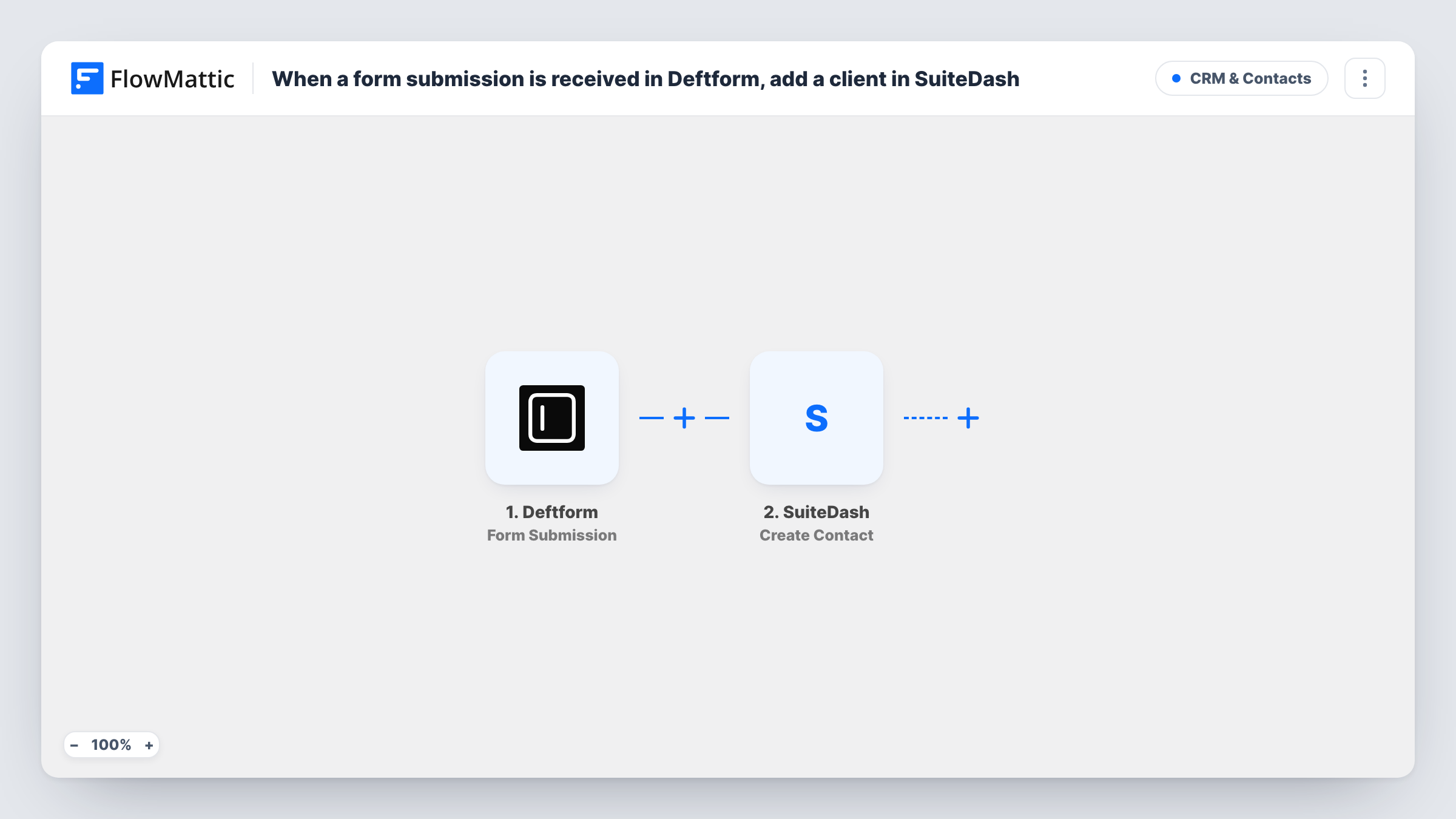
The Deftform trigger fires when a form submission is received. FlowMattic passes the answers to the Create Contact action in SuiteDash, and you map form answers to the contact's details. Every submission creates a contact, so this suits forms filled in by people who are new to you.
The title talks about clients. The step creates a contact, and how SuiteDash classes that contact depends on what the step lets you set. Open it after import and run a test to see the options. Create Contact makes a new record every time, so a person who submits twice can end up with two entries. Task History shows each run and the response from SuiteDash.
Consultant intake form
A prospective client fills in your Deftform intake questionnaire, and their contact record is waiting in SuiteDash when you prepare for the first call.
Agency project enquiries
Enquiries from the agency website go into SuiteDash as contacts, ready for the team to attach a project or proposal.
Coaching sign-ups
New coaching clients complete a Deftform sign-up, and the coach sees them in SuiteDash before setting up portal access.
How this workflow runs
What happens at each step once the workflow is on, and what you need before you import it.
 Deftform Form Submission
Fires when a submission is received on your Deftform form. The answers become data you can map into the SuiteDash contact.
- SuiteDash Create Contact
Creates a new contact in SuiteDash from the Deftform answers. Map at least the name and email answers, and check the step's options on a test run to see how the contact is set up.
What you need
- FlowMatticCore
- Deftform AccountAccount
- SuiteDash AccountAccount
After importing, map your own data. To keep the template universal, not every step is pre-filled. Open each step in the builder and connect your accounts and fields (channels, lists, sheets, recipients) before you switch the workflow on.
Make it yours
Changes worth making after you import it.
- Submit the Deftform form once yourself after import. The answers are then captured, and you can map them in the SuiteDash step with real values in front of you.
- To avoid duplicates, add SuiteDash's Find Contact action before Create Contact to search by email, then a Filter that continues only when no contact was found.
- Make the email question required in Deftform, so SuiteDash always receives an address to identify the new contact by.
Questions about this workflow
Will SuiteDash treat the new Deftform contact as a client?
The template uses Create Contact. Whether the person is set up as a client, lead or other type depends on what the step lets you choose. Check it on a test run before going live.
What happens if the person already exists in SuiteDash?
Create Contact always tries to add a new contact. SuiteDash may refuse or duplicate it, and Task History shows the response. Add a Find Contact step first if repeat submissions are common.
Does this give the person access to the SuiteDash portal?
Its single action is making the contact record. Portal access, invitations and projects are handled in SuiteDash or with extra steps you add.
More CRM & Contacts workflows
Other ready-to-import templates from the same category.






Import this workflow into your WordPress site
Download the JSON, import it from the Workflows screen and connect your accounts. Every run stays on your server, with no per-task fees.
30-day money-back guarantee Unlimited workflows and runs Self-hosted