

Create a HubSpot CRM contact when a new MoonClerk payment is created
When a payment is created in MoonClerk, this workflow creates a contact in HubSpot CRM from the payer’s details, so people who pay through your MoonClerk forms show up in your CRM.
 MoonClerk
 HubSpot CRM
2 steps Setup ~5 min Used on 3.4k sites Free to import
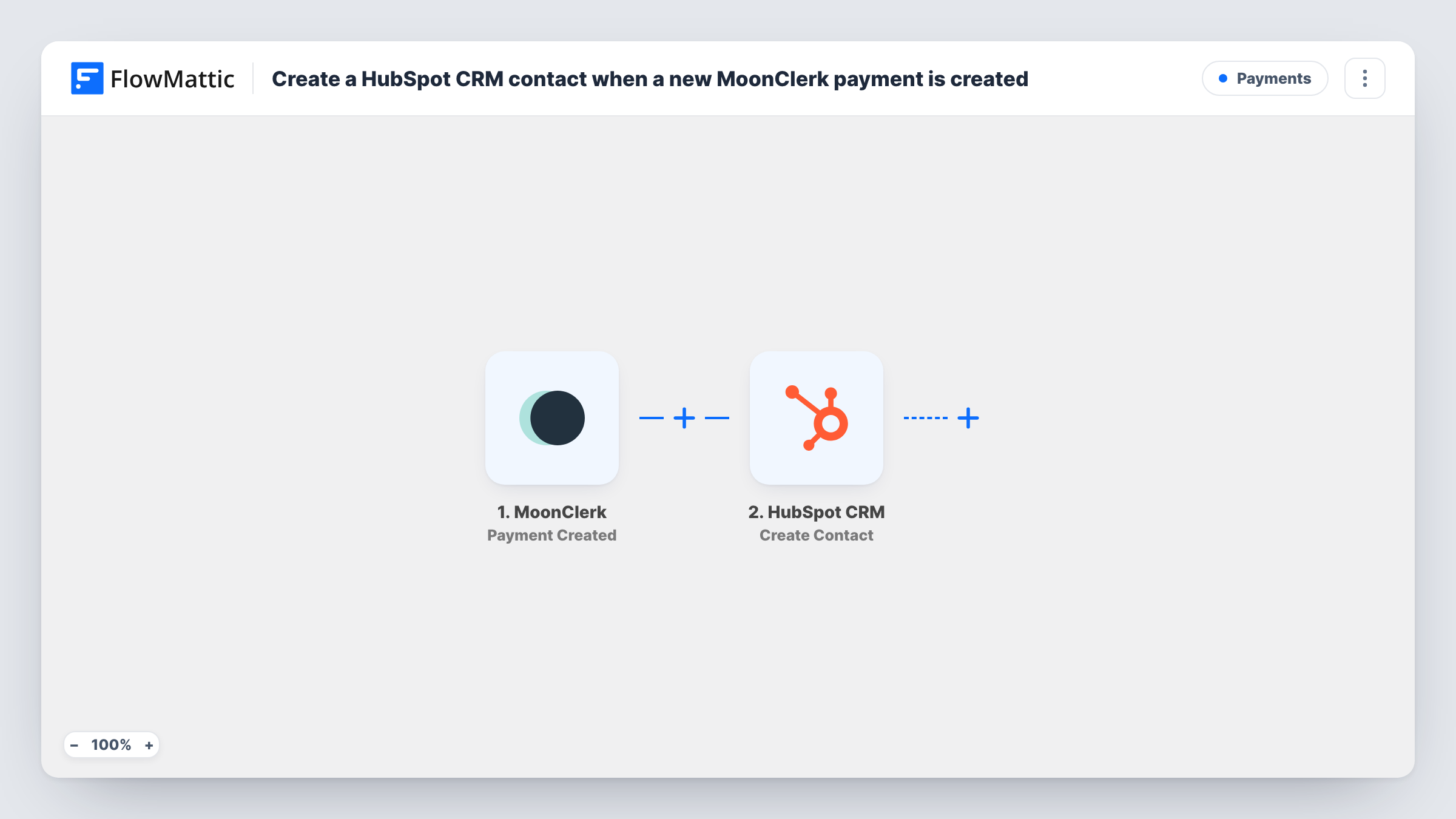
What this workflow does
People who pay through MoonClerk often never make it into your CRM, so sales and support can't see them. This workflow passes the payer's details from each new MoonClerk payment to HubSpot and creates a contact there.
The MoonClerk trigger is Payment Created. Per FlowMattic's catalog, it fires when a payment is created in any state, failed or succeeded. That means a declined card also starts a run and creates a contact. If you only want paying customers, see the tips for the Filter to add.
The HubSpot CRM step is Create Contact. You map values from the MoonClerk payment, such as the payer's email and name, into the new contact. Run a test payment first to see which details MoonClerk sends.
HubSpot's Create Contact action never updates an existing record. A customer on a recurring plan triggers a new run with every payment, and HubSpot may refuse a second contact with the same email. Task History shows HubSpot's response for each run, so you can tell a refused duplicate from a real error.
One-off course or workshop payments
Each person who pays for a workshop through a MoonClerk form becomes a HubSpot contact, ready for the follow-up emails your team sends from the CRM.
Donors in a nonprofit CRM
Donations taken through MoonClerk add the donor to HubSpot, so your fundraising team sees each giver alongside their other interactions.
Chasing declined first payments
Because the trigger also fires on failed payments, a sales rep can find people whose first payment failed in HubSpot and reach out to them.
How this workflow runs
What happens at each step once the workflow is on, and what you need before you import it.
 MoonClerk Payment Created
Fires when a payment is created in your MoonClerk account, in any state, including failed and succeeded payments. The payment and payer details are passed on for mapping.
- HubSpot CRM Create Contact
Adds the payer to HubSpot CRM as a fresh contact record. Map the payer's email from the MoonClerk data, plus any name or other details your test run shows, and connect your HubSpot account.
What you need
- FlowMatticCore
- MoonClerk AccountAccount
- HubSpot CRM AccountAccount
After importing, map your own data. To keep the template universal, not every step is pre-filled. Open each step in the builder and connect your accounts and fields (channels, lists, sheets, recipients) before you switch the workflow on.
Make it yours
Changes worth making after you import it.
- To add only people whose payment went through, swap the trigger for MoonClerk's Payment Successful, or add a Filter after the trigger that continues only when the payment status from your test run shows success.
- Recurring plans create a payment every billing period, so repeat payers start new runs. Check Task History in the first weeks to see how HubSpot answers those repeat emails.
- Map the payment amount or plan name to a HubSpot contact property, if you have one set up, so the CRM shows what each person paid for.
Questions about this workflow
Does a failed MoonClerk payment create a HubSpot contact?
Yes, as imported. Payment Created fires for payments in any state. Use the Payment Successful trigger instead, or add a Filter on the payment status, if you only want contacts for completed payments.
What happens when the payer is already in HubSpot?
This step can only add contacts, not edit them. HubSpot may refuse a contact whose email already exists; Task History shows the response, and the existing contact is left as it is.
Will a monthly MoonClerk subscriber trigger the workflow every month?
Yes. Each charge on a recurring plan is a new payment, so the workflow runs again for the same person each billing period.
Which MoonClerk details can go into the HubSpot contact?
Whatever the Payment Created event carries for the payer. Make a test payment after import, then map the values it shows, such as the email and name, into the Create Contact step.
More Payments workflows
Other ready-to-import templates from the same category.





Import this workflow into your WordPress site
Download the JSON, import it from the Workflows screen and connect your accounts. Every run stays on your server, with no per-task fees.
30-day money-back guarantee Unlimited workflows and runs Self-hosted