

Create a new WordPress post on new Bricksforge form submission
When a visitor submits a Bricksforge Pro Form on your Bricks site, this workflow creates a WordPress post from the answers, for guest posts, listings or other content your visitors send in.
 Bricksforge
 WordPress
2 steps Setup ~5 min Used on 1.7k sites Free to import
What this workflow does
Some sites run on content that visitors send: testimonials, event listings, guest articles, directory entries. Turning each form entry into a post by hand means copying titles and text between screens. This workflow creates the post for you from the form answers.
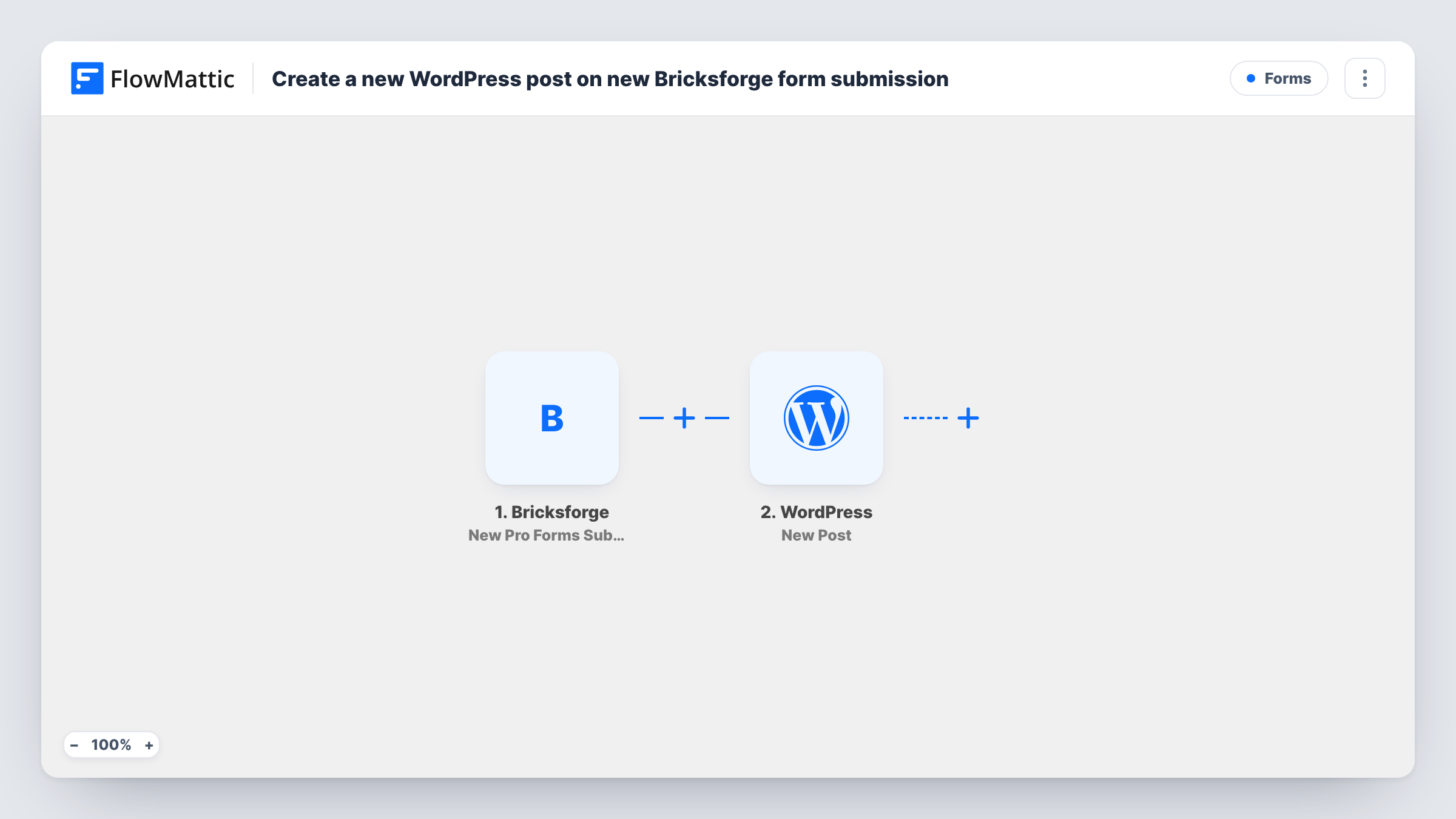
The Bricksforge trigger, New Pro Forms Submission, fires when one of your Bricksforge Pro Forms receives an entry. FlowMattic passes the answers to the WordPress step, whose New Post action creates a post on the same site. You map form answers into the post, for example one field as the title and another as the content.
Visitor content needs a check before the public sees it. Run a test submission after import and look at the post it creates, including whether it is live straight away. Every submission creates a post, because there is no Filter, so spam that gets past the form creates posts too.
Customer testimonials
Happy customers submit a short review through a Bricksforge form. Each one becomes a post you can review and show on your testimonials page.
Community event listings
Local organisers send event details through a form. The workflow creates a post for each event, ready for an editor to check.
Guest article submissions
Writers submit a title and draft through the form. Each submission arrives as a post, so editors work on it in the WordPress editor.
How this workflow runs
What happens at each step once the workflow is on, and what you need before you import it.
 Bricksforge New Pro Forms Submission
Fires when a Bricksforge Pro Form on your site receives a submission. Every answer is available to map into the new post.
- WordPress New Post
Creates a WordPress post on your site from the form answers. Map a field to the title and another to the content, then check a test post before you rely on it.
What you need
- FlowMatticCore
- Bricksforge PluginPlugin
After importing, map your own data. To keep the template universal, not every step is pre-filled. Open each step in the builder and connect your accounts and fields (channels, lists, sheets, recipients) before you switch the workflow on.
Make it yours
Changes worth making after you import it.
- Make the title and content fields required in the Bricksforge form, so every post has both.
- Add a Filter on a consent or agreement checkbox, so only visitors who accepted your terms have their entry turned into a post.
- Add an email step after the post so an editor hears about each new submission waiting for review.
Questions about this workflow
Are posts from Bricksforge submissions published straight away?
Check the WordPress step after import and run a test. For visitor content, keeping new posts out of public view until someone reviews them is the safer choice.
Can the post get a category or tag from the Bricksforge form?
Add WordPress Add Category to Post or Add Tag to Post after the New Post step. Run a test first to confirm the New Post step returns the post ID those actions need.
What about spam submissions?
Each one creates a post, since nothing in the workflow screens entries. Use spam protection on the form and review new posts before they appear.
Can images uploaded in the Bricksforge form appear in the post?
Only if you map them in. Check what a test submission captures for the upload field before placing it in the content.
More Forms workflows
Other ready-to-import templates from the same category.







Import this workflow into your WordPress site
Download the JSON, import it from the Workflows screen and connect your accounts. Every run stays on your server, with no per-task fees.
30-day money-back guarantee Unlimited workflows and runs Self-hosted