

Create a PDF in Crove and share the document to Telegram when a submission is received through FluentForm
When someone submits a Fluent Forms form, Crove turns the answers into a PDF from your template, and FlowMattic sends that document to a Telegram chat so your team has it straight away.
 Fluent Forms
 Crove
Crove
 Telegram
3 steps Setup ~5 min Used on 2.8k sites Free to import
What this workflow does
Some form entries need to become a document: an application, a booking summary, a signed-off request. Filling a template by hand for each one is slow, and the team still has to be told it exists. This workflow builds the PDF from each submission and drops it into a Telegram chat.
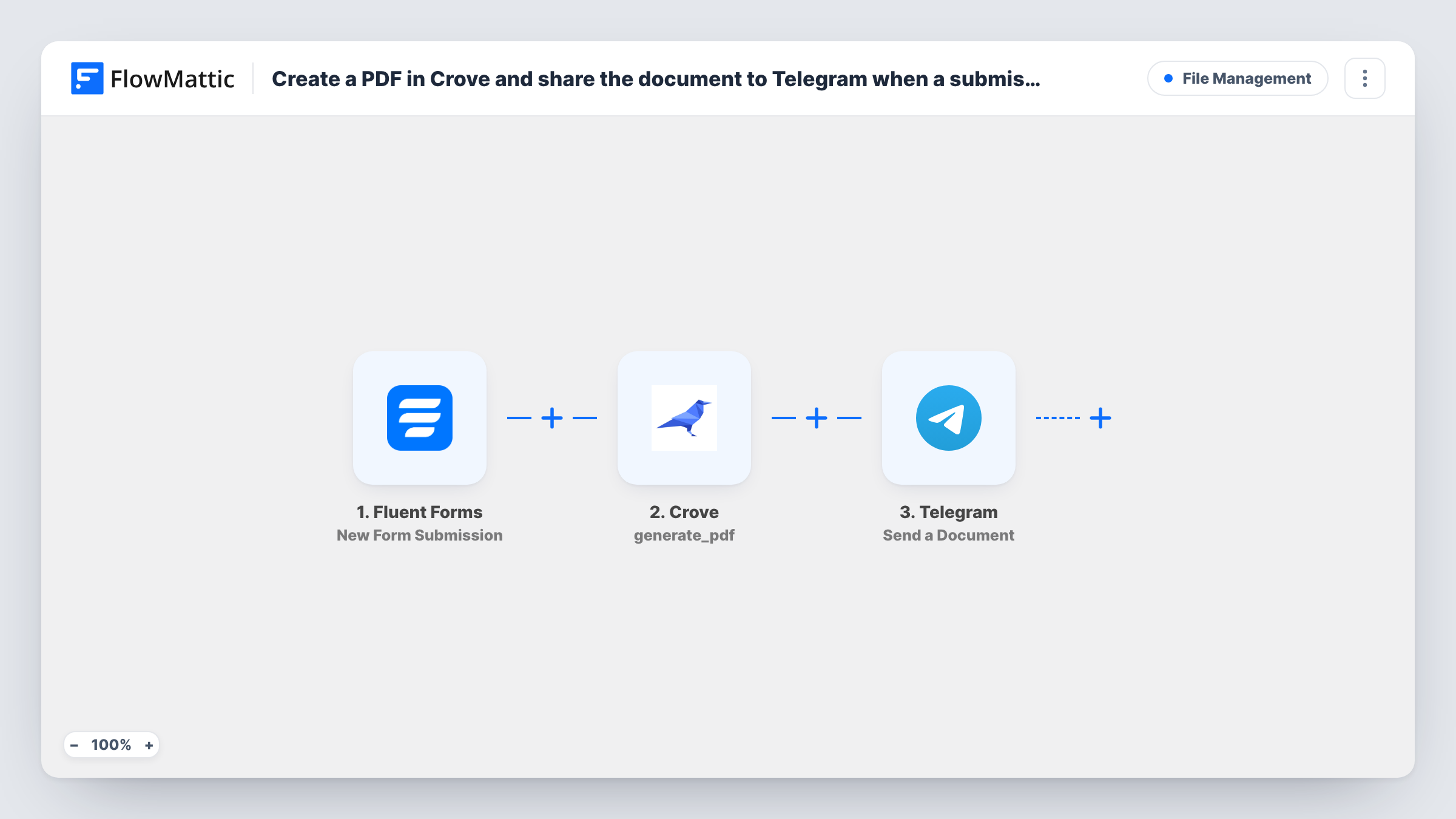
The Fluent Forms trigger runs when a visitor submits a form on your WordPress site. FlowMattic passes the answers to Crove, where the Generate PDF step produces a PDF from your Crove template with the mapped values filled in. The result Crove returns is then available to the Telegram step, which sends the document file to the chat you choose through your bot.
Every submission produces a PDF and a Telegram message, since nothing in the template filters entries. Your form answers leave your site in two places: Crove, to build the file, and Telegram, where the document is delivered. Task History keeps a record of each run, including the response from Crove.
Rental or membership applications
An application form fills a Crove template, and the finished PDF appears in the Telegram group where your team reviews new applicants.
Job sheets for field staff
Service requests sent through Fluent Forms become a printable job sheet, delivered to the Telegram chat your technicians already read.
Order or booking summaries
A booking form creates a formatted summary PDF, so the person handling bookings gets a clean document instead of a raw form notification.
How this workflow runs
What happens at each step once the workflow is on, and what you need before you import it.
 Fluent Forms New Form Submission
Runs each time a visitor submits the Fluent Forms form you select. Its answers are passed on so you can map them into the Crove template.
- Crove Generate PDF
Asks Crove to generate a PDF from your template, filled with the form answers you map. Connect your Crove account and run a test to see what Crove returns.
- Telegram Send a Document
Sends a document to the Telegram chat you pick through your bot. Map the generated file from the Crove step's response, which a test run shows you.
What you need
- FlowMatticCore
- Fluent Forms PluginPlugin
- Crove AccountAccount
- Telegram AccountAccount
After importing, map your own data. To keep the template universal, not every step is pre-filled. Open each step in the builder and connect your accounts and fields (channels, lists, sheets, recipients) before you switch the workflow on.
Make it yours
Changes worth making after you import it.
- If only some answers should produce a document, add a Filter between the Fluent Forms trigger and the Crove step, for example one that continues when a request type field equals Application.
- Submit one complete test entry before you map anything, so Crove and Telegram both have real values to work with during setup.
- Add a Google Sheets step after Telegram to log the submitter's name next to the document details Crove returned, so you can find documents later without scrolling the chat.
Questions about this workflow
Do I need a Crove template ready before importing?
Yes. The Generate PDF step fills a template you have in Crove, so build the template first and then map the Fluent Forms answers into it.
Can the Telegram bot send to a group?
Yes, if the bot is a member of the group and you use that group's chat as the destination. The step sends the document to whichever chat you set.
Will Fluent Forms keep its own copy of each entry that makes a PDF?
Yes. The workflow starts after the submission, so Fluent Forms stores the entry as normal. The PDF and the Telegram message are extra.
Does every Fluent Forms form on my site create a Crove PDF?
No, only the form you select in the trigger. Every entry on that form produces a PDF and a Telegram message, since nothing filters entries. To cover another form, import a second copy of the workflow and point it at that form.
More File Management workflows
Other ready-to-import templates from the same category.





Import this workflow into your WordPress site
Download the JSON, import it from the Workflows screen and connect your accounts. Every run stays on your server, with no per-task fees.
30-day money-back guarantee Unlimited workflows and runs Self-hosted