

Create an Airtable record for each Pipe video copied to S3
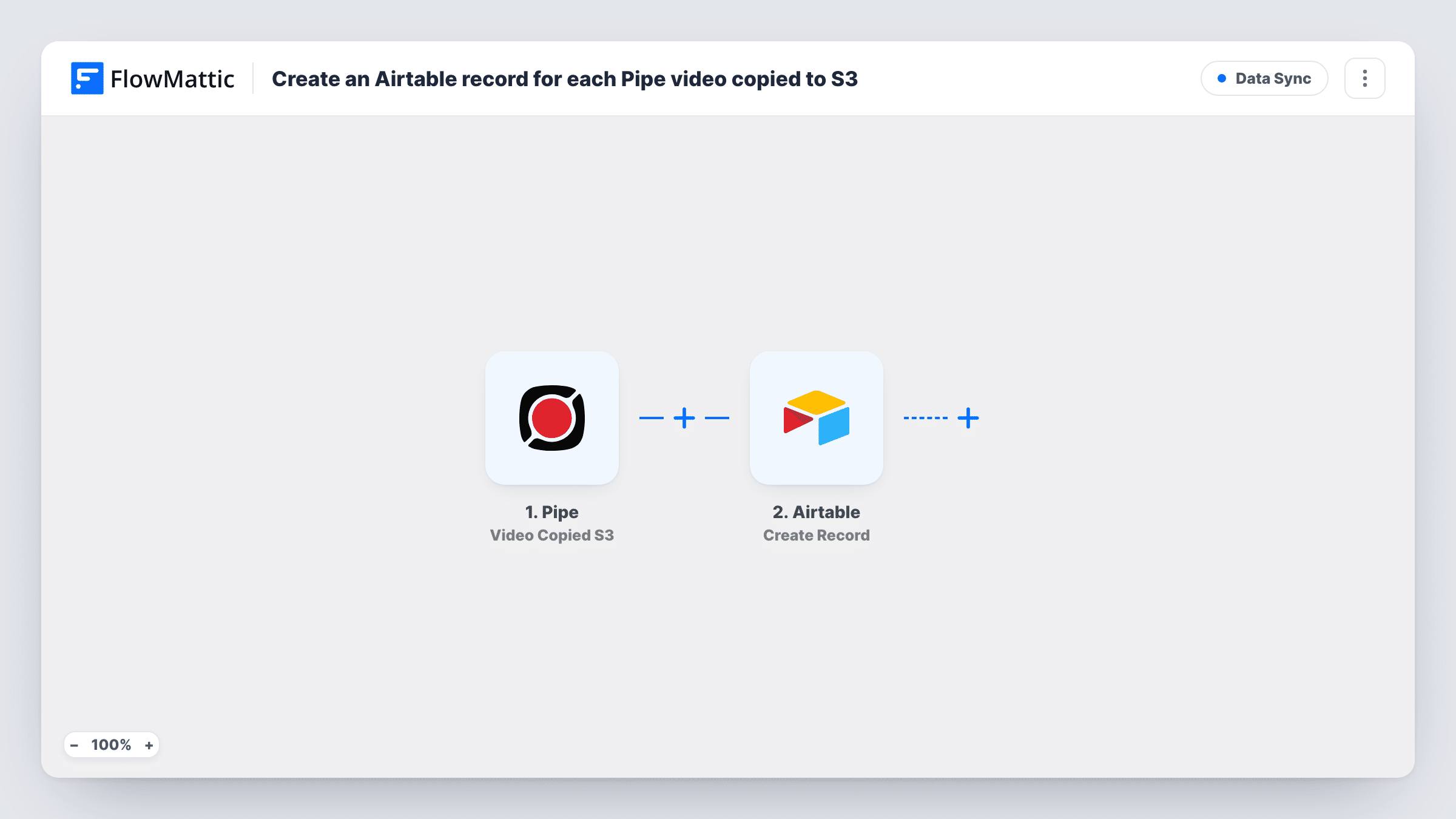
Each time Pipe pushes a recording to your Amazon S3 storage, this workflow creates a new Airtable record for it, giving you one table that lists every archived video.
 Pipe
Pipe
 Airtable
2 steps Setup ~5 min Used on 1.6k sites Free to import
What this workflow does
Pipe records video from your visitors and can push each recording to your own Amazon S3 bucket. S3 is good at storing files but poor at telling your team what is there, who sent it and when. An Airtable base is far easier to browse, sort and comment on. This workflow adds a row to that base for every recording that reaches S3.
The Pipe trigger fires right after a recording has been pushed to your Amazon S3 storage. The details Pipe sends about that video become data you can map. The Airtable step then creates a new record in the base and table you pick, with Pipe's details placed in the fields you choose.
The video file itself stays in S3. Airtable only holds what you map from Pipe's event, such as a link or a name, if Pipe includes it. Both steps ship unmapped, so connect your accounts and send a test recording after import to see which details arrive. Each Pipe event and the Airtable result appear in Task History.
Video testimonials from customers
Customers record a testimonial through a Pipe recorder on your site. Each one gets an Airtable record your marketing team can tag as approved or rejected.
Video job applications
Candidates answer a screening question on camera. The hiring team works through an Airtable table of recordings instead of digging through an S3 bucket.
Student assignment submissions
Learners submit a recorded presentation. Each submission becomes an Airtable record a tutor can grade, with the details Pipe sent about the video.
How this workflow runs
What happens at each step once the workflow is on, and what you need before you import it.
 Pipe Video Copied S3
Runs right after Pipe successfully pushes a recording to your Amazon S3 storage. Pipe's details about that recording are passed on for mapping into Airtable.
- Airtable Create Record
Adds one Airtable record per archived recording, in the base and table you select. Map the Pipe details you want to keep, such as an identifier or link if Pipe provides one, to your table's fields.
What you need
- FlowMatticCore
- Pipe AccountAccount
- Airtable AccountAccount
After importing, map your own data. To keep the template universal, not every step is pre-filled. Open each step in the builder and connect your accounts and fields (channels, lists, sheets, recipients) before you switch the workflow on.
Make it yours
Changes worth making after you import it.
- Add a status field in Airtable, such as Not reviewed, and set it on every new record. Your team can then filter the table to see recordings nobody has checked.
- Add a Slack or email step after Airtable if someone should hear about each new recording as well as find it in the table.
- Send one test recording after import so FlowMattic captures Pipe's fields before you map the Airtable step.
Questions about this workflow
Does the Pipe video file get uploaded to Airtable?
No. The workflow only creates a record from the details Pipe sends with its event. The recording stays in your S3 storage.
Do I need my own Amazon S3 bucket set up in Pipe?
Yes. The trigger fires when Pipe pushes a recording to your Amazon S3 storage, so Pipe must already be set to send recordings there.
Pipe also stores to Dropbox or FTP for me. Can I use that instead?
Yes. FlowMattic's Pipe app also has Video Copied Dbox and Video Copied FTP triggers. Swap the trigger and remap the Airtable fields.
Will older Pipe recordings be added to Airtable?
No. Only recordings pushed to S3 after you turn the workflow on create records.
More Data Sync workflows
Other ready-to-import templates from the same category.







Import this workflow into your WordPress site
Download the JSON, import it from the Workflows screen and connect your accounts. Every run stays on your server, with no per-task fees.
30-day money-back guarantee Unlimited workflows and runs Self-hosted