

Create an Airtable record from every new Fluix form response
Each new Fluix form response becomes a record in an Airtable table, with the answers you map in its fields, so the office can sort, filter and follow up on field work from one base.
 Fluix
 Airtable
2 steps Setup ~5 min Used on 830 sites Free to import
What this workflow does
Fluix suits teams filling in forms on tablets in the field, but planning and reporting often happen in Airtable. Re-typing each response into a base is slow and invites mistakes. This workflow creates the record for you as each response comes in.
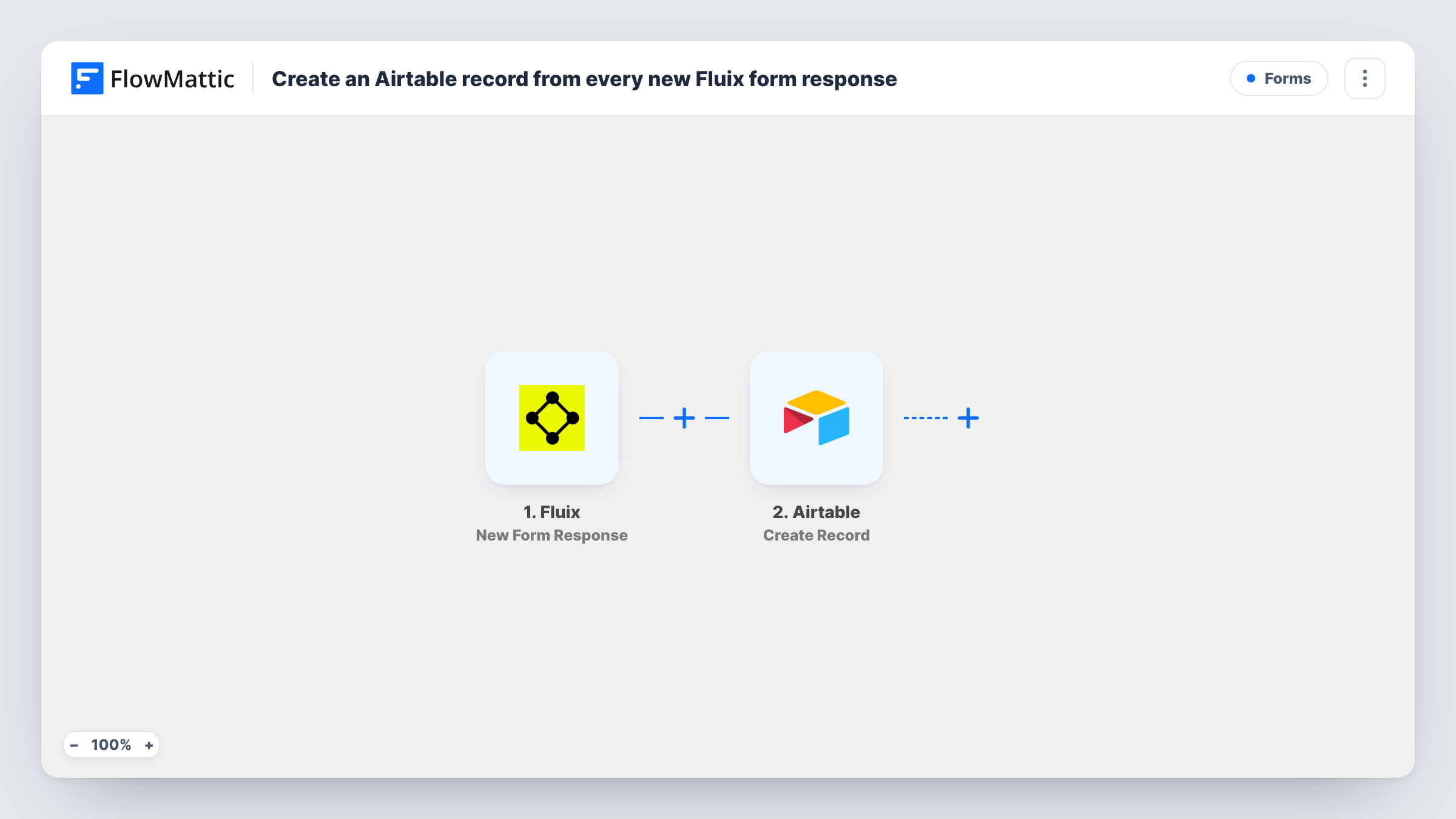
The Fluix trigger starts a run each time someone submits a Fluix form. FlowMattic receives the response data and passes it to Airtable, whose Create Record action adds a new record to the table you pick. You map each Fluix answer to an Airtable field.
Every response creates one new record, even if the same job or site has a record already, so a resubmitted form appears twice. Send a test response after import so FlowMattic captures the Fluix fields, then map them to your table. For every run, Task History holds the Fluix data and the response from Airtable.
Equipment checks across sites
Technicians complete a Fluix equipment check at each site. The office sees every check as an Airtable record and filters by site or result.
Job completion forms
Crews submit a Fluix form when a job is done. Each record in Airtable feeds a view the billing team uses to raise invoices.
Incident reporting
Staff log incidents in Fluix, and each one becomes an Airtable record the safety lead tracks through to closure.
How this workflow runs
What happens at each step once the workflow is on, and what you need before you import it.
 Fluix New Form Response
Starts as soon as a new Fluix form response comes in. Its data is passed on so you can map it into Airtable fields.
- Airtable Create Record
Creates a new record in the Airtable table you choose. Map the Fluix answers to the table's fields and connect your Airtable account.
What you need
- FlowMatticCore
- Fluix AccountAccount
- Airtable AccountAccount
After importing, map your own data. To keep the template universal, not every step is pre-filled. Open each step in the builder and connect your accounts and fields (channels, lists, sheets, recipients) before you switch the workflow on.
Make it yours
Changes worth making after you import it.
- Add a Filter after the Fluix trigger if only some forms or answers belong in this table, for example only responses from one form, if the trigger data names the form.
- Use a Router to send responses from different Fluix forms to different Airtable tables, with conditions that can't both match one response.
- Map the response date or submitter into a field, if Fluix sends them, so you can sort records by when and by whom the form was filled in.
Questions about this workflow
Does a resubmitted Fluix form update the existing Airtable record?
No. The step only creates records, so each response adds a new one. Use Airtable's search and update actions in a longer workflow if you need to change existing records.
Can Fluix attachments go into an Airtable attachment field?
Possibly, if the Fluix data includes a public file link and Airtable accepts it for the field. Test with one response and check the record.
Which Fluix fields can I map into Airtable?
Whatever the trigger data contains for a response. Submit a test response, look at the captured fields, then map them to your Airtable columns.
Will older Fluix responses be added to Airtable?
No. Only responses submitted after the workflow is on start a run. Earlier ones stay in Fluix.
More Forms workflows
Other ready-to-import templates from the same category.








Import this workflow into your WordPress site
Download the JSON, import it from the Workflows screen and connect your accounts. Every run stays on your server, with no per-task fees.
30-day money-back guarantee Unlimited workflows and runs Self-hosted