

Create a HubSpot CRM contact when an applicant is activated
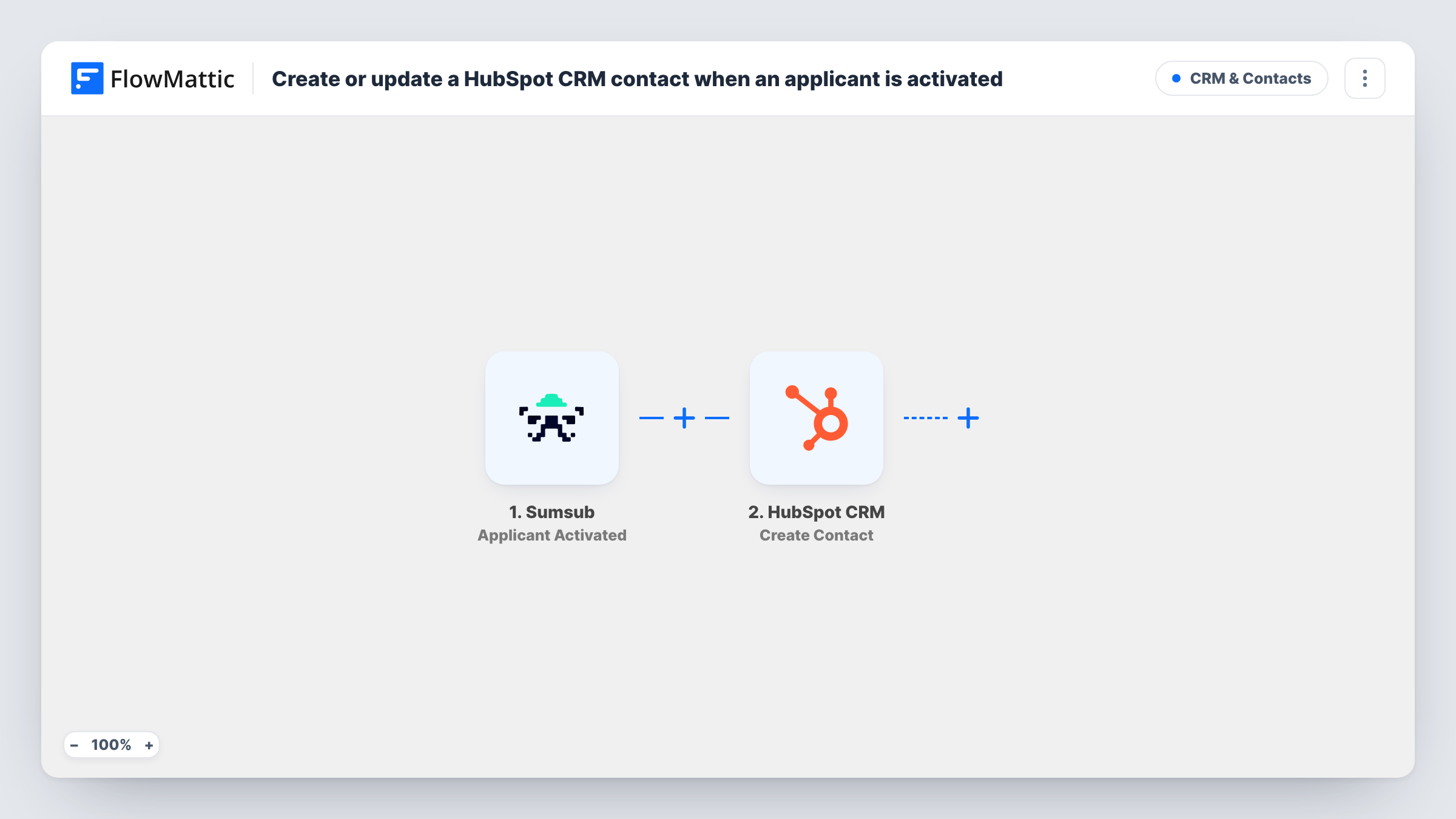
When an applicant is activated in Sumsub, FlowMattic creates a contact in HubSpot CRM from the applicant data you map, so people who pass through your KYC flow also appear in your CRM.
 Sumsub
 HubSpot CRM
2 steps Setup ~5 min Used on 2.2k sites Free to import
What this workflow does
Identity checks in Sumsub and customer records in HubSpot usually live apart. Your compliance team sees who has been verified; your sales or account team works from HubSpot. This workflow adds a HubSpot contact when Sumsub reports an applicant as activated, so both teams start from the same list of people.
The Sumsub trigger fires on the Applicant Activated event. FlowMattic describes it simply as the applicant being activated. Run a test with one applicant and look at what the event carries. Some Sumsub events identify the applicant mainly by IDs, so check whether an email or name arrives before you plan the contact.
The HubSpot CRM step that follows has no fields filled in. After import you connect HubSpot and map the applicant data into contact properties: the email and name if the event includes them, and the Sumsub applicant ID or your own user ID in a property you set aside, so you can trace each contact back to its verification.
Nothing here looks for an existing HubSpot record first. If the applicant's email is already a HubSpot contact, HubSpot may refuse the duplicate. You can read HubSpot's reply to every run in Task History.
Verified customers handed to account managers
A fintech app adds each activated Sumsub applicant to HubSpot, where the account team starts its onboarding calls.
Compliance record linked to the CRM
A crypto exchange stores the Sumsub applicant ID on each HubSpot contact, so support can find the verification when a customer writes in.
Marketplace sellers after KYC
An online marketplace that verifies sellers in Sumsub creates their HubSpot contact once they are activated, ready for seller newsletters.
How this workflow runs
What happens at each step once the workflow is on, and what you need before you import it.
 Sumsub Applicant Activated
Fires when Sumsub reports an applicant as activated. The applicant's event data is passed on; a test run shows whether it includes an email and name or mainly the applicant and user IDs.
- HubSpot CRM Create Contact
Adds the activated applicant to HubSpot CRM as a contact. The step ships unmapped: connect HubSpot and map the applicant data into contact properties, including an ID that links the contact to Sumsub.
What you need
- FlowMatticCore
- Sumsub AccountAccount
- HubSpot CRM AccountAccount
After importing, map your own data. To keep the template universal, not every step is pre-filled. Open each step in the builder and connect your accounts and fields (channels, lists, sheets, recipients) before you switch the workflow on.
Make it yours
Changes worth making after you import it.
- Create a custom HubSpot contact property for the Sumsub applicant ID before you import, so you have a place to map it.
- If the event has no email, map your own user ID from Sumsub into HubSpot, and match it to the customer's details from your app later.
- Set a fixed value, such as KYC passed, in a HubSpot contact property you map in the step, so you can build a HubSpot list of everyone who came in through verification.
Questions about this workflow
Which Sumsub applicant details reach HubSpot?
Only what you map, and only what the Applicant Activated event carries. Check a test run in Task History before mapping, since the event may hold IDs rather than personal details.
What if the verified applicant already exists in HubSpot?
The step never edits a contact that is already there. HubSpot may reject a contact whose email it already has; the response for that run appears in Task History.
Does this run when an applicant is reviewed or rejected?
No. The trigger is Applicant Activated only. Sumsub has other FlowMattic triggers, such as Applicant Reviewed and Applicant Deactivated, for separate workflows.
More CRM & Contacts workflows
Other ready-to-import templates from the same category.





Import this workflow into your WordPress site
Download the JSON, import it from the Workflows screen and connect your accounts. Every run stays on your server, with no per-task fees.
30-day money-back guarantee Unlimited workflows and runs Self-hosted