

Add new Tutor LMS course enrollments to a Sender group
Each time a learner enrolls in a Tutor LMS course, FlowMattic creates them as a Sender subscriber and adds them to the Sender group you choose, ready for course emails.
 Tutor LMS
 Sender
3 steps Setup ~5 min Used on 1.9k sites Free to import
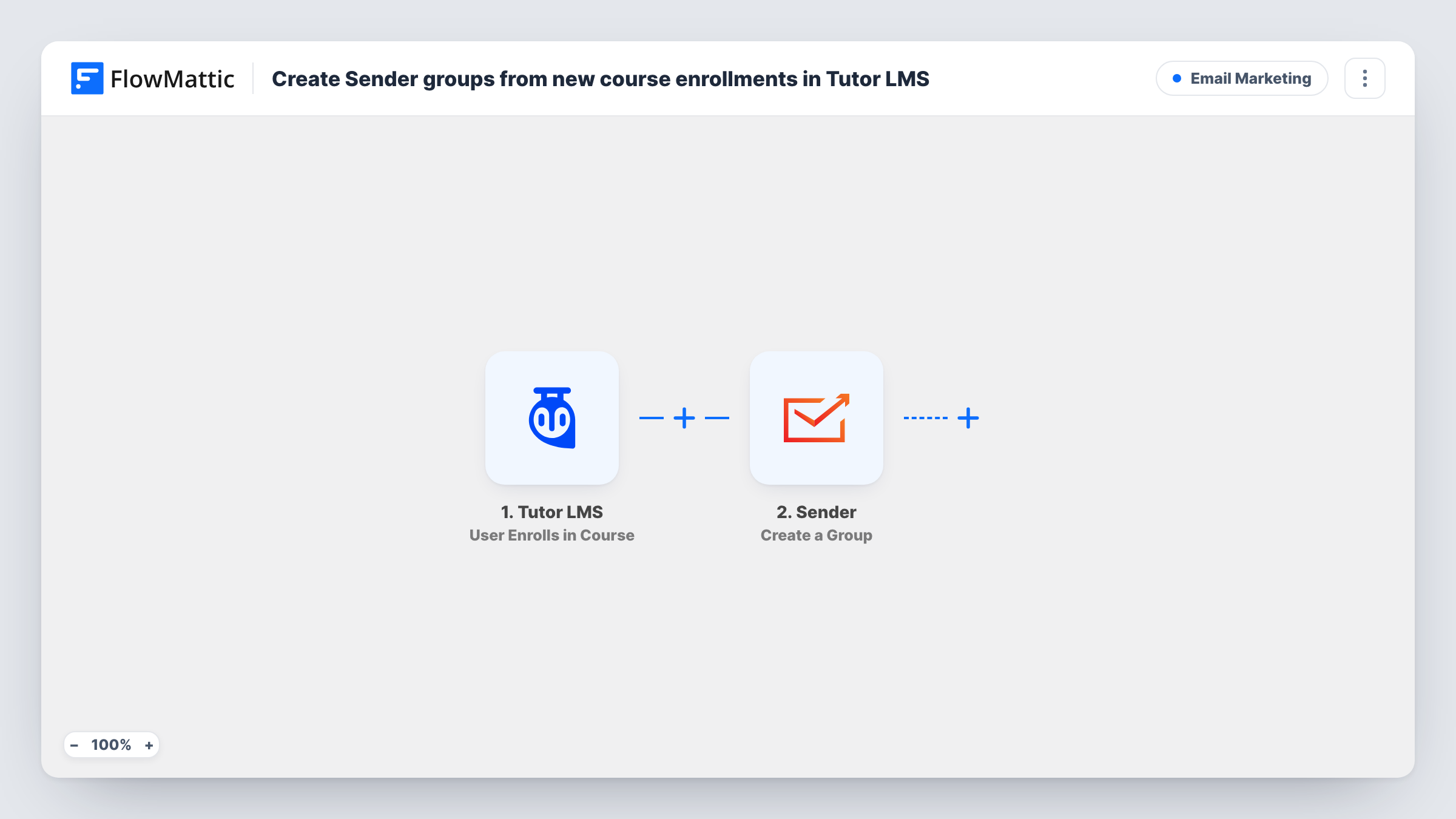
What this workflow does
Course creators often want to email students about their course: start dates, new lessons, reminders to finish. Tutor LMS handles the learning, while Sender handles the newsletters and automations. This workflow puts each new student into Sender at the moment they enroll, in a group you can target.
The Tutor LMS trigger fires when a user enrolls in a course. The learner's details and the course are passed on; enroll a test user once to see which fields arrive, such as the email, name and course title.
Two Sender steps follow. Create New Subscriber adds the learner to your Sender account. Add Subscriber to a Group then puts them in a group. FlowMattic describes that action as assigning an existing subscriber, which is why the subscriber is created first. Both steps are unmapped as imported: map the learner's email and name into the first, then map the subscriber and choose the group in the second.
Every enrollment runs both steps, so a student who joins a second course goes through Create New Subscriber again. Test with a learner who is already in Sender and read Task History to see what Sender returned.
Welcome series for a new cohort
A coding bootcamp puts every enrolled student into a Sender group that starts a welcome series with the course schedule and community links.
Course launch updates
An instructor who enrolls students before a course opens emails that Sender group when the first module goes live.
Upsell to graduates later
A yoga teacher keeps students from the beginner course in their own Sender group and invites them to the intermediate course when it opens.
How this workflow runs
What happens at each step once the workflow is on, and what you need before you import it.
 Tutor LMS User Enrolls in Course
Starts a run each time someone is enrolled in one of your Tutor LMS courses. The learner's details and the course they joined are passed on; check a test enrollment for the email and name fields.
- Sender Create New Subscriber
Creates the learner as a new subscriber in Sender. The step ships unmapped: connect Sender and map the Tutor LMS email and name into it.
- Sender Add Subscriber to a Group
Adds the subscriber from the previous step to a Sender group. After import, map the subscriber from step 2 or the learner's email, choose the group, and confirm the result in a test run.
What you need
- FlowMatticCore
- Tutor LMS PluginPlugin
- Sender AccountAccount
After importing, map your own data. To keep the template universal, not every step is pre-filled. Open each step in the builder and connect your accounts and fields (channels, lists, sheets, recipients) before you switch the workflow on.
Make it yours
Changes worth making after you import it.
- Copy the workflow once per course and pick a different Sender group in each copy, then add a Filter between the Tutor LMS trigger and the first Sender step on the course ID.
- Start a Sender automation when someone joins the group, so the welcome emails go out without you scheduling them.
- Test with a student account whose email you can read, then check the subscriber and group in Sender before enrolling real learners.
Questions about this workflow
Do all Tutor LMS courses use the same Sender group?
As imported, yes, because the group is set once in the Add Subscriber to a Group step. Use one copy of the workflow per course, with a Filter on the course ID, for separate groups.
What if the learner is already a Sender subscriber?
Create New Subscriber runs anyway, and Sender decides how to handle an email it already has. Check Task History after a test with an existing subscriber to see whether the group step still finds them.
Are students who enrolled before I turn this on added to Sender?
No. Only new enrollments start a run. Export your current Tutor LMS students and import them into the Sender group separately.
More Email Marketing workflows
Other ready-to-import templates from the same category.






Import this workflow into your WordPress site
Download the JSON, import it from the Workflows screen and connect your accounts. Every run stays on your server, with no per-task fees.
30-day money-back guarantee Unlimited workflows and runs Self-hosted