

Create tasks in Todoist for new Razorpay payments
Every payment Razorpay captures becomes a new task in Todoist, so the work that follows a sale, such as shipping, onboarding or a thank-you call, lands on your to-do list.
 Razorpay
 Todoist
2 steps Setup ~5 min Used on 963 sites Free to import
What this workflow does
A payment notification tells you money arrived, but it doesn't remind you to do anything about it. If each sale means a parcel to pack, a session to book or an account to set up, that job belongs on your task list. This workflow puts it there as soon as Razorpay confirms the payment.
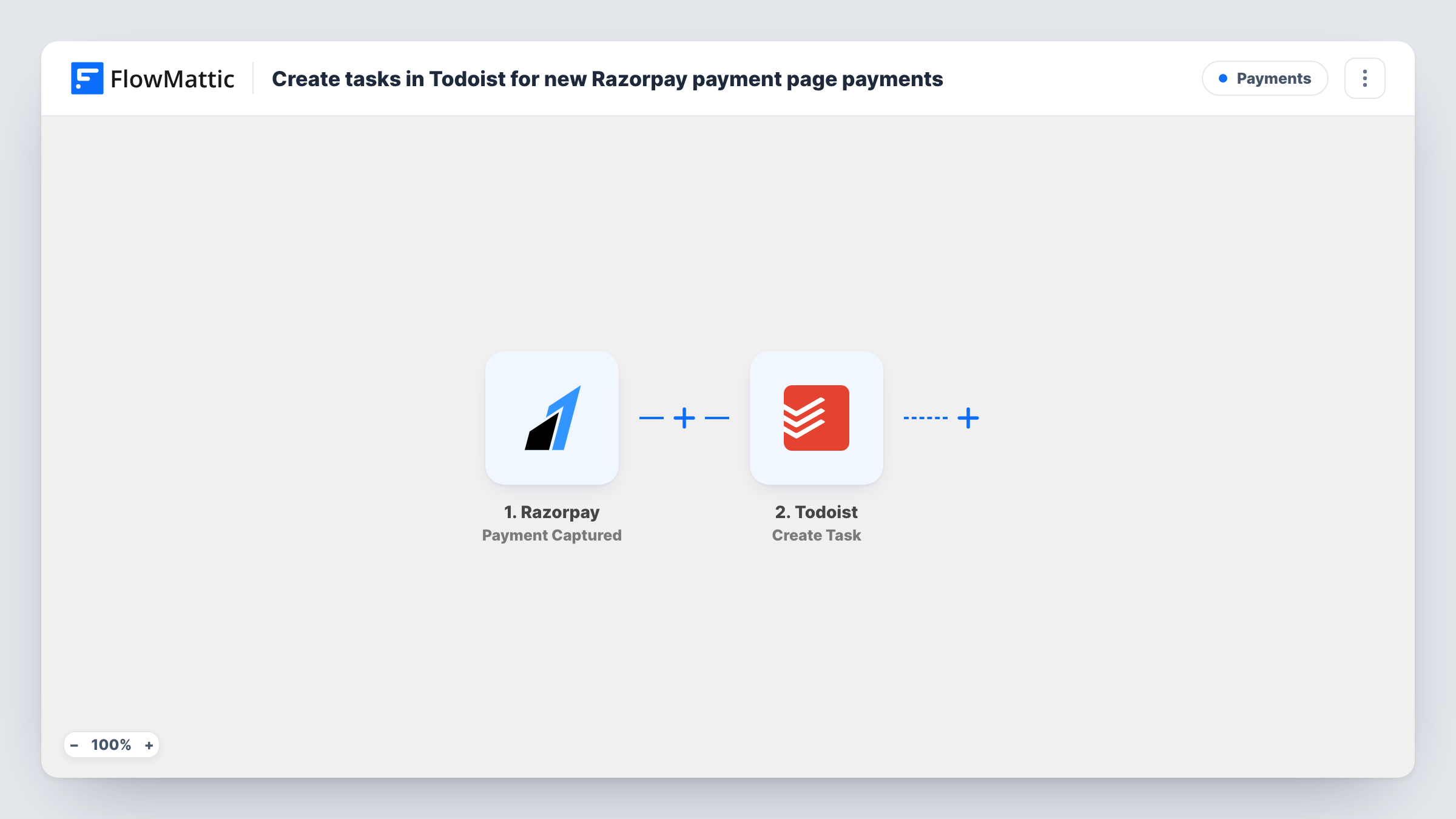
The Razorpay trigger reacts to each payment that Razorpay captures. Details from the payment, such as the amount, the payer's email and phone, and the payment description, become available to map.
The Todoist step creates a new task. It arrives without mapping, so after import you connect Todoist and build the task from the payment data, for example a title like "Ship order for" followed by the payer's email, with the amount in the description. Run a test payment and check Task History to see every field Razorpay sends.
Each captured payment creates one task. If you sell different things through Razorpay, consider putting the payment description in the task title so you can tell at a glance what each task is for.
Packing list for a handmade goods shop
A seller taking payments through Razorpay payment links gets a Todoist task for each sale and ticks it off once the parcel is posted.
Onboarding new consulting clients
A consultant who invoices through Razorpay gets a task to send the welcome pack and book the kick-off call whenever a client pays.
Thank-you calls for large donations
A charity's fundraising lead works through Todoist tasks created from Razorpay donations and rings each donor to say thanks.
How this workflow runs
What happens at each step once the workflow is on, and what you need before you import it.
 Razorpay Payment Captured
Starts a run whenever Razorpay captures a payment. The payment's amount, payer contact details and description are passed to Todoist for mapping.
- Todoist Create Task
Creates a new task in Todoist from the payment. Connect your Todoist account and build the task title and description from the Razorpay fields after import.
What you need
- FlowMatticCore
- Razorpay AccountAccount
- Todoist AccountAccount
After importing, map your own data. To keep the template universal, not every step is pre-filled. Open each step in the builder and connect your accounts and fields (channels, lists, sheets, recipients) before you switch the workflow on.
Make it yours
Changes worth making after you import it.
- Add a Filter between the Razorpay trigger and the Todoist step that continues only when the amount is greater than a figure you choose, if only larger payments need a task. Razorpay amounts may be in the smallest currency unit, so check a test run.
- Put the Razorpay payment ID in the task description, so you can find the payment in your Razorpay dashboard when you work on the task.
- Send the tasks to a dedicated Todoist project for sales follow-ups, so they don't mix with your personal to-dos.
Questions about this workflow
Which Razorpay payments create a Todoist task?
Every payment that Razorpay captures. Payments that fail or are never captured don't start a run.
Can I set a due date on the Todoist task?
Open the Create Task step after import and look at the options it offers. If a due-date option is there, type a value or map one from the payment, then test it.
Will a refund in Razorpay remove the Todoist task?
No. This workflow only reacts to captured payments. A refund would need a separate workflow with its own Razorpay trigger.
More Payments workflows
Other ready-to-import templates from the same category.







Import this workflow into your WordPress site
Download the JSON, import it from the Workflows screen and connect your accounts. Every run stays on your server, with no per-task fees.
30-day money-back guarantee Unlimited workflows and runs Self-hosted