

Email a personalized welcome to each new Tilda Publishing lead via Gmail
Each new lead from a Tilda Publishing form gets a welcome email sent from your Gmail account, written by you and personalised with the details they entered.
 Tilda Publishing
 Gmail
2 steps Setup ~5 min Used on 651 sites Free to import
What this workflow does
When someone fills in a form on your Tilda site, a quick reply shows them their message arrived and tells them what happens next. Writing that reply by hand for every lead is slow, and leads who wait hear nothing. This workflow sends your welcome email from Gmail as each lead comes in.
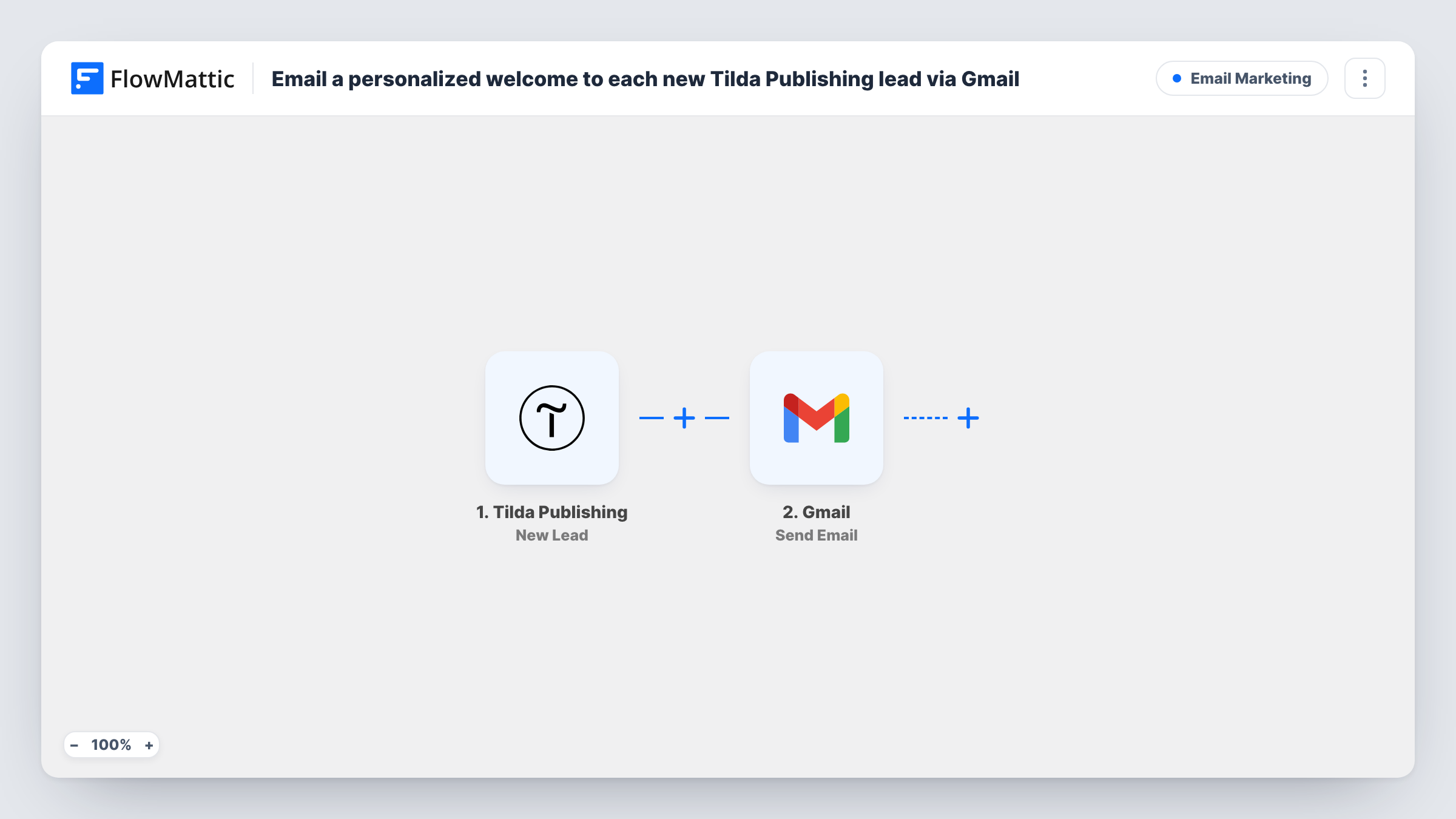
The Tilda Publishing trigger runs on each new lead and passes the submitted fields to FlowMattic. The Gmail Send Email action then sends a message from your connected Google account. You map the lead's email address as the recipient and write the subject and body, placing their name or other answers wherever you want them.
Because the email goes out from your own Gmail, replies come straight back to your inbox and the message sits in your Sent folder like any other. Task History records each run so you can confirm who was emailed.
Consultant's enquiry form
A visitor asks about your services on a Tilda landing page and gets a note from your Gmail confirming you will be in touch, with a link to book a call.
Lead magnet delivery
People who request your guide through a Tilda form receive an email with the download link in it, sent from your own address.
Workshop interest list
Each Tilda sign-up for a workshop gets a welcome that repeats the session they picked, taken from their form answer.
How this workflow runs
What happens at each step once the workflow is on, and what you need before you import it.
 Tilda Publishing New Lead
Runs when a new lead is submitted through a Tilda Publishing form on your site. The lead's answers, including their email, are passed on for the email step.
- Gmail Send Email
Sends an email from your Gmail account to the lead. Map their email address as the recipient, and write a subject and message that use their name or other Tilda form answers.
What you need
- FlowMatticCore
- Tilda Publishing AccountAccount
- Gmail AccountAccount
After importing, map your own data. To keep the template universal, not every step is pre-filled. Open each step in the builder and connect your accounts and fields (channels, lists, sheets, recipients) before you switch the workflow on.
Make it yours
Changes worth making after you import it.
- Submit a test lead on your Tilda page after import so FlowMattic captures the field names. Then the name and email fields are easy to pick when you write the message.
- Add a Filter after the trigger with a condition on the form or a field value, so only leads from the right Tilda form get this particular welcome.
- Add a Delay before the Gmail step if you want the email to arrive a few minutes after the form is sent rather than at the same moment.
Questions about this workflow
Does a lead who fills in the Tilda form twice get two emails?
Yes. Each submission is a new lead event, so the Gmail step sends again. Nothing in the workflow checks for earlier submissions.
Which address does the Tilda welcome email come from?
From whichever Google account you link to the Gmail step when you set it up. Replies to the welcome land in that inbox.
Can I send an HTML welcome with my logo?
Open the Send Email step after import to see the body options it gives you, then send yourself a test lead to check how the message looks.
Does Tilda still deliver the lead to its usual destinations?
Yes. The workflow only receives a copy of the lead. Any other receivers you set up in Tilda keep working as before.
More Email Marketing workflows
Other ready-to-import templates from the same category.






Import this workflow into your WordPress site
Download the JSON, import it from the Workflows screen and connect your accounts. Every run stays on your server, with no per-task fees.
30-day money-back guarantee Unlimited workflows and runs Self-hosted