

Add new Paytm Insider buyers to a Mailchimp audience for follow-up
Each time Paytm Insider records a ticket sale, this workflow adds the buyer to your Mailchimp audience, or updates them if they are already there, so your next event announcement reaches past attendees.
 Paytm Insider
 Mailchimp
2 steps Setup ~5 min Used on 308 sites Free to import
What this workflow does
People who buy a ticket to one of your events are the people most likely to care about the next one. Paytm Insider holds their details, but your announcements go out from Mailchimp. Exporting buyer lists after every event is slow, and it is easy to forget. This workflow copies each buyer across as the sale comes in.
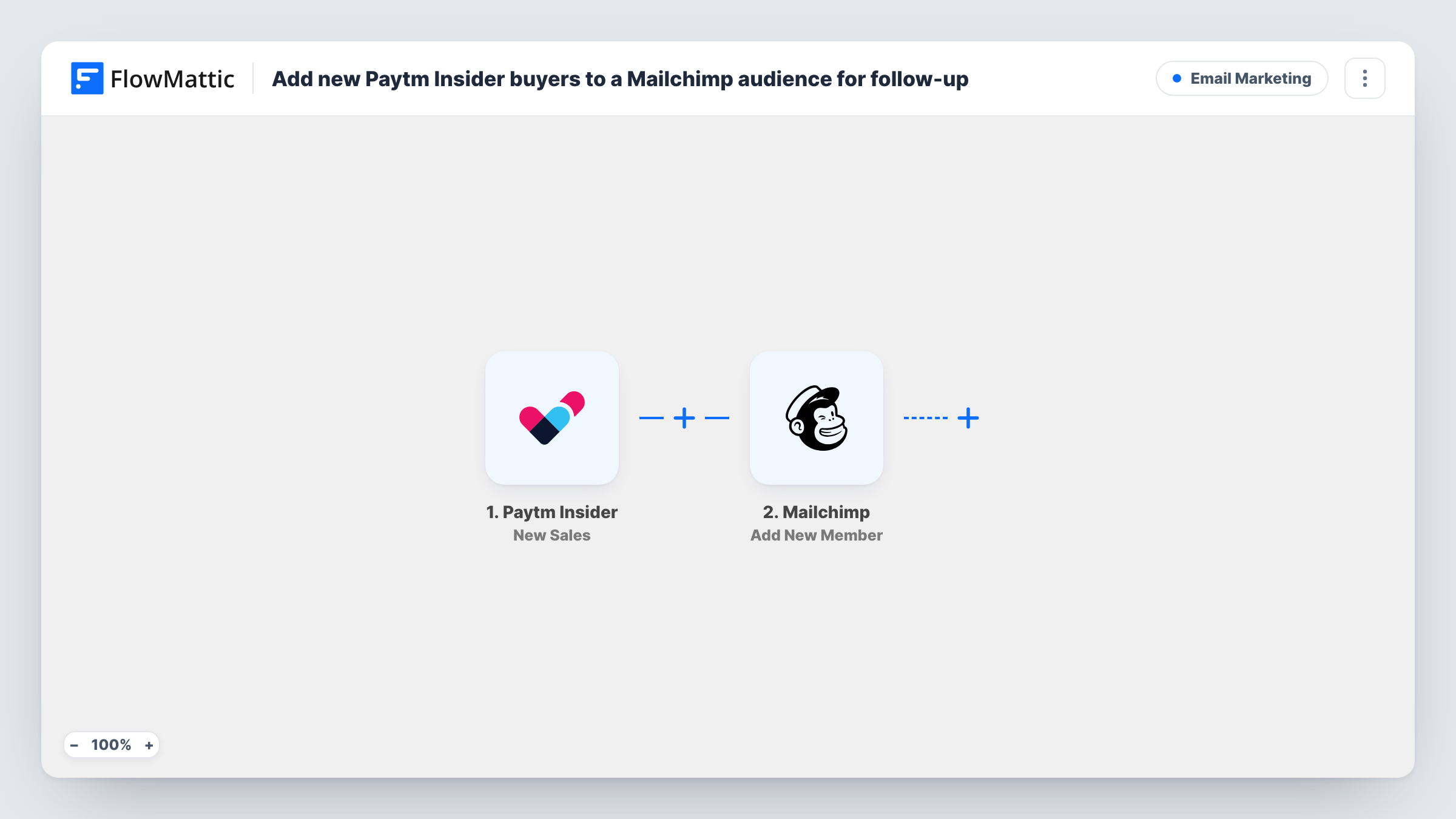
The Paytm Insider trigger fires when a new sale is received for your event. FlowMattic passes the sale data on, and the Mailchimp step adds the buyer as a member of the audience you pick. If that address is already in the audience, Mailchimp updates the member instead of creating a second one.
Every sale runs the workflow, so someone who buys for two events passes through twice and stays a single member. Be careful with blank values: if a later sale arrives without a name, an update can overwrite the name you stored before. Task History logs each run, with the data sent to Mailchimp and the response it returned.
Promote the next show in a concert series
Buyers from the first gig become Mailchimp members, so your announcement for the next date goes to people who already came out once.
Post-event feedback emails
After a workshop sold through Paytm Insider, you send a feedback request from Mailchimp to the audience that the ticket sales filled.
Early-bird access for past attendees
When a festival opens early-bird tickets, you email the members added from last year's sales before the public announcement.
How this workflow runs
What happens at each step once the workflow is on, and what you need before you import it.
 Paytm Insider New Sales
Starts a run for each ticket sale Paytm Insider records on your event. The sale details, including the buyer information Paytm Insider sends, become data you can map in the Mailchimp step.
- Mailchimp Add New Member
Adds the buyer to the Mailchimp audience you choose, or updates them if their address is already a member. Map the buyer's email from the sale, plus any name details you want stored, then connect your Mailchimp account.
What you need
- FlowMatticCore
- Paytm Insider AccountAccount
- Mailchimp AccountAccount
After importing, map your own data. To keep the template universal, not every step is pre-filled. Open each step in the builder and connect your accounts and fields (channels, lists, sheets, recipients) before you switch the workflow on.
Make it yours
Changes worth making after you import it.
- Make a test sale or wait for a real one before you turn the workflow on. FlowMattic captures the sale fields, and you can see exactly which buyer details Paytm Insider sends before mapping them.
- Run several events? If the sale data names the event, add a Filter after the trigger that continues only for one event, then duplicate the workflow with a different audience for each event.
- Check that your ticket checkout gives you permission to email buyers about future events before you add them to a marketing audience in Mailchimp.
Questions about this workflow
What happens when a Paytm Insider buyer is already in my Mailchimp audience?
The Mailchimp step adds a new member or updates the existing one. A repeat buyer stays a single member, but blank values in a later sale can overwrite details you stored earlier, so map only fields the sale reliably carries.
Are past Paytm Insider sales added to Mailchimp?
No. The trigger fires on new sales, so only buyers who purchase after you turn the workflow on reach your audience. Older buyers need a one-time import in Mailchimp.
Can buyers from different events go into different Mailchimp audiences?
Not as imported. Every sale goes to the one audience set in the Mailchimp step. If the sale data includes the event name, add a Filter on it and copy the workflow per event, or use a Router whose routes each check a different event and hold their own Mailchimp step.
Does this send any email to the buyer?
No message goes out from this workflow; its single action writes the buyer into your audience. Any welcome email depends on how your Mailchimp audience and automations are set up.
More Email Marketing workflows
Other ready-to-import templates from the same category.






Import this workflow into your WordPress site
Download the JSON, import it from the Workflows screen and connect your accounts. Every run stays on your server, with no per-task fees.
30-day money-back guarantee Unlimited workflows and runs Self-hosted