

Email a thank-you via Gmail when a Fourthwall donation is received
When a supporter makes a donation through Fourthwall, this workflow sends them a thank-you email from your Gmail account, with their name and the donation details mapped into the message.
 Fourthwall
 Gmail
Gmail2 steps Setup ~5 min Used on 3.1k sites Free to import
What this workflow does
Creators who take donations on Fourthwall often want to thank each supporter personally. Writing every email by hand gets harder as donations add up, and some get missed. This workflow sends the thank-you as soon as Fourthwall reports the donation.
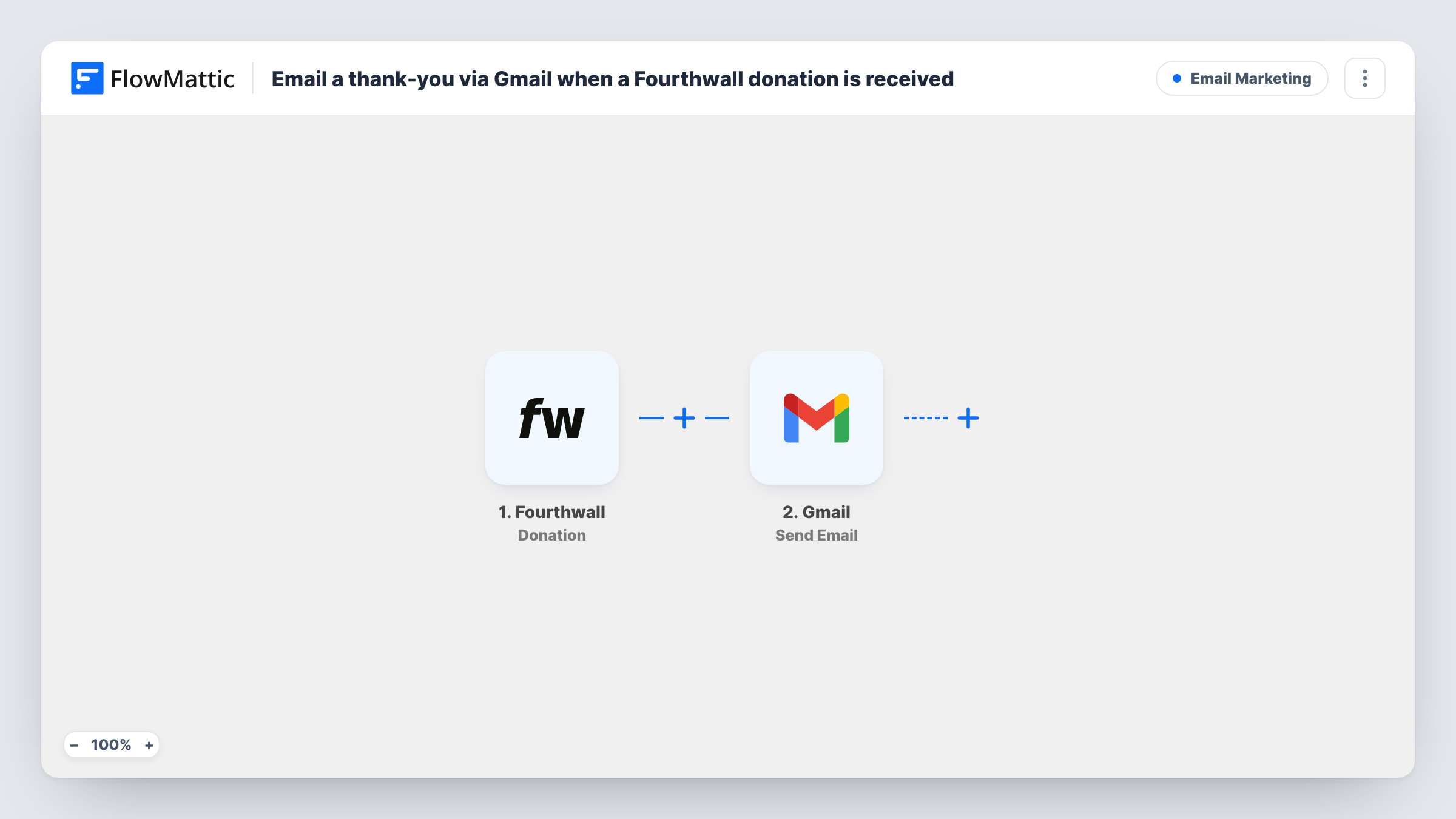
The Fourthwall trigger fires when a donation is made. FlowMattic passes the donation data, such as the supporter's name, email and message if Fourthwall includes them, to Gmail. The Send Email step then sends a message from your connected Gmail account to the address you map.
You write the email once, with placeholders for the supporter's details, and every donor gets their own copy. Because it comes from your Gmail address, replies land in your inbox like any other conversation. Task History records each run, so you can check who was emailed.
Streamer thanking tip senders
A streamer who takes donations through a Fourthwall shop sends each donor an email naming them and thanking them for the support.
Podcast supporter notes
A podcaster emails every Fourthwall donor a thank-you that mentions the next episode, written once and personalised with the donor's name.
Artist supporting a project
An illustrator raising money for a zine thanks each donor by email and invites them to reply with feedback.
How this workflow runs
What happens at each step once the workflow is on, and what you need before you import it.
 Fourthwall Donation
Runs when a donation is made through your Fourthwall site. The donation details are passed on so you can use them in the email.
- Gmail Send Email
Emails the donor from the Gmail mailbox you link on import. Map the donor's email address as the recipient and use their name and donation details in the subject and body.
What you need
- FlowMatticCore
- Fourthwall AccountAccount
- Gmail AccountAccount
After importing, map your own data. To keep the template universal, not every step is pre-filled. Open each step in the builder and connect your accounts and fields (channels, lists, sheets, recipients) before you switch the workflow on.
Make it yours
Changes worth making after you import it.
- Add a Filter that continues only when the donor's email is not empty, in case Fourthwall reports a donation without an address.
- Add a Google Sheets step after Gmail to keep a list of donors and the thank-you emails you sent.
- Make a small test donation after import so FlowMattic captures the Fourthwall fields you can map into the email.
Questions about this workflow
Which Gmail address sends the Fourthwall thank-you email?
Whichever Gmail mailbox you link to the Send Email step when importing. Replies from donors go to that inbox.
Does every Fourthwall donation get an email?
Yes, as imported. Each donation runs the workflow once. If the donation data has no email address, the Gmail step has nowhere to send it and Task History shows the error.
Can I include the donor's message or amount in the email?
If Fourthwall includes those values in the donation data, you can map them into the subject or body. Check after a test donation.
More Email Marketing workflows
Other ready-to-import templates from the same category.







Import this workflow into your WordPress site
Download the JSON, import it from the Workflows screen and connect your accounts. Every run stays on your server, with no per-task fees.
30-day money-back guarantee Unlimited workflows and runs Self-hosted