

Email the ops team via Gmail when an Updown.io SSL certificate is nearing expiration
When Updown.io raises an SSL expiration event for one of your monitored sites, FlowMattic sends an email from your Gmail account to the ops team, so certificate renewals reach the people who handle them.
 Updown.io
 Gmail
2 steps Setup ~5 min Used on 1.1k sites Free to import
What this workflow does
Certificate renewals are easy to forget because they come round so rarely. A warning that sits in one person's monitoring dashboard can be missed, and an expired certificate makes browsers show warnings to your visitors. This workflow turns the Updown.io SSL expiration event into an email that goes to whoever handles renewals.
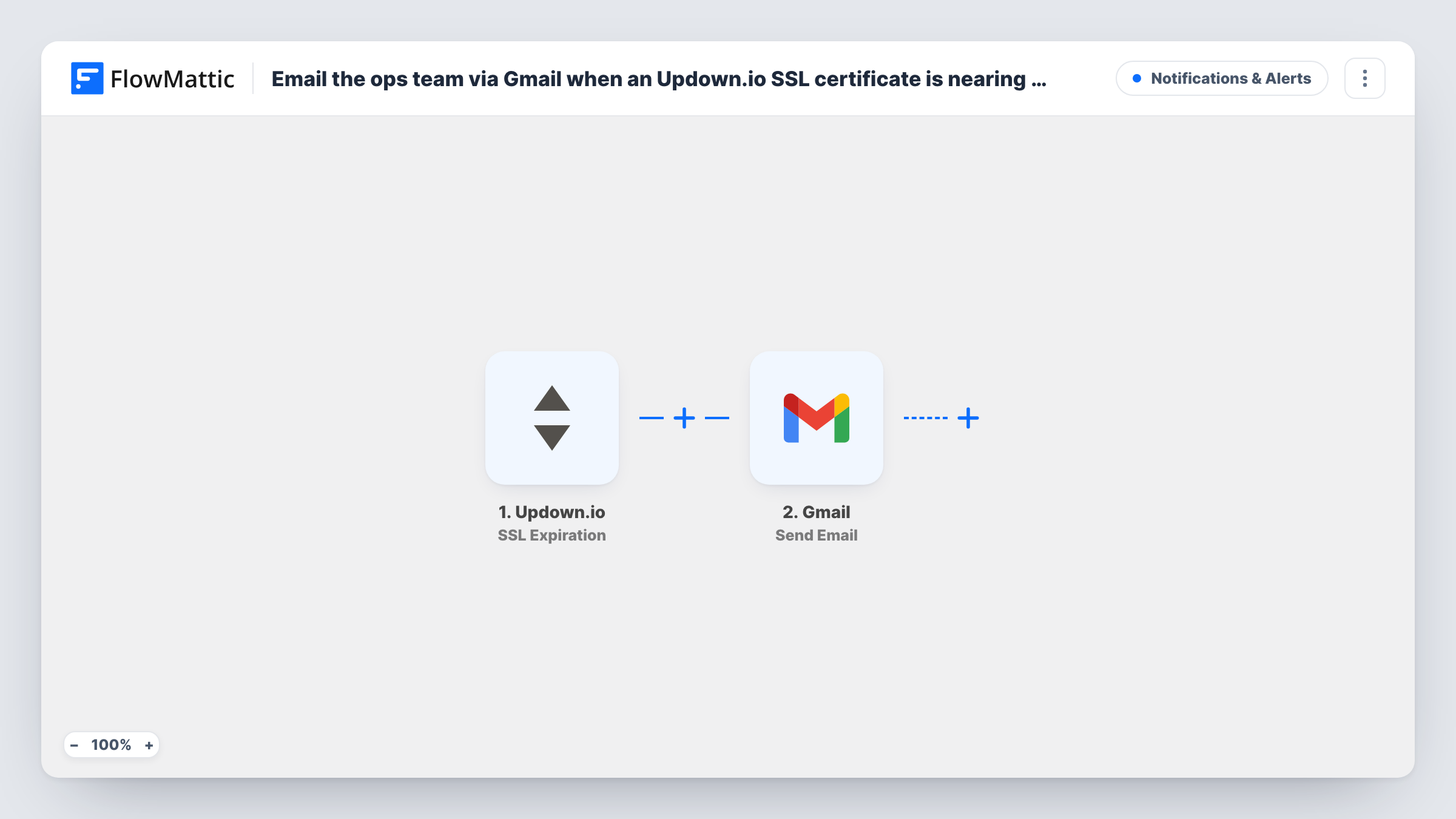
The Updown.io trigger fires on the SSL expiration event for the checks in your account. FlowMattic receives the event data and hands it to the Gmail step, which sends an email from the Gmail account you connect. You set the recipients, subject and body, and you can drop fields from the Updown.io event into them, such as the site address.
Each SSL expiration event from Updown.io sends one email. When Updown.io raises the event, and how often, is set in Updown.io, not in FlowMattic. Task History lists every email the workflow has sent, which helps when you need to confirm a warning went out.
Ops mailbox for a hosting company
Send the warning to a shared ops address, so whoever is on shift sees which customer site has a certificate coming up for renewal.
Sites with manually installed certificates
Certificates bought from a vendor and installed by hand need someone to act. The email reaches the person who holds the vendor login.
Freelancer maintaining client sites
Get the renewal warning in the same Gmail inbox you use for client work, with the site address in the subject line.
How this workflow runs
What happens at each step once the workflow is on, and what you need before you import it.
 Updown.io SSL Expiration
Starts when Updown.io reports an SSL expiration event for one of your checks. Connect your Updown.io account on import so FlowMattic can receive these events and show their fields.
- Gmail Send Email
Sends an email through your connected Gmail account. Enter the ops team addresses as recipients and build the subject and body from Updown.io fields, such as the URL whose certificate is expiring.
What you need
- FlowMatticCore
- Updown.io AccountAccount
- Gmail AccountAccount
After importing, map your own data. To keep the template universal, not every step is pre-filled. Open each step in the builder and connect your accounts and fields (channels, lists, sheets, recipients) before you switch the workflow on.
Make it yours
Changes worth making after you import it.
- Put the site URL from the Updown.io event in the subject, so the team can tell warnings apart in their inbox without opening each one.
- Want the alert in chat as well? Add a Slack or Discord step after Gmail that posts the same details to your ops channel.
- If only some checks need an email, add a Filter after the trigger that continues when the event URL contains the domains you manage.
Questions about this workflow
How many days before expiry does Updown.io send the SSL event?
That timing comes from Updown.io, not FlowMattic. The workflow sends its email whenever the event arrives, so check your Updown.io settings and documentation for when it is raised.
Which Gmail account sends the SSL warning email?
The Gmail account you connect in the Gmail step. The email goes out from that address to the recipients you enter.
Does this workflow renew the SSL certificate?
No. It only sends the warning email. Renewal still happens with your host or certificate provider.
More Notifications & Alerts workflows
Other ready-to-import templates from the same category.





Import this workflow into your WordPress site
Download the JSON, import it from the Workflows screen and connect your accounts. Every run stays on your server, with no per-task fees.
30-day money-back guarantee Unlimited workflows and runs Self-hosted