

Email the team via Gmail when a Cardly contact is marked undeliverable
When Cardly reports that a card came back undeliverable as addressed, this workflow emails your team from your Gmail account with the contact’s details, so someone can correct the address.
 Cardly
 Gmail
2 steps Setup ~5 min Used on 1.0k sites Free to import
What this workflow does
A returned card means the address on file is wrong, and the next card you send to that person will bounce back too unless someone fixes it. Cardly records the return, but nobody on your team hears about it unless they go looking. This workflow sends them an email the moment Cardly reports one.
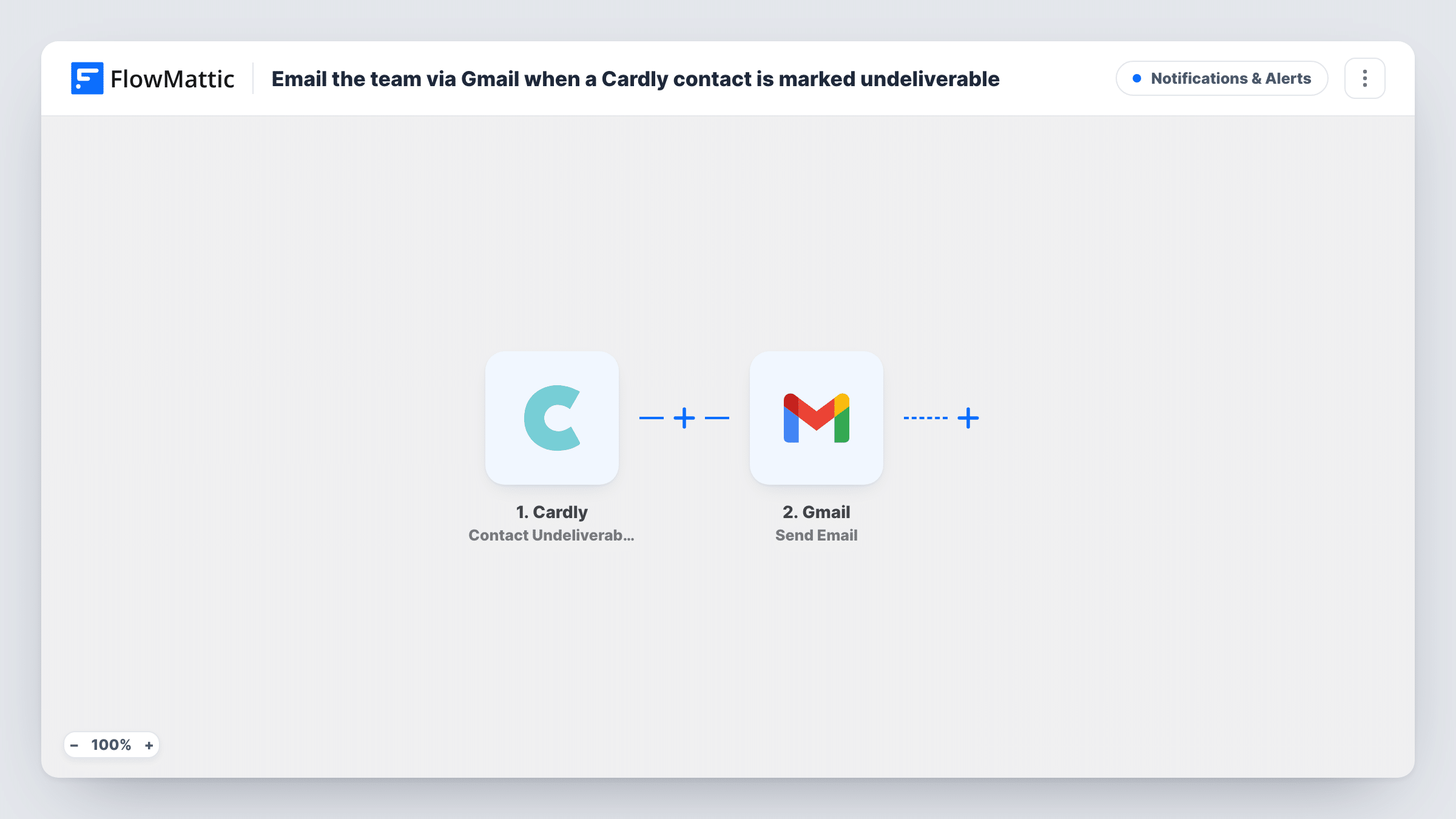
The Cardly trigger is Contact Undeliverable. FlowMattic's catalog describes it as firing when an item is marked undeliverable-as-addressed, with the contact's original address supplied. Those contact and address details are passed to the next step.
The Gmail step sends an email from the Gmail account you connect. You choose the recipient, such as a shared team inbox, and write the subject and body, placing Cardly values like the contact's name and the address that failed wherever they help. Run a test after import so you can see which values Cardly includes.
One email goes out for every undeliverable report. The workflow doesn't change anything in Cardly, so the address is fixed by whoever reads the message.
Client gift cards from an agency
When a thank-you card to a client is returned, the account manager gets an email with the old address and can ask the client for the new one.
Customer birthday mailings
A returned birthday card alerts your customer care inbox, so the address is corrected in your records before next year's card goes out.
Real estate follow-up cards
An agent's past-client mailing hits a sold home, and the email prompts the assistant to look up where the client moved.
How this workflow runs
What happens at each step once the workflow is on, and what you need before you import it.
 Cardly Contact Undeliverable
Fires when Cardly marks an item for a contact as undeliverable as addressed. Per the catalog, the contact's original address comes with the event, ready to map into the email.
- Gmail Send Email
Emails your team from the connected Gmail account. Set who receives it and write a subject and message, mapping in the Cardly contact name and failed address from the trigger.
What you need
- FlowMatticCore
- Cardly AccountAccount
- Gmail AccountAccount
After importing, map your own data. To keep the template universal, not every step is pre-filled. Open each step in the builder and connect your accounts and fields (channels, lists, sheets, recipients) before you switch the workflow on.
Make it yours
Changes worth making after you import it.
- Put the contact's name and the failed address in the email subject, so the team can see which record needs fixing straight from their inbox list.
- Cardly also has a Contact Change Of Address trigger. Build a second workflow on it if you want the team told when a new address comes in as well.
- Prefer a chat alert? Swap the Gmail step for a Slack or Discord message step, or add one after it, so the team sees the return in both places.
Questions about this workflow
Does this fix the address in Cardly for me?
No. Its one action is the Gmail message. Someone on your team updates the contact's address in Cardly or in your own records.
Which Cardly details can I put in the Gmail message?
Whatever the Contact Undeliverable event carries, which per the catalog includes the original address. Run a test after import to see every value you can map.
Can the alert go to several people?
Yes. Send it to a shared team address or a group inbox, so everyone who handles addresses gets the same message.
Which Gmail address sends the undeliverable alert?
It's sent from the Google account you connect during import, so replies come back to that inbox.
More Notifications & Alerts workflows
Other ready-to-import templates from the same category.






Import this workflow into your WordPress site
Download the JSON, import it from the Workflows screen and connect your accounts. Every run stays on your server, with no per-task fees.
30-day money-back guarantee Unlimited workflows and runs Self-hosted