

When a new response is created in Heyflow, send a notification via Slack
Each new Heyflow response posts a message to the Slack channel you pick, with the answers you map from the flow, so your team sees fresh leads and enquiries where they already talk.
 Heyflow
 Slack
2 steps Setup ~5 min Used on 963 sites Free to import
What this workflow does
Heyflow funnels collect leads, bookings and quiz answers, but the responses sit in Heyflow until someone opens it. If speed matters, such as calling a lead the same hour, your team needs to hear about each response where they spend the day. This workflow posts it to Slack.
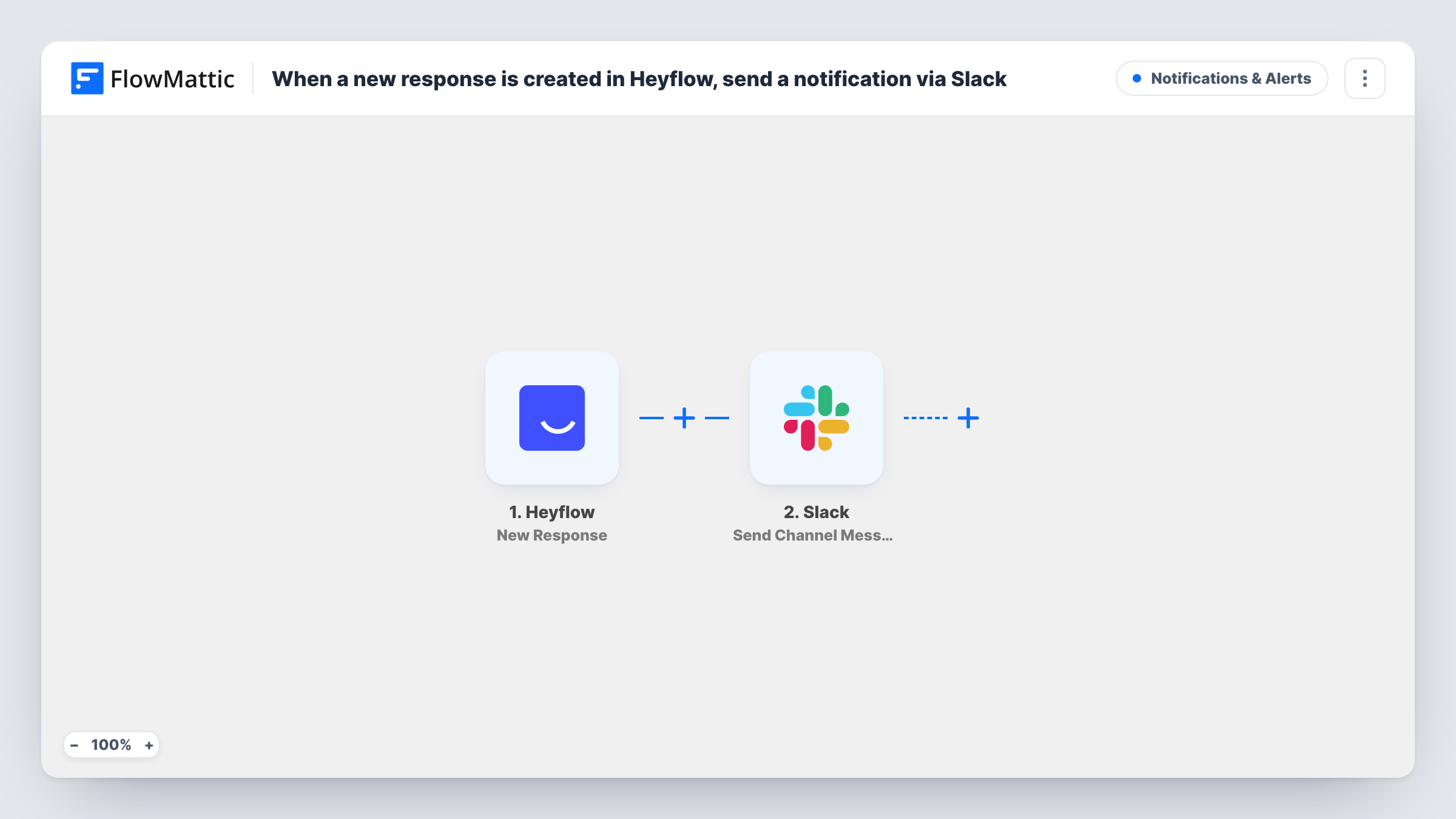
The Heyflow trigger fires when a new response is created. FlowMattic receives the answers from that response and passes them to Slack, where Send Channel Message posts a message to the channel you choose. You decide what the message says by mapping the answers you care about into it.
No Filter ships with this template, so each Heyflow response produces a Slack post. For a private channel, swap the step for Slack's Send Private Channel Message action, and use Send Direct Message to notify one person instead of a channel.
Lead funnel for a solar installer
A Heyflow funnel asks about roof type and postcode. Each completed response lands in a sales channel so a rep can call while the lead is fresh.
Agency client enquiries
A multi-step Heyflow brief collects budget and timeline. The account team sees each brief in Slack and decides who takes it.
Recruitment pre-screening
Candidates answer screening questions in Heyflow, and the hiring channel gets their answers right away, so a recruiter can review them in Slack.
How this workflow runs
What happens at each step once the workflow is on, and what you need before you import it.
 Heyflow New Response
Runs when a new response is created in your Heyflow flow. The answers from that response are passed to the Slack step for mapping.
- Slack Send Channel Message
Builds a Slack post for the response and sends it to the channel set in this step. Map the respondent's name, contact details and key answers into the message text.
What you need
- FlowMatticCore
- Heyflow AccountAccount
- Slack AccountAccount
After importing, map your own data. To keep the template universal, not every step is pre-filled. Open each step in the builder and connect your accounts and fields (channels, lists, sheets, recipients) before you switch the workflow on.
Make it yours
Changes worth making after you import it.
- Running several flows? Add a Filter after the trigger on the flow name or ID, if the response carries it, so each channel only gets responses from its own funnel.
- Put the most useful answer first in the message, such as budget or service, so people can triage from the Slack notification alone.
- Send a test response through your Heyflow after import so FlowMattic captures its fields before you build the Slack message.
Questions about this workflow
Can the Heyflow alert go to a private Slack channel?
The imported step, Send Channel Message, isn't the right one for that. Swap in Slack's Send Private Channel Message action, then choose the private channel in that step.
Do partial Heyflow responses trigger a Slack message?
The trigger fires when a new response is created. Submit a test and watch Task History to see exactly when Heyflow sends one for your flow.
Which Heyflow answers appear in the Slack message?
Only the ones you map into it. The message is built in the Slack step, so you can include as many or as few answers as you want.
More Notifications & Alerts workflows
Other ready-to-import templates from the same category.




Import this workflow into your WordPress site
Download the JSON, import it from the Workflows screen and connect your accounts. Every run stays on your server, with no per-task fees.
30-day money-back guarantee Unlimited workflows and runs Self-hosted