

Send a Slack alert to sales when Picreel captures a new lead
Each time Picreel captures a new lead from one of your popups, this workflow posts it to your sales team’s Slack channel, with the lead details you choose, so a rep sees the new contact without logging in to Picreel.
 Picreel
 Slack
2 steps Setup ~5 min Used on 1.3k sites Free to import
What this workflow does
Leads from a Picreel popup or exit-intent offer are only useful if someone follows up. When the sales team doesn't check Picreel often, a new lead can wait days for a first reply. This workflow puts each lead in the sales Slack channel the moment Picreel creates it.
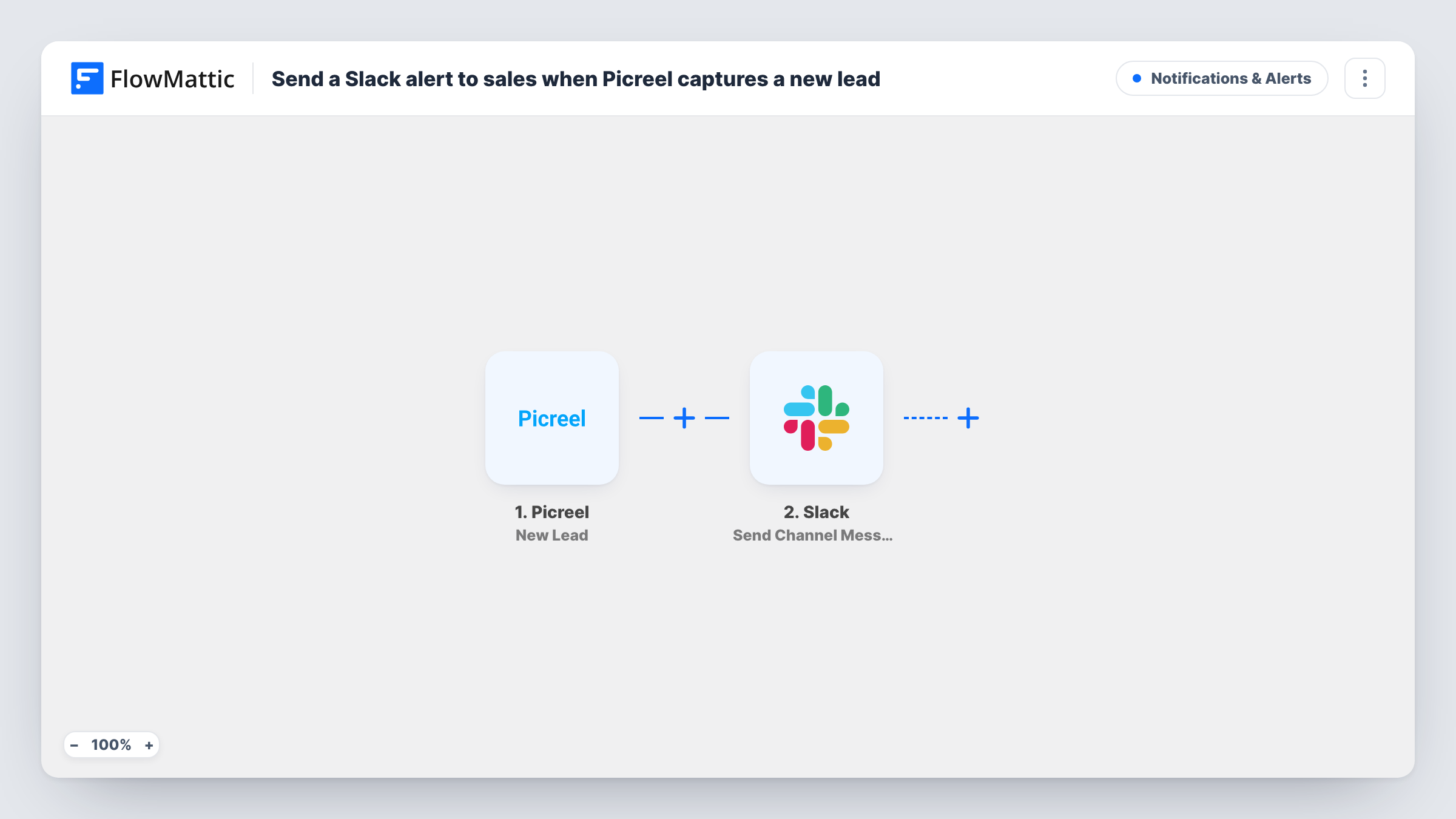
The Picreel trigger fires when a new lead is created, and FlowMattic captures the lead's details. The Slack step runs Send Channel Message and posts your text to the channel you choose, with the lead's details inserted wherever you place them.
Every lead triggers a post, with no filtering as imported. If you run discount popups that collect many sign-ups, consider a Filter so sales only sees the leads they act on. Each post can be traced in Task History.
Exit-intent offers on a pricing page
Visitors who leave their email on an exit popup appear in #sales, so a rep can send a personal note about the plan they were looking at.
Demo request popups
A Picreel popup that asks for a demo posts each request to the sales channel with the visitor's details.
B2B lead capture on blog posts
Readers who download a resource through a Picreel popup show up in Slack, where sales decides who to contact.
How this workflow runs
What happens at each step once the workflow is on, and what you need before you import it.
 Picreel New Lead
Runs when Picreel records a new lead from one of your campaigns. The lead's details are captured so you can show them in the Slack post.
- Slack Send Channel Message
Posts a new-lead alert to the sales channel set in this step. Connect Slack, write the alert and insert lead fields from Picreel, such as the email address.
What you need
- FlowMatticCore
- Picreel AccountAccount
- Slack AccountAccount
After importing, map your own data. To keep the template universal, not every step is pre-filled. Open each step in the builder and connect your accounts and fields (channels, lists, sheets, recipients) before you switch the workflow on.
Make it yours
Changes worth making after you import it.
- Capture a test lead through your Picreel popup after import, then build the Slack message from the fields FlowMattic captured.
- If some campaigns are discount sign-ups rather than sales leads, add a Filter after the trigger on a field that tells campaigns apart, as a test run shows it.
- Add a CRM step after Slack, such as FluentCRM or HubSpot, so the lead is also stored as a contact for follow-up.
Questions about this workflow
Which Picreel leads are posted to the sales channel?
All of them, as imported. Every new lead Picreel creates starts a run. Add a Filter after the trigger to post only leads from certain campaigns.
Will the Slack alert show the lead's email?
If Picreel includes it in the lead data, yes. Insert the email field into the message text in the Slack step.
Are Picreel leads from before import posted?
No. Only leads created after you switch on the workflow are sent to Slack.
Can I mention a sales rep in the Picreel alert?
Type the mention into the alert text you write in the Slack step, then send one test lead to confirm Slack renders it as a mention.
More Notifications & Alerts workflows
Other ready-to-import templates from the same category.



Import this workflow into your WordPress site
Download the JSON, import it from the Workflows screen and connect your accounts. Every run stays on your server, with no per-task fees.
30-day money-back guarantee Unlimited workflows and runs Self-hosted