

Export FlowMattic Tables data to CSV when a Webhook is received
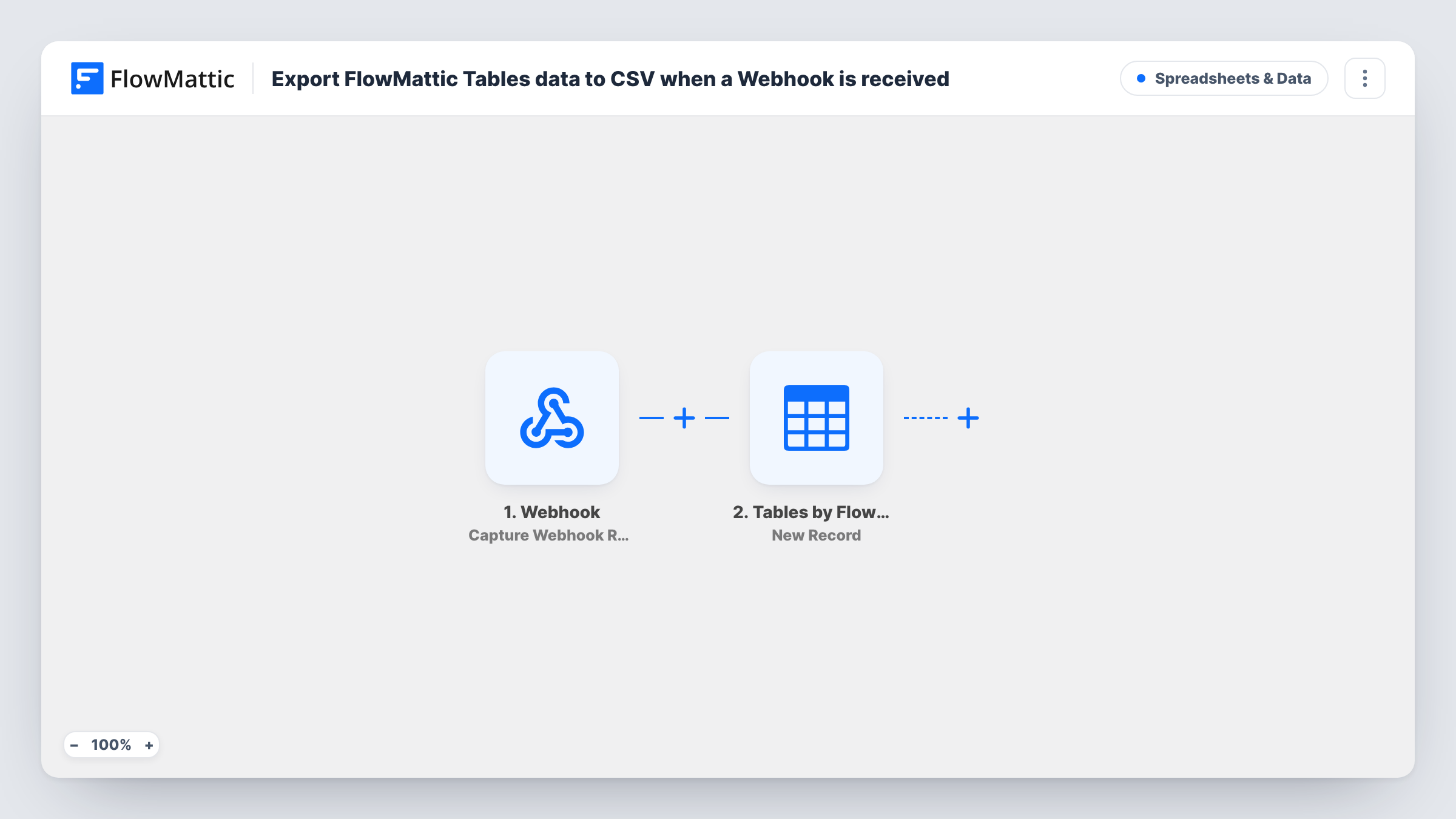
A call to this workflow’s webhook URL turns the FlowMattic Tables table you choose into a CSV file and saves it in your WordPress media library, ready to download or pass on.
 Webhook
 CSV Creator
2 steps Setup ~5 min Used on 404 sites Free to import
What this workflow does
Data you collect in FlowMattic Tables sometimes needs to leave WordPress as a file: for a spreadsheet, an accountant, a backup or another system that imports CSV. This workflow gives you an export you can start from anywhere that can call a URL, such as another app, a script, a button on an internal page or a scheduler.
The Webhook trigger comes with a URL that belongs to this workflow alone. Each request to that URL starts a run. Unless you switch on the trigger's authentication setting, anyone who has the URL can start one, so keep it private or require a key.
The CSV Creator step then builds a CSV file from FlowMattic Tables data and saves it to your media library. The step ships unmapped, so after import you choose the table and check the file it produces with a test call.
Every request creates a new file, so repeated calls leave several exports in the media library. The workflow stops once the file is saved. Nothing emails or uploads it until you add a step that does, and the tips below show where to put one. Task History shows each run and what the CSV step returned.
On-demand export for the finance team
An admin page has a button that calls the webhook, so the bookkeeper can pull the latest orders table as a CSV whenever they need it.
Hand-off to another system
An external service calls the URL before its nightly import, and the CSV of the leads table is ready in the media library to fetch.
Snapshot before a cleanup
Before deleting old records from a FlowMattic table, a site owner calls the webhook to keep a CSV copy of the table as it stands.
How this workflow runs
What happens at each step once the workflow is on, and what you need before you import it.
 Webhook Capture Webhook Response
Gives the workflow a unique webhook URL and starts a run each time a request reaches it. Turn on authentication in the trigger settings if only trusted callers should start an export.
- CSV Creator Create CSV from FlowMattic Table
Creates a CSV file from FlowMattic Tables data and saves it to the WordPress media library. Pick the table after import and run a test call to see the file and the details the step returns.
What you need
- FlowMatticCore
After importing, map your own data. To keep the template universal, not every step is pre-filled. Open each step in the builder and connect your accounts and fields (channels, lists, sheets, recipients) before you switch the workflow on.
Make it yours
Changes worth making after you import it.
- To have the file sent to someone, add FlowMattic's Email step as a third step after CSV Creator and attach the saved file, since the Email step can attach files stored on your WordPress site.
- If the webhook will be called by another system, turn on the trigger's authentication setting and give that system the key, so the export only runs for trusted requests.
- Clear out old exports from the media library from time to time, because each call to the webhook saves another CSV file there.
Questions about this workflow
Where does the FlowMattic Tables CSV end up?
The CSV Creator step stores the file among your WordPress media uploads, and you can download it from the media screen or map its details into a later step.
Can I export the table on a schedule instead of by webhook?
Yes. Replace the Webhook trigger with a Schedule by FlowMattic trigger, such as Every Day, and keep the CSV Creator step, so a new file is created at the interval you set.
Who can start the export through the webhook URL?
Anyone who has the URL, unless you turn on the trigger's authentication setting. With it on, only requests that carry your key start a run.
Does the webhook request need to send any data?
Not as imported. No request data is mapped into the CSV step, so a call that sends nothing still starts the export.
More Spreadsheets & Data workflows
Other ready-to-import templates from the same category.




Import this workflow into your WordPress site
Download the JSON, import it from the Workflows screen and connect your accounts. Every run stays on your server, with no per-task fees.
30-day money-back guarantee Unlimited workflows and runs Self-hosted