

Log each completed PageVitals test series in a Google Sheets spreadsheet
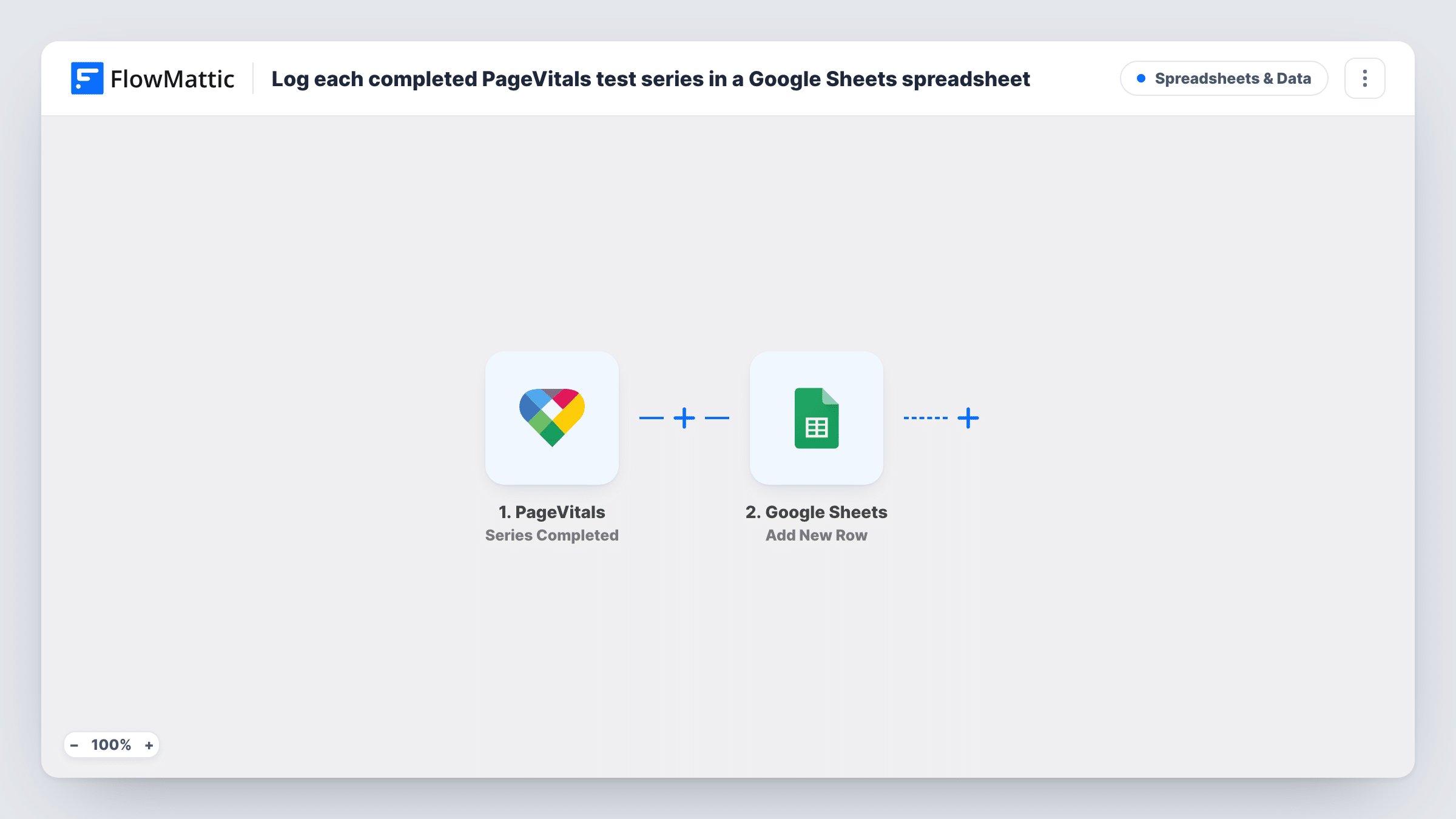
Every time a PageVitals test series completes, this workflow adds a row to a Google Sheets spreadsheet with the results you map, building a running log of your site’s performance tests.
 PageVitals
 Google Sheets
2 steps Setup ~5 min Used on 3.0k sites Free to import
What this workflow does
PageVitals tests your pages and reports on Core Web Vitals, but looking back across many test runs means opening each one. A spreadsheet with one row per series lets you sort, chart and compare results over weeks, or share them with someone who has no PageVitals login. This workflow writes that row for you.
The PageVitals trigger fires when a test series is completed. FlowMattic captures the data PageVitals sends about that series. The Google Sheets step then adds a new row to the spreadsheet and sheet you choose, with each column filled from a field you map.
Every completed series adds exactly one row, and earlier rows are left untouched, so the sheet grows into a history. Which metrics end up in the sheet depends on what PageVitals includes with the event. Run one series after import and look at the captured data before you set up your columns.
Agency reporting to clients
Keep one sheet per client site, then build a monthly chart from the logged series instead of collecting screenshots from PageVitals.
Checking a theme or plugin change
Compare the rows logged before and after a release to see whether a deploy changed your test results.
Sharing performance data with non-technical staff
A marketing or content lead who reads spreadsheets can follow test results without needing access to the PageVitals account.
How this workflow runs
What happens at each step once the workflow is on, and what you need before you import it.
 PageVitals Series Completed
Fires when a test series finishes in PageVitals. The data PageVitals sends about the completed series is captured for the Google Sheets step.
- Google Sheets Add New Row
Writes one row per series to the spreadsheet you select in Google Sheets. Connect your Google account, choose the sheet, and map each column to a field from the PageVitals series.
What you need
- FlowMatticCore
- PageVitals AccountAccount
- Google Sheets AccountAccount
After importing, map your own data. To keep the template universal, not every step is pre-filled. Open each step in the builder and connect your accounts and fields (channels, lists, sheets, recipients) before you switch the workflow on.
Make it yours
Changes worth making after you import it.
- Set up header row titles in the sheet before mapping, for example a date column plus one column per metric, so each captured field has an obvious home.
- Add a Filter between the two steps if you only want certain series logged, such as those for one website, using a field the captured test data shows.
- PageVitals also has a Multistep Completed trigger in FlowMattic. Import a second copy of this workflow with that trigger if you run multistep tests and want them logged too.
Questions about this workflow
Which PageVitals results end up in the Google Sheets row?
Only the fields you map into the columns. What is available depends on the data PageVitals sends when a series completes, so check a captured test run to see the full list.
Does a PageVitals series that ran before import get logged?
No. Rows are added only for series that complete after the workflow is turned on.
Will each completed series overwrite the previous row?
No. Add New Row appends a fresh row each time, so the spreadsheet keeps a record of every series that completes.
Are PageVitals multistep tests included?
Not with this trigger, which fires on completed test series. Use the separate Multistep Completed trigger in another workflow for those.
More Spreadsheets & Data workflows
Other ready-to-import templates from the same category.




Import this workflow into your WordPress site
Download the JSON, import it from the Workflows screen and connect your accounts. Every run stays on your server, with no per-task fees.
30-day money-back guarantee Unlimited workflows and runs Self-hosted