

Log each Popupsmart campaign submission in a Google Sheets spreadsheet
Every time a visitor submits data through a Popupsmart campaign, this workflow adds it as a new row in Google Sheets, so you keep a sortable record of popup sign-ups outside Popupsmart.
 Popupsmart
 Google Sheets
2 steps Setup ~5 min Used on 2.0k sites Free to import
What this workflow does
Popupsmart popups collect emails, phone numbers and answers from site visitors. Reviewing them inside Popupsmart works for one person, but a spreadsheet is easier to share, sort and combine with other data. This workflow copies each submission into Google Sheets as it comes in.
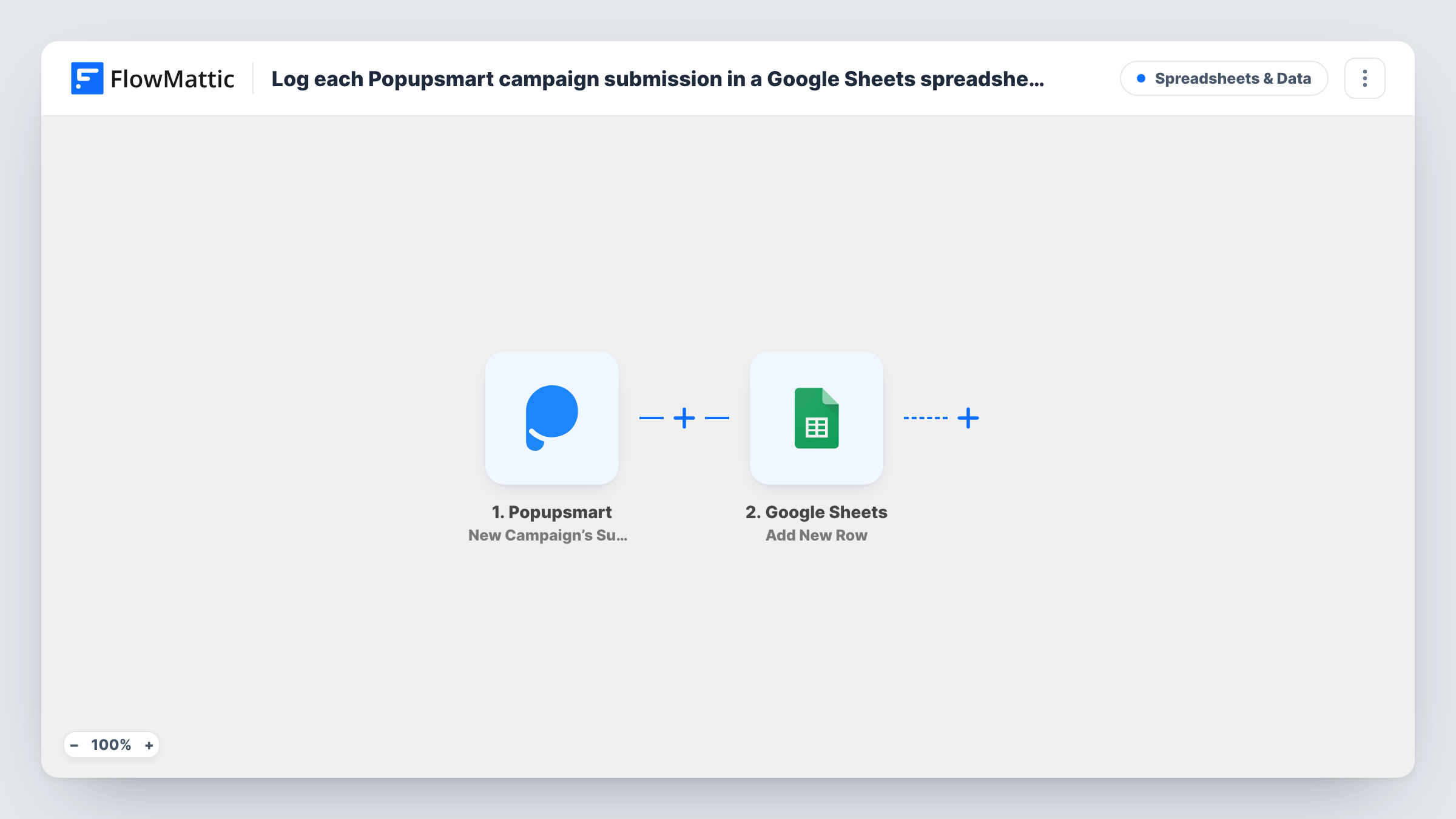
The Popupsmart trigger, New Campaign's Submitted Data, fires when new data is submitted to your campaign. FlowMattic receives the submitted fields and hands them to the Google Sheets step, Add New Row, which appends a row to the spreadsheet you choose. You decide which popup field goes in which column.
Each submission makes one row, and there is no check for repeat visitors, so someone who submits twice appears twice. Nothing is sent back to Popupsmart. Look in Task History to confirm what each run wrote.
Newsletter popup records
A sign-up popup on your blog feeds a Google Sheet that lists every address with the fields you mapped, ready to share with whoever runs the newsletter.
Discount popup for an online store
Shoppers leave their email for a first-order code. The sheet gives the store owner a running list of everyone who claimed the offer.
Lead form for a service business
A popup asks visitors what service they need. Sales reads the requests in a shared sheet and adds a status column as they call each one.
How this workflow runs
What happens at each step once the workflow is on, and what you need before you import it.
 Popupsmart New Campaign’s Submitted Data
Runs each time a visitor sends data through your Popupsmart campaign. The submitted fields become available to map into the spreadsheet.
- Google Sheets Add New Row
Puts the Popupsmart submission into a fresh row of the sheet you select. Match each popup field to a column and connect your Google account when you import.
What you need
- FlowMatticCore
- Popupsmart AccountAccount
- Google Sheets AccountAccount
After importing, map your own data. To keep the template universal, not every step is pre-filled. Open each step in the builder and connect your accounts and fields (channels, lists, sheets, recipients) before you switch the workflow on.
Make it yours
Changes worth making after you import it.
- Create the sheet's header row first, with one column per popup field, so the Google Sheets step lists those columns when you map.
- If you run several Popupsmart campaigns, include a column for the campaign name, if the trigger returns it, so you can tell submissions apart.
- Submit your own popup once after import so FlowMattic captures the fields, then finish the column mapping and turn the workflow on.
Questions about this workflow
Which Popupsmart campaigns does this workflow log?
Each submission the trigger receives starts one run and adds one row. Send a test entry through your popup to see which campaign's data comes through and whether the payload names the campaign.
What happens when a visitor submits the Popupsmart form twice?
Two rows are added. Add New Row doesn't look for an existing row, so remove duplicates in the sheet or with a sheet formula.
Are past Popupsmart submissions added to the sheet?
No. Only data submitted after the workflow is on reaches Google Sheets. Copy older submissions into the sheet yourself if you want one complete list.
Can I send the Popupsmart data to my email tool as well?
Yes. Add a step after Google Sheets for your email app, such as a Mailchimp or FluentCRM action, and map the same submitted fields.
More Spreadsheets & Data workflows
Other ready-to-import templates from the same category.



Import this workflow into your WordPress site
Download the JSON, import it from the Workflows screen and connect your accounts. Every run stays on your server, with no per-task fees.
30-day money-back guarantee Unlimited workflows and runs Self-hosted