

Log every new EmailDelivery.com form submission in Google Sheets
Every time a contact subscribes through an EmailDelivery.com form, FlowMattic adds a row to Google Sheets with the details you map, giving you one running list of sign-ups from popups, slideouts, hellobars and embedded forms.
 EmailDelivery.com
 Google Sheets
2 steps Setup ~5 min Used on 1.3k sites Free to import
What this workflow does
EmailDelivery.com collects subscribers through several kinds of forms, and each sign-up lands in your account. When you want to see them all in one sortable list, share them with someone, or keep your own record, a spreadsheet is the simplest place. This workflow writes one row per sign-up.
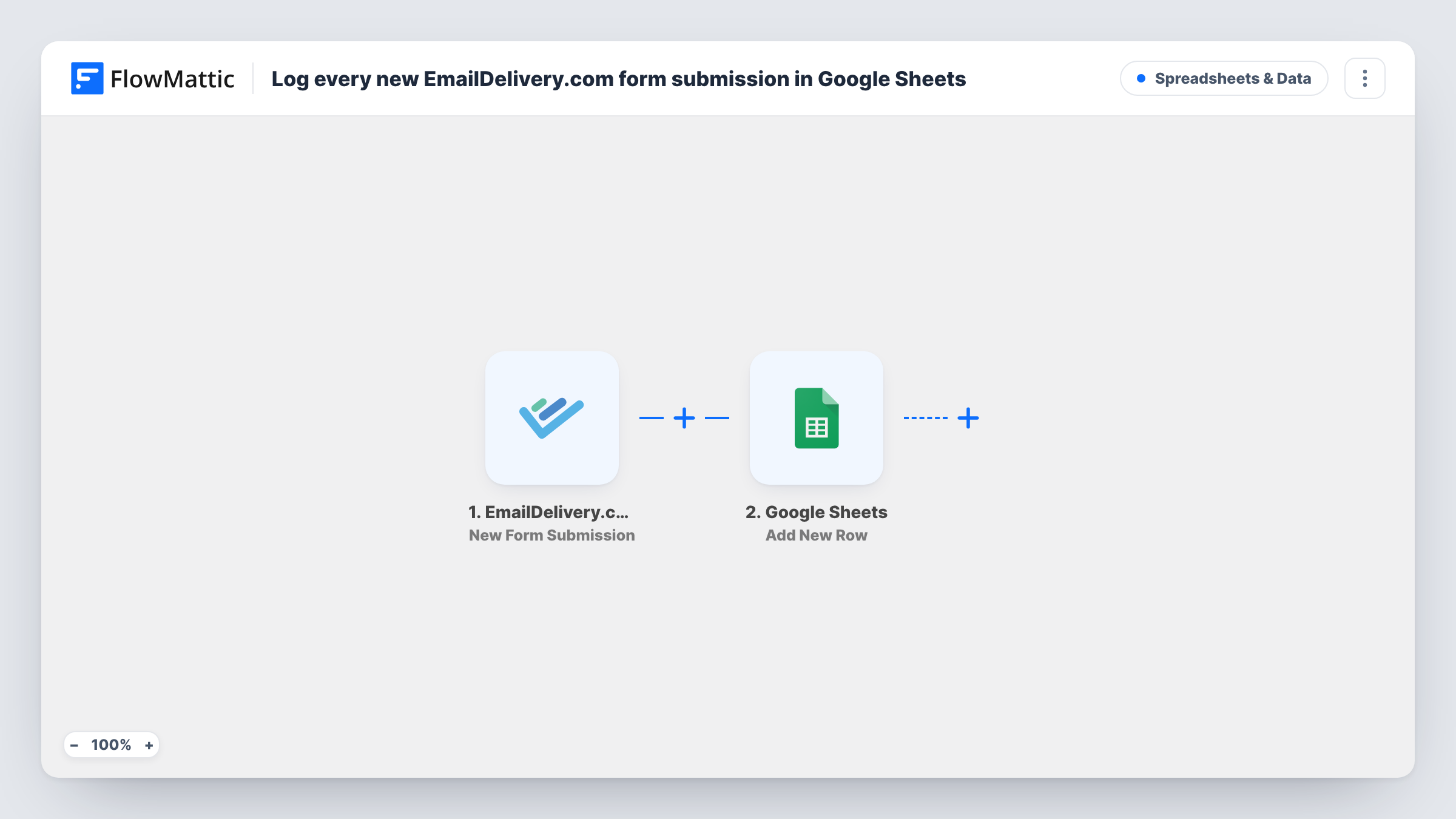
The EmailDelivery.com trigger fires when a contact subscribes through a popup, slideout, hellobar, embedded form or a connected third-party form. FlowMattic passes the submission data to the Google Sheets Add New Row action, and you map each column to a value from the submission.
Nothing here edits a row after it is written. If a contact later unsubscribes or changes details in EmailDelivery.com, the sheet keeps the original entry. The run history in Task History shows the data each submission carried, which helps when you set up your columns.
Comparing popup and embedded sign-ups
If the submission data names the form, give it a column. You can then count how many contacts came from the popup and how many from the footer form.
Sending leads to a sales partner
A partner who has no EmailDelivery.com login reads new sign-ups from a shared Google Sheet and follows up with the ones in their region.
Keeping your own sign-up record
The sheet gives you a list of each subscription, held in your own Google account alongside your email platform. Map a date column if you want to see when each one arrived.
How this workflow runs
What happens at each step once the workflow is on, and what you need before you import it.
 EmailDelivery.com New Form Submission
Fires when a contact subscribes through an EmailDelivery.com popup, slideout, hellobar, embedded form or connected third-party form. Run a test sign-up to see which values come through.
- Google Sheets Add New Row
Writes each EmailDelivery.com sign-up to a new row in the spreadsheet you pick. Connect your Google account, choose the sheet and map each column to a submission value.
What you need
- FlowMatticCore
- EmailDelivery.com AccountAccount
- Google Sheets AccountAccount
After importing, map your own data. To keep the template universal, not every step is pre-filled. Open each step in the builder and connect your accounts and fields (channels, lists, sheets, recipients) before you switch the workflow on.
Make it yours
Changes worth making after you import it.
- Add a header row such as email, name, form and date before mapping, so each submission value has an obvious column to go to.
- To log only one form's sign-ups, add a Filter after the trigger that checks a value identifying the form, once a test run shows you which value that is.
- Pair this with a second workflow on EmailDelivery.com's Contact Unsubscribed trigger that writes to a separate sheet tab, so you can see who left as well as who joined.
Questions about this workflow
Which EmailDelivery.com forms does this cover?
Per the trigger, popups, slideouts, hellobars, embedded forms and connected third-party forms. Any subscription through one of them adds a row.
Will contacts I import into EmailDelivery.com show up in the sheet?
No. The trigger is New Form Submission, so it reacts to people who subscribe through a form, not to contacts you add another way.
Does an unsubscribe remove the row?
No. Unsubscribes aren't part of this trigger, and no step reads or changes rows already in the sheet.
Are older sign-ups copied across?
No. Only form submissions made after you turn the workflow on are logged.
More Spreadsheets & Data workflows
Other ready-to-import templates from the same category.






Import this workflow into your WordPress site
Download the JSON, import it from the Workflows screen and connect your accounts. Every run stays on your server, with no per-task fees.
30-day money-back guarantee Unlimited workflows and runs Self-hosted