

Log every new Explodely sale in a Google Sheets revenue tracker
Every new sale in Explodely is added as a row to your Google Sheets revenue tracker, so you can total, chart and share your sales without exporting reports from Explodely.
 Explodely
 Google Sheets
2 steps Setup ~5 min Used on 2.5k sites Free to import
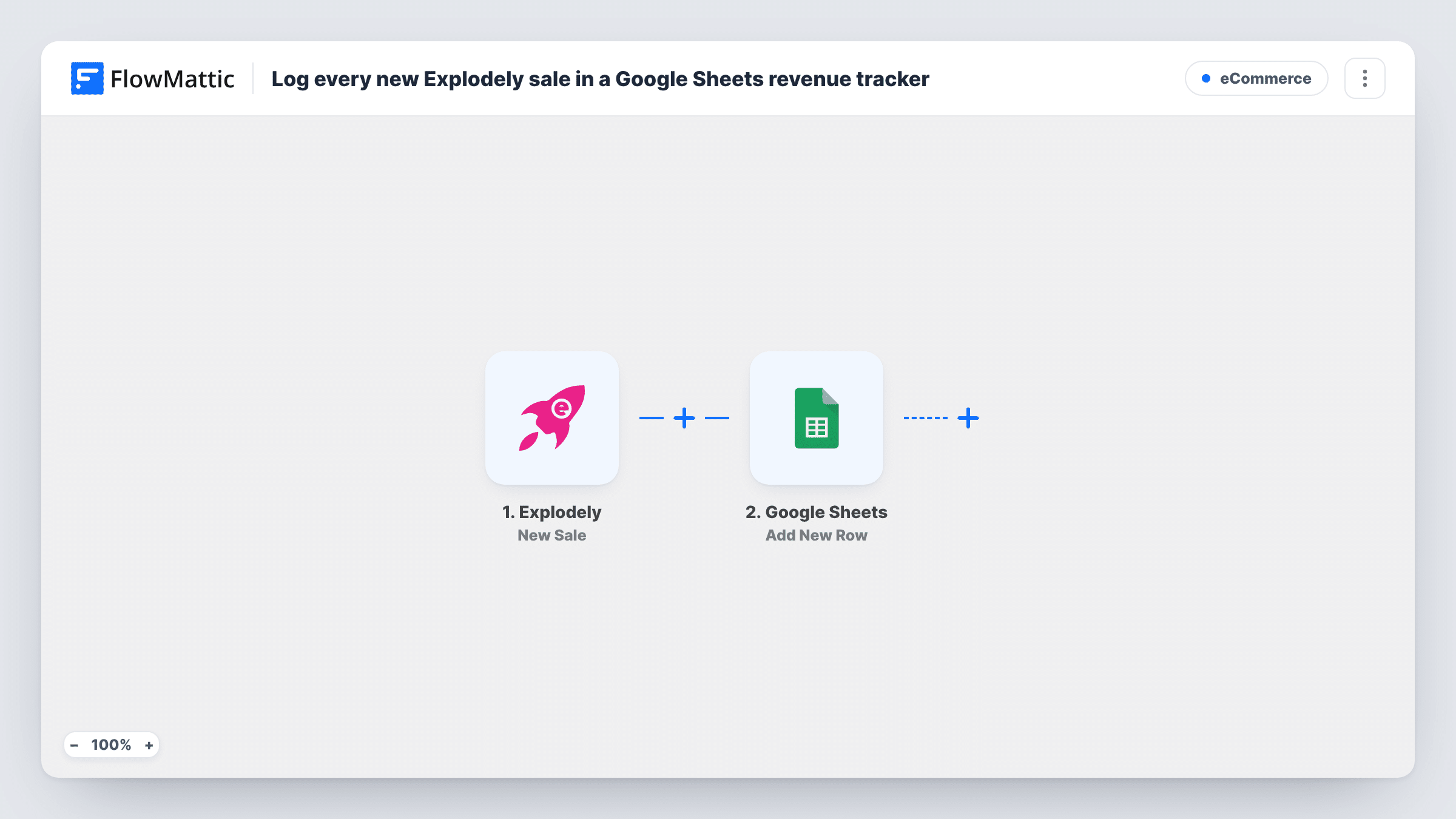
What this workflow does
Sellers who use Explodely often want their numbers somewhere they can work with them: next to ad spend, split by product, or shared with a partner. Exporting reports by hand gets old fast. This workflow adds each new sale to a Google Sheets spreadsheet as it happens.
The Explodely trigger, New Sale, fires when a new sale is generated. The sale's details, such as the product, amount and buyer, become values you can map, depending on what Explodely includes. Refunds and chargebacks have their own Explodely triggers in FlowMattic, which this template doesn't use, so neither changes the sheet.
The Google Sheets step then appends a row to the spreadsheet and sheet you choose, with each sale value in its own column. Add your totals and charts in other columns or tabs, and they update as rows arrive. If a sale seems missing from the tracker, look it up in Task History.
Daily revenue at a glance
A digital product seller keeps a SUM formula on a summary tab that adds up the amount column, so the day's takings are visible without logging in to Explodely.
Splitting revenue with a partner
Co-owners of a course share one spreadsheet, and each sale row shows the product so both can see what each title earned.
Comparing sales to ad spend
A marketer pastes ad costs into another tab and compares them with the sales rows the workflow adds, product by product.
How this workflow runs
What happens at each step once the workflow is on, and what you need before you import it.
 Explodely New Sale
Fires when Explodely generates a new sale on your account. Connect Explodely on import, then make or wait for a sale so FlowMattic captures the values it sends.
- Google Sheets Add New Row
Adds one row per Explodely sale to the Google Sheets tracker you pick. Map the product, amount, buyer and date values from the sale into the columns you set up.
What you need
- FlowMatticCore
- Explodely AccountAccount
- Google Sheets AccountAccount
After importing, map your own data. To keep the template universal, not every step is pre-filled. Open each step in the builder and connect your accounts and fields (channels, lists, sheets, recipients) before you switch the workflow on.
Make it yours
Changes worth making after you import it.
- Keep formulas and charts on a separate tab from the one the workflow writes to, so new rows never land inside your summary cells.
- To track money that goes back out, build a second workflow with Explodely's Refund trigger that adds rows to a Refunds tab, then subtract that tab's total from your sales.
- If you sell several products, add a Filter after the trigger that continues only for the product IDs you want in this tracker, using the field a test sale shows.
Questions about this workflow
Can I log Explodely rebills in their own tab?
Explodely also has a New Rebill trigger in FlowMattic. Duplicate this workflow, switch the copy's trigger to New Rebill and point its Google Sheets step at a Rebills tab. Check Task History after a rebill to see which workflow it started.
Does a refunded Explodely sale disappear from the tracker?
No. The workflow only adds rows for new sales. A refund doesn't change or remove the row, so log refunds separately if your totals need to reflect them.
Which Explodely sale details can I record?
Whatever Explodely sends with the sale. After import, look at a test sale's data in the Google Sheets step, then map the values you want to columns.
Will my past Explodely sales be added?
No. Only sales made after you turn the workflow on are logged. Paste older ones in from an Explodely export if you need a full history.
More E-Commerce workflows
Other ready-to-import templates from the same category.






Import this workflow into your WordPress site
Download the JSON, import it from the Workflows screen and connect your accounts. Every run stays on your server, with no per-task fees.
30-day money-back guarantee Unlimited workflows and runs Self-hosted