

When an abandoned order is detected, send an SMS reminder via Twilio
When a Dukaan shopper starts paying at checkout but the payment fails, this workflow sends them a text through Twilio, so they get a reminder that their order is waiting.
 Dukaan App
 Twilio
2 steps Setup ~5 min Used on 3.2k sites Free to import
What this workflow does
Dukaan counts an order as abandoned when the customer starts the payment on the checkout page and the payment fails. The shopper wanted to buy, but something went wrong at the last step. A short text pointing them back to your store gives them a clear next step.
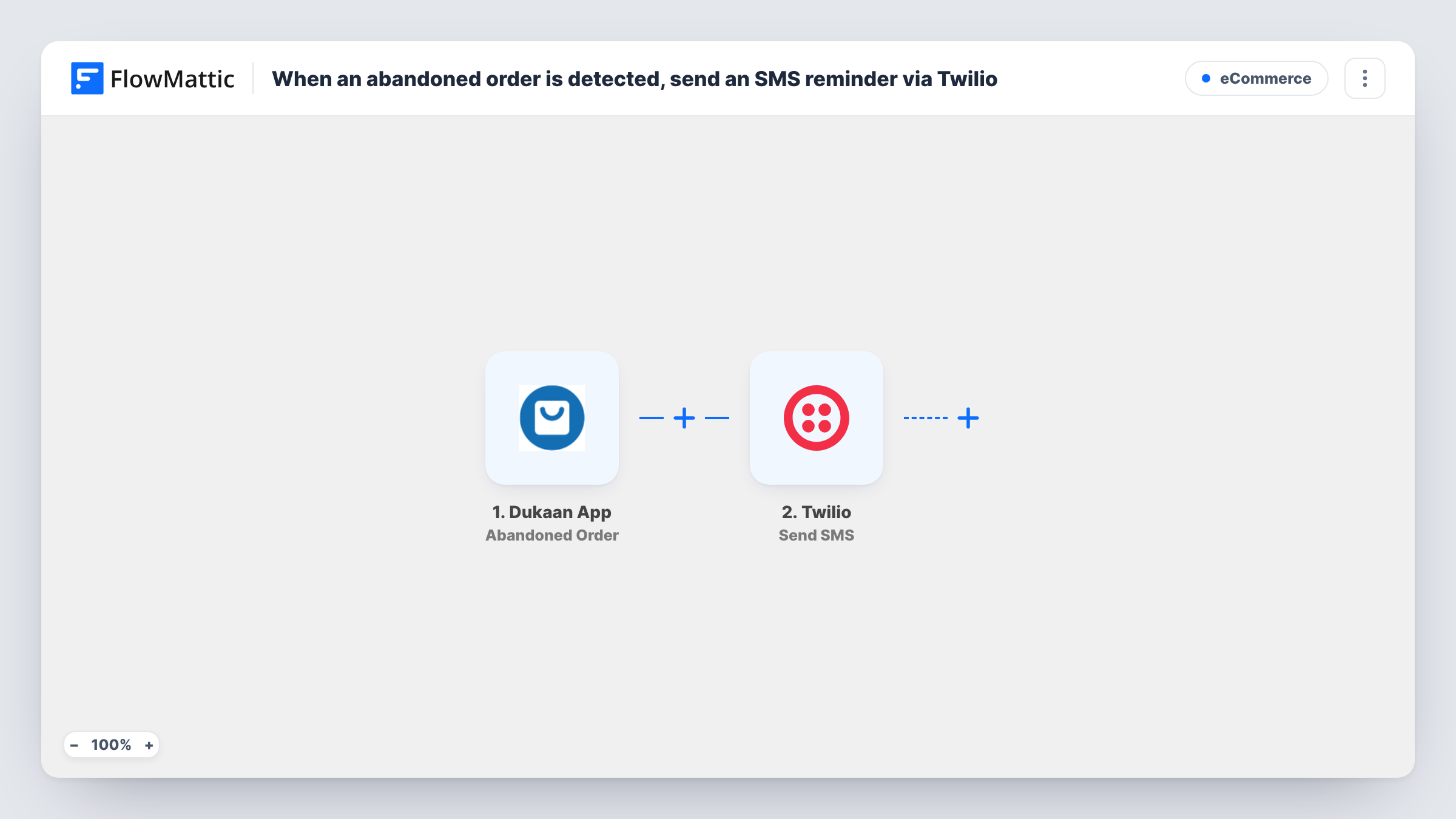
The Dukaan App trigger fires on each abandoned order. FlowMattic receives the order data and hands it to Twilio, whose Send SMS action texts the number you map. You write the reminder yourself and can add values from the order, so the shopper knows which purchase it is about.
A text goes out for every abandoned order event, straight away. Check with a test order that the shopper's phone number comes through in a format Twilio accepts. Task History records each run with the reply from Twilio.
Failed online payments
A shopper's payment fails at checkout, and a text arrives asking them to try again, with a link to your Dukaan store.
Store that talks to customers by text
You already reach customers by SMS, so a text tells them their Dukaan order did not go through in the place they expect to hear from you.
Higher-priced items
For a store selling a few expensive products, each failed payment gets a personal-sounding text with the store's contact number in it.
How this workflow runs
What happens at each step once the workflow is on, and what you need before you import it.
 Dukaan App Abandoned Order
Fires when a Dukaan customer starts the payment on the checkout page and the payment fails. The order's data is passed on for the text message.
- Twilio Send SMS
Texts the shopper from your Twilio number. Map the customer's phone number from the Dukaan order, write the reminder, and add any order values you want them to see.
What you need
- FlowMatticCore
- Dukaan App AccountAccount
- Twilio AccountAccount
After importing, map your own data. To keep the template universal, not every step is pre-filled. Open each step in the builder and connect your accounts and fields (channels, lists, sheets, recipients) before you switch the workflow on.
Make it yours
Changes worth making after you import it.
- Add a Delay before the Twilio step, for example 30 minutes, so the text comes after the shopper has had a moment to retry on their own.
- Add a Filter after the trigger that continues only when the phone value is not empty, so orders without a number do not reach Twilio.
- Place a test order and let the payment fail after import. FlowMattic captures the order data, and you can see which value holds the phone number.
Questions about this workflow
Does the Dukaan shopper get a text if they pay later?
Yes. The text is sent when the abandoned order event arrives, and nothing in the workflow checks for a later payment. A Delay before Twilio does not change that.
Which number does the Twilio reminder come from?
From a phone number in your own Twilio account, which you connect when you set up the Send SMS step.
What happens when the abandoned Dukaan order has no phone number?
Twilio has nowhere to send the text, so the step returns an error that you can see in Task History. The Filter in the tips keeps those orders away from Twilio.
More E-Commerce workflows
Other ready-to-import templates from the same category.







Import this workflow into your WordPress site
Download the JSON, import it from the Workflows screen and connect your accounts. Every run stays on your server, with no per-task fees.
30-day money-back guarantee Unlimited workflows and runs Self-hosted