

Log every new Gripp invoice in a Google Sheets spreadsheet
Every invoice created in Gripp is written to a new row in Google Sheets, giving you a running invoice log you can sort, total and share without exporting from Gripp.
 Gripp
 Google Sheets
2 steps Setup ~5 min Used on 2.1k sites Free to import
What this workflow does
Gripp keeps your agency's invoices, but not everyone who needs to see them works in Gripp. A bookkeeper, a partner or a planning sheet may want the list somewhere simpler. This workflow adds each new Gripp invoice to a Google Sheets spreadsheet as it is created.
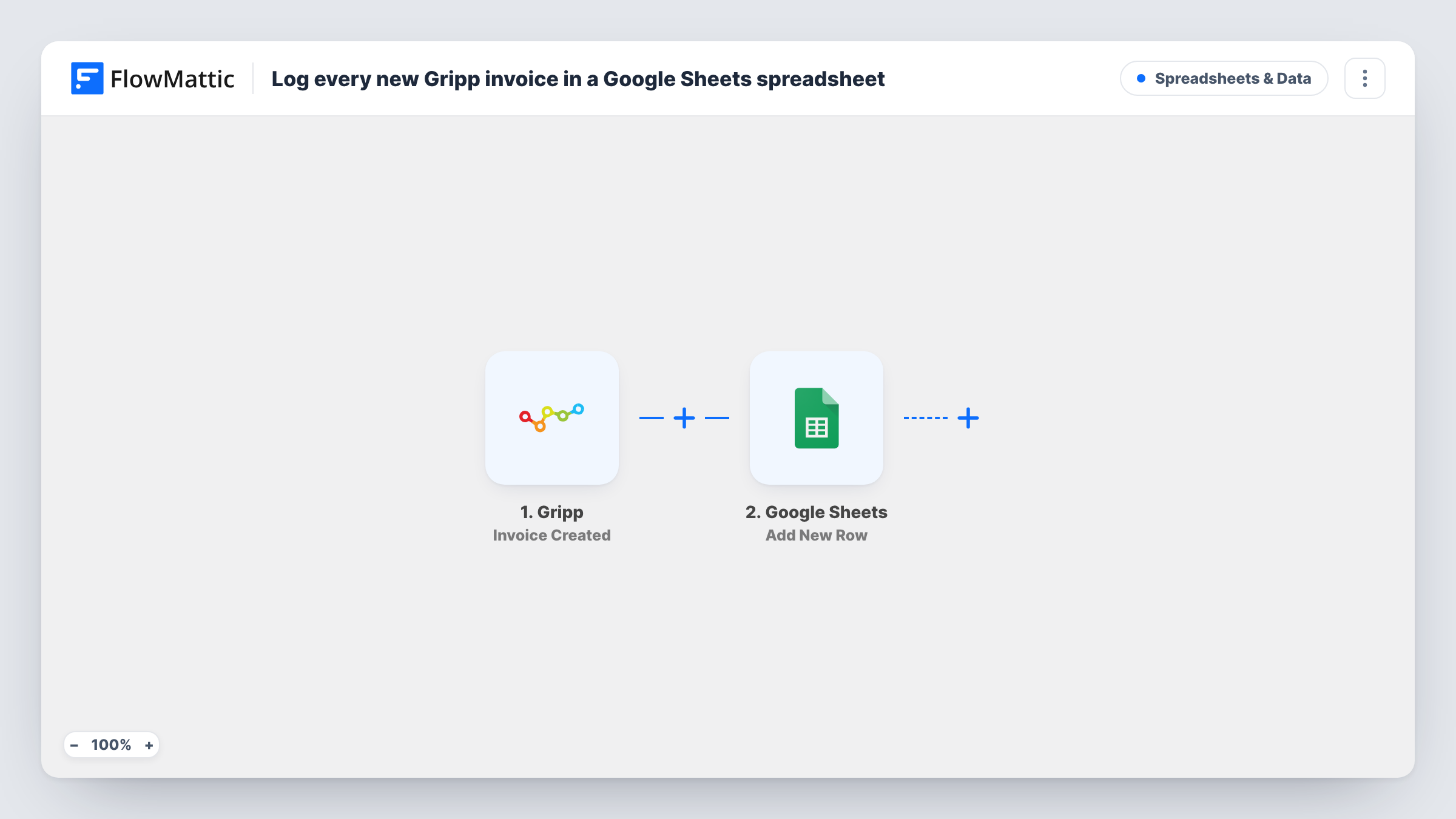
The Gripp trigger runs on Invoice Created. FlowMattic receives the invoice data from Gripp and hands it to the Add New Row action in Google Sheets. You choose which invoice values go into which columns, so the sheet holds the details your reports need.
Each invoice produces one row, and nothing is filtered out. The sheet is a log of what was created, not a live copy: later changes to an invoice in Gripp do not touch its row. Task History records every run, which helps if a row ever looks wrong.
Invoice list for an outside bookkeeper
Share the sheet with your bookkeeper so they see each new Gripp invoice without a Gripp login or a monthly export.
Monthly revenue overview
Add a formula tab in the same spreadsheet that totals the mapped amount column by month, using the rows the workflow adds.
Agency partners tracking billing
Partners who plan from spreadsheets see every new invoice the team creates in Gripp as one more row in their sheet.
How this workflow runs
What happens at each step once the workflow is on, and what you need before you import it.
 Gripp Invoice Created
Runs when an invoice is created in your Gripp account. The invoice data is passed to the Google Sheets step for mapping.
- Google Sheets Add New Row
Writes the new Gripp invoice into the next row of the spreadsheet you select. Map invoice values to the sheet's columns and connect your Google account.
What you need
- FlowMatticCore
- Gripp AccountAccount
- Google Sheets AccountAccount
After importing, map your own data. To keep the template universal, not every step is pre-filled. Open each step in the builder and connect your accounts and fields (channels, lists, sheets, recipients) before you switch the workflow on.
Make it yours
Changes worth making after you import it.
- Create a test invoice in Gripp after import so FlowMattic captures real invoice data, then map it to your columns and check the first row.
- Put headers in the first row of your sheet before you map the step, so each column is easy to pick in the Google Sheets action.
- Add a Filter after the trigger if you only want some invoices logged, for example those for one client. Use a test run to see which value identifies the client.
Questions about this workflow
Does the row update when a Gripp invoice is paid or edited?
No. The trigger fires when an invoice is created, and the step only adds a row. Changes made in Gripp later do not reach the sheet.
Are Gripp invoices from before the import added?
No. Only invoices created after you turn on the workflow get a row. Export older invoices from Gripp if you need them in the same sheet.
Which Gripp invoice details can I put in the sheet?
Any value the Invoice Created trigger returns. Run a test after import and look at the captured data in the Google Sheets step to see what is available.
More Spreadsheets & Data workflows
Other ready-to-import templates from the same category.




Import this workflow into your WordPress site
Download the JSON, import it from the Workflows screen and connect your accounts. Every run stays on your server, with no per-task fees.
30-day money-back guarantee Unlimited workflows and runs Self-hosted