

Log every new Hello Bar subscriber in a Google Sheets spreadsheet
Each time Hello Bar adds a new subscriber to your contact list, this workflow writes a row to a Google Sheets spreadsheet, so you have a sortable, shareable record of every sign-up from your site’s bars and popups.
 Hello Bar
 Google Sheets
2 steps Setup ~5 min Used on 2.3k sites Free to import
What this workflow does
Hello Bar keeps its subscribers inside your Hello Bar account. When a colleague wants to count sign-ups by week, check where a lead came from, or work through the list, a spreadsheet is easier to share than another login. This workflow adds a row to Google Sheets for each new subscriber.
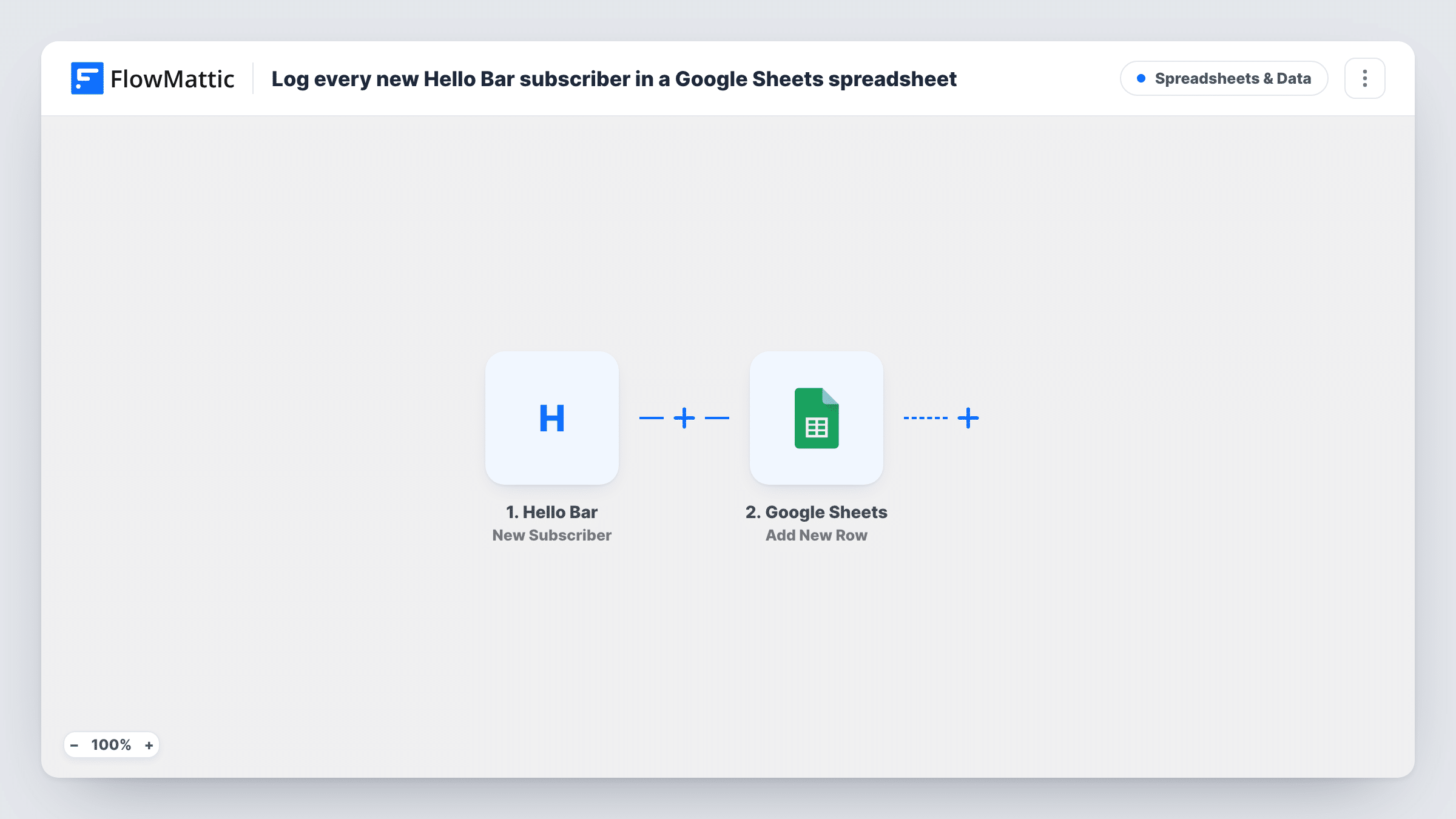
The Hello Bar trigger fires when a new subscriber is added to your contact list. FlowMattic collects the data Hello Bar sends and runs Add New Row in Google Sheets. You choose the spreadsheet and worksheet, and map the email and any other subscriber fields to columns.
Rows are only ever added, one per subscriber event. Nothing checks the sheet first, so any repeat subscriber event Hello Bar sends becomes another row. Task History keeps each run so you can confirm what reached the spreadsheet.
Sign-up counts for a marketing report
A marketer pulls weekly Hello Bar sign-up totals from the sheet with a simple count by date, without exporting from Hello Bar each time.
Backup list outside your email tool
A small business keeps a Google Sheets copy of every Hello Bar subscriber, so the list survives if it ever switches email providers.
Hand-off to a sales assistant
A consultancy collects contact requests through a Hello Bar popup, and an assistant works through the new rows each morning.
How this workflow runs
What happens at each step once the workflow is on, and what you need before you import it.
 Hello Bar New Subscriber
Fires when Hello Bar adds a new subscriber to your contact list. The email and any other fields Hello Bar includes become available for columns.
- Google Sheets Add New Row
Writes a new row to the Google Sheets worksheet you select, with Hello Bar values in the columns you map. Give the sheet a header row before you map, and connect your Google account.
What you need
- FlowMatticCore
- Hello Bar AccountAccount
- Google Sheets AccountAccount
After importing, map your own data. To keep the template universal, not every step is pre-filled. Open each step in the builder and connect your accounts and fields (channels, lists, sheets, recipients) before you switch the workflow on.
Make it yours
Changes worth making after you import it.
- Sign up through one of your Hello Bar campaigns after import, then look in Task History to see the fields Hello Bar sends before you map the sheet's columns.
- If the trigger passes a sign-up date, map it to its own column so you can sort and count Hello Bar subscribers by day.
- If you also email these people from Mailchimp, add Mailchimp's Add New Member step after the sheet step and map the same email address.
Questions about this workflow
Will a repeat Hello Bar sign-up create a second row?
Yes, if Hello Bar reports it as a new subscriber again. The sheet step adds a row every time and doesn't look for an existing one.
Does the sheet get my past Hello Bar subscribers?
No. Only subscribers added after you switch the workflow on are written. Export older ones from Hello Bar and paste them into the sheet if you need them.
Which Hello Bar fields can I put in Google Sheets?
Any field the New Subscriber trigger passes. Check a test sign-up in Task History to see them, then map each to its own column.
Can I share the Hello Bar subscriber sheet with my team?
Yes. It is an ordinary Google Sheets file, so you share it the usual way. The workflow keeps adding rows as long as the connected Google account can edit it.
More Spreadsheets & Data workflows
Other ready-to-import templates from the same category.




Import this workflow into your WordPress site
Download the JSON, import it from the Workflows screen and connect your accounts. Every run stays on your server, with no per-task fees.
30-day money-back guarantee Unlimited workflows and runs Self-hosted