

Log every new MoreApp submission in a Google Sheets spreadsheet
Each time someone submits a MoreApp form, this workflow adds the answers to a new row in a Google Sheets spreadsheet, building a running log of field submissions you can sort, filter and share.
 MoreApp
 Google Sheets
2 steps Setup ~5 min Used on 1.6k sites Free to import
What this workflow does
MoreApp is built for forms filled in on site: inspections, checklists, delivery notes, work orders. The answers live in MoreApp, but office staff often want them in a spreadsheet they already know. Exporting by hand each day gets old fast. This workflow writes every submission to a sheet as it arrives.
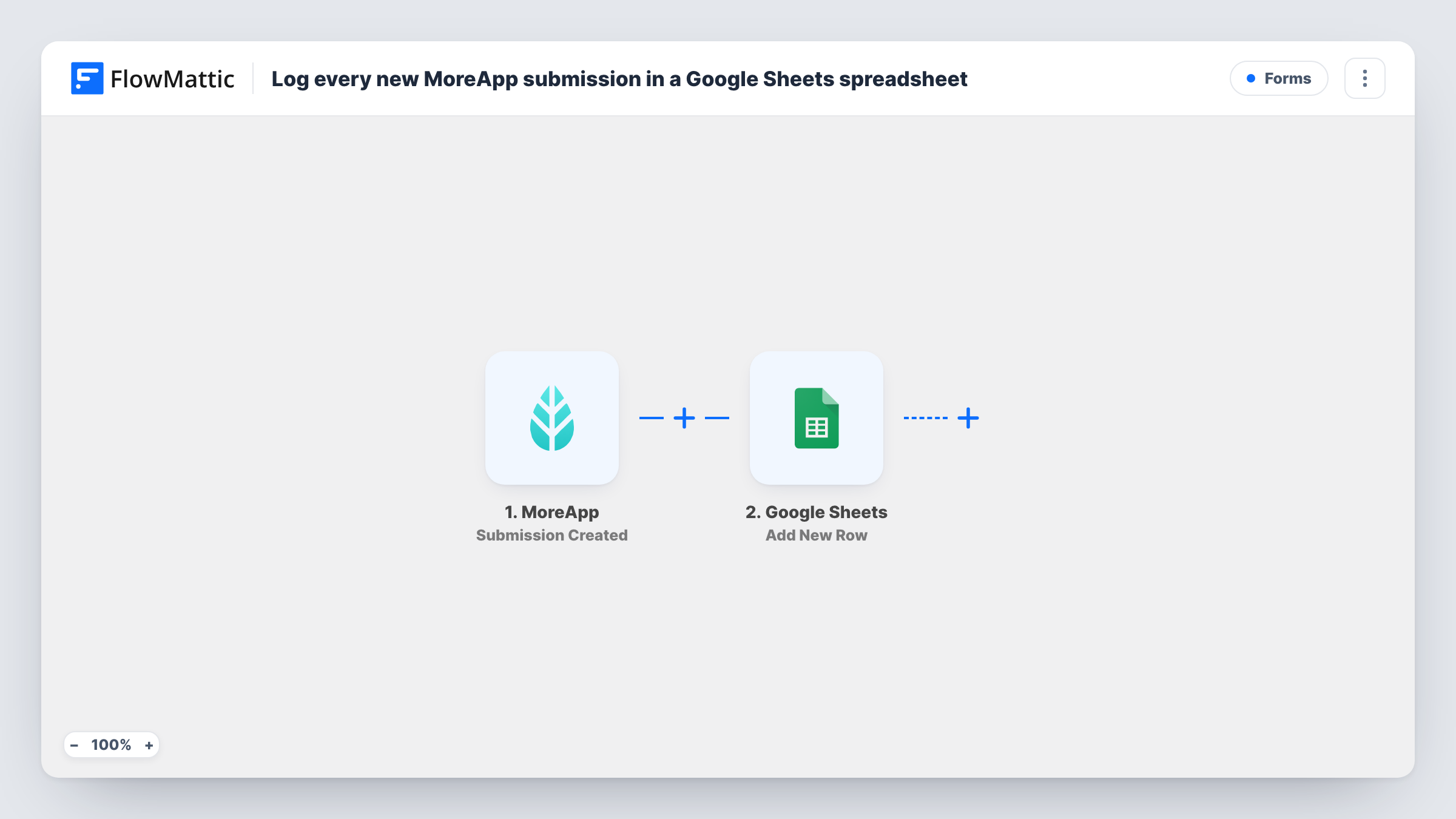
The MoreApp trigger, Submission Created, fires when an end-user submits a form. FlowMattic receives the submitted fields and passes them on. The Google Sheets step then adds one new row to the spreadsheet and tab you pick, with each column mapped to a form answer.
Nothing in the flow filters or merges entries, so every submission produces its own row in the order they come in. The submission itself stays in MoreApp as before. Task History in FlowMattic records each run, so you can check what data arrived and what was written.
Site inspection log
Inspectors complete a MoreApp checklist at each property. The office sees every inspection as a new sheet row, ready to sort by date or address.
Delivery confirmations
Drivers fill in a MoreApp delivery form on handover. Each confirmation lands in a shared sheet the customer service team checks when a client calls.
Maintenance work orders
Technicians record finished jobs in MoreApp, and the sheet becomes the list your billing person works through at the end of the week.
How this workflow runs
What happens at each step once the workflow is on, and what you need before you import it.
 MoreApp Submission Created
Fires when an end-user submits a MoreApp form. The submitted answers come into FlowMattic and are available to map in the Google Sheets step.
- Google Sheets Add New Row
Writes one row per submission into the spreadsheet and tab you select. Connect your Google account, then map each column to a MoreApp answer, such as the date, location or inspector name.
What you need
- FlowMatticCore
- MoreApp AccountAccount
- Google Sheets AccountAccount
After importing, map your own data. To keep the template universal, not every step is pre-filled. Open each step in the builder and connect your accounts and fields (channels, lists, sheets, recipients) before you switch the workflow on.
Make it yours
Changes worth making after you import it.
- Add a header row to the sheet before you map the step, so each column has a clear name to match against a MoreApp field.
- Submit one test form in MoreApp after import. FlowMattic then captures the real field names, which makes mapping the columns much easier.
- If you only want one form in the sheet, check a test run for a value that identifies the form, then add a Filter after the trigger that continues only when it matches.
Questions about this workflow
Does every MoreApp form send rows to this sheet?
As imported, yes. The trigger fires on any submission it receives. If the submission data identifies the form, a Filter on that value limits the log to one form.
Will MoreApp submissions made before import be added?
No. Only submissions created after the workflow is turned on reach the sheet. Older ones stay in MoreApp.
Are photos or signatures from MoreApp copied into the sheet?
The step writes whatever values you map. Check a test submission in Task History to see how MoreApp sends photo or signature fields before you map them to a column.
Does this remove the submission from MoreApp?
No. The workflow only reads the submission and writes a copy to Google Sheets. The original stays in your MoreApp account.
More Forms workflows
Other ready-to-import templates from the same category.






Import this workflow into your WordPress site
Download the JSON, import it from the Workflows screen and connect your accounts. Every run stays on your server, with no per-task fees.
30-day money-back guarantee Unlimited workflows and runs Self-hosted