

Log every new Olx lead in a Google Sheets spreadsheet
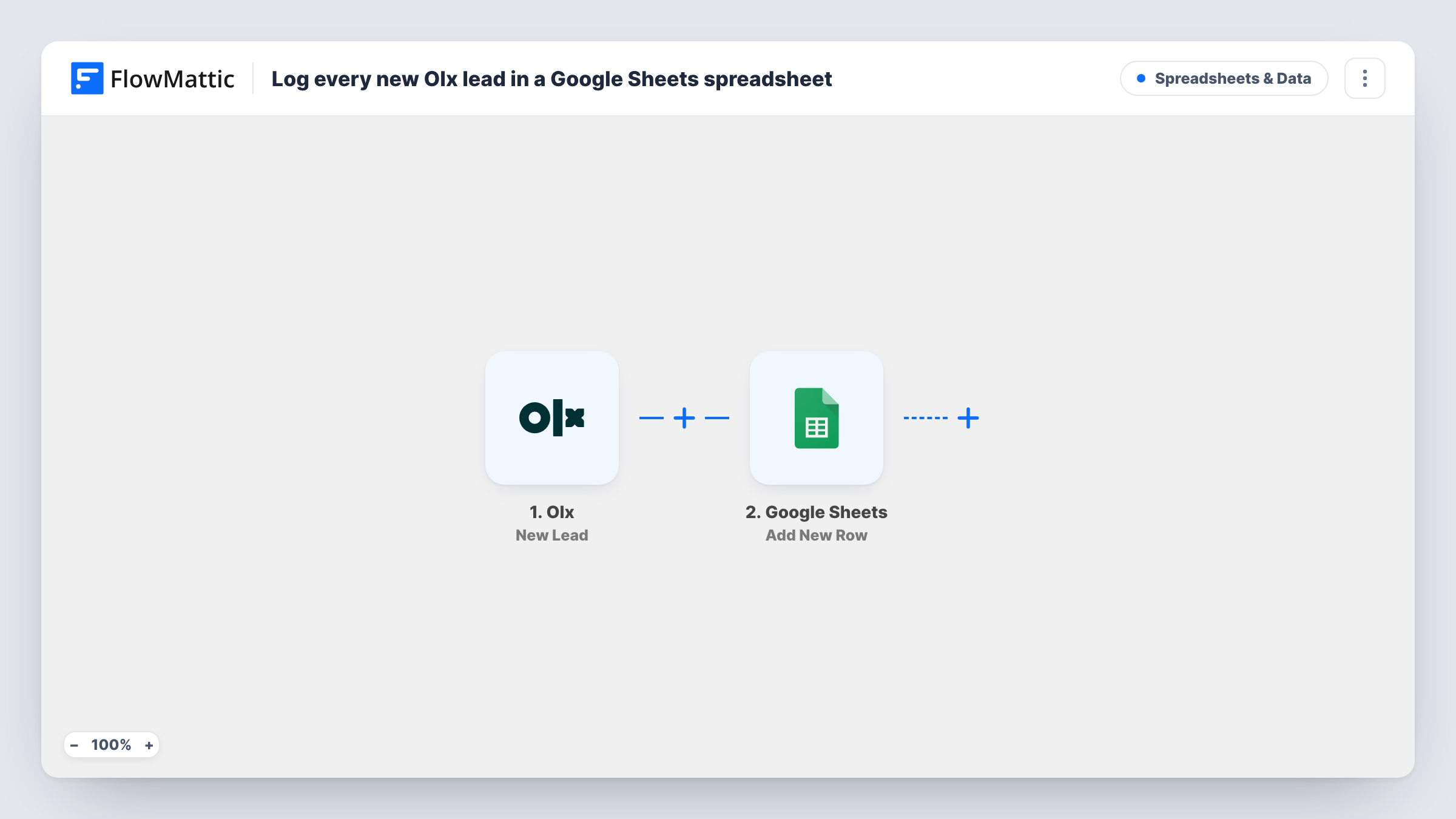
Whenever OLX creates a new lead for your listings, this workflow adds it as a row in Google Sheets, so every enquiry from buyers is kept in one spreadsheet your team can work down.
 Olx
Olx
 Google Sheets
2 steps Setup ~5 min Used on 1.0k sites Free to import
What this workflow does
Buyer enquiries on OLX arrive one at a time, and when you have many listings they are easy to lose track of. Answering from the app works for one seller, but a team needs a shared list showing which leads exist and who is following them up. A spreadsheet is the simplest shared list there is.
The Olx trigger fires when a new lead is created in OLX. FlowMattic receives the lead's details and passes them to Google Sheets, which adds a single row to the spreadsheet and tab you select. You choose which lead values go into which column when you map the step.
Every new lead adds its own row, with no Filter or duplicate check in between. Columns you add yourself, such as an owner or a status, are yours to fill in by hand, since the workflow only writes new rows and never edits earlier ones. Each run is listed in Task History, which helps if a lead you expected is missing from the sheet.
Car dealer with many OLX listings
Each enquiry about a vehicle lands as a row. Sales staff put their name in an owner column and work through the leads without stepping on each other.
Property agent tracking enquiries
Leads for flats and plots listed on OLX build up in one sheet, which the agent sorts by listing at the end of the day to plan callbacks.
Weekly lead count for a small shop
A furniture reseller counts the rows each week to see how many enquiries its OLX listings drew, without exporting anything from OLX.
How this workflow runs
What happens at each step once the workflow is on, and what you need before you import it.
 Olx New Lead
Fires when a new lead is created in OLX for your account. Its details are handed to the Google Sheets step; wait for or create a test lead after import so the values are captured for mapping.
- Google Sheets Add New Row
Places the OLX lead in a new row of the spreadsheet you pick. Connect your Google account, choose the sheet, and map each lead value to the matching column header.
What you need
- FlowMatticCore
- Olx AccountAccount
- Google Sheets AccountAccount
After importing, map your own data. To keep the template universal, not every step is pre-filled. Open each step in the builder and connect your accounts and fields (channels, lists, sheets, recipients) before you switch the workflow on.
Make it yours
Changes worth making after you import it.
- Add empty columns such as Owner and Status to the right of the mapped ones. The workflow leaves them blank, so your team can fill them in while following up.
- Add a Slack or email step after the Google Sheets step if someone should hear about each OLX lead as well as see it in the sheet.
- If you only want leads for certain listings in this sheet, put a Filter after the trigger that checks a listing value from the lead data.
Questions about this workflow
What OLX lead details can go in the spreadsheet?
Whatever OLX sends with the new lead. After a test lead is captured, open the Google Sheets step to see the values and map them to columns.
Does the workflow update a row when the OLX conversation continues?
No. The trigger fires for new leads only and the step adds rows. Later messages on the same lead don't change the sheet.
Will my older OLX enquiries show up in the sheet?
No. Rows are added for leads created after you turn the workflow on. Earlier enquiries stay in OLX.
Can my team edit the Google Sheet while the workflow is running?
Yes. It is a normal spreadsheet. Keep the header row in place so new rows land under the right columns.
More Spreadsheets & Data workflows
Other ready-to-import templates from the same category.





Import this workflow into your WordPress site
Download the JSON, import it from the Workflows screen and connect your accounts. Every run stays on your server, with no per-task fees.
30-day money-back guarantee Unlimited workflows and runs Self-hosted