

When new form submission is received in Divi Form, check if a field contains a word using Filters, and add the data to Google Spreadsheet
Each Divi form submission is checked by a Filter for a word in a field you choose, and entries that contain it are added as a new row in Google Sheets. You set the field and word after import.
 Divi Forms
 Filter
 Google Sheets
3 steps Setup ~5 min Used on 2.6k sites Free to import
What this workflow does
A single Divi contact form can collect very different messages, and the person working from a spreadsheet may only care about one kind. This workflow keeps that sheet focused: it looks for a word in one of the form's fields and only adds the entry when the word is there.
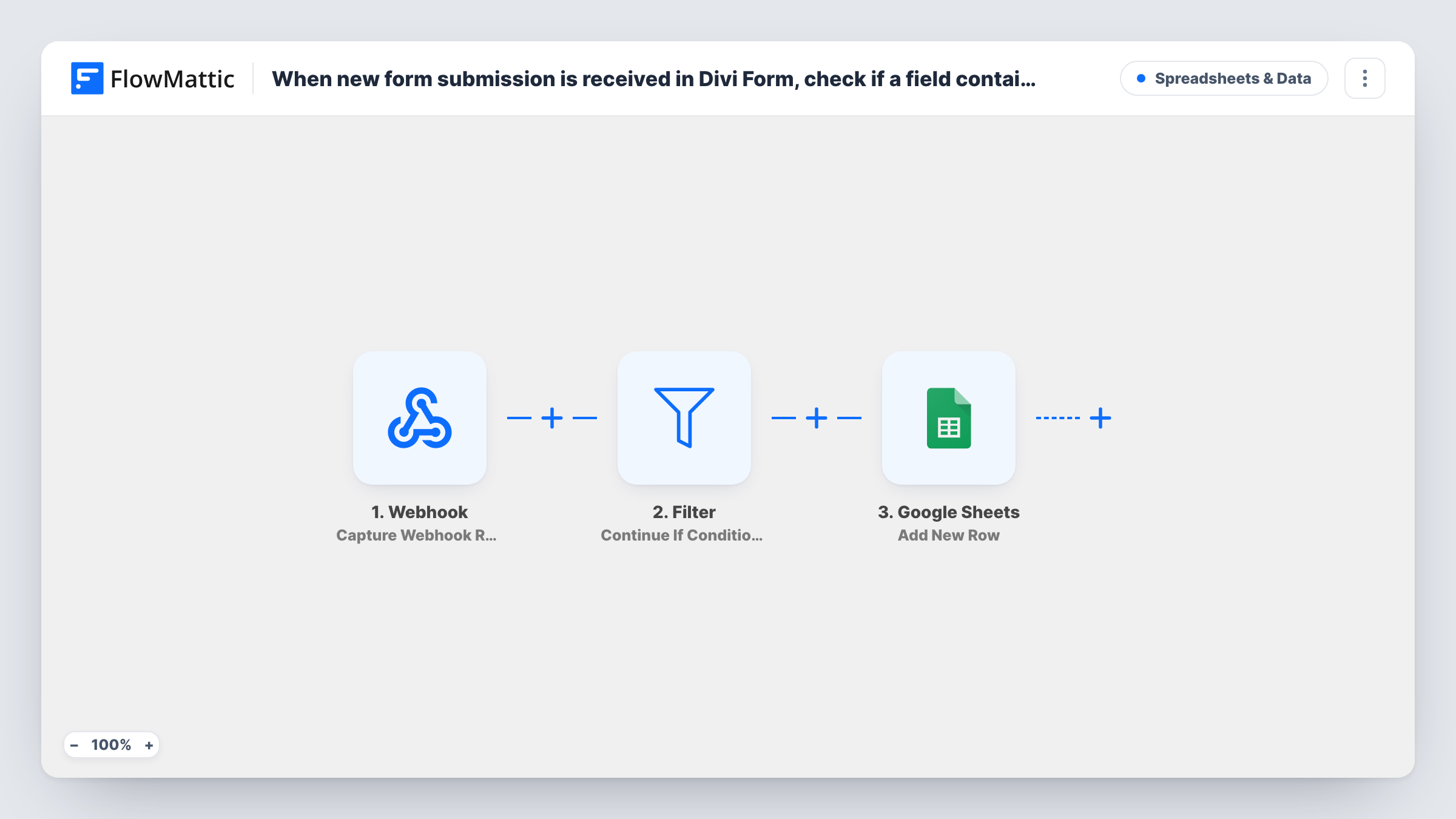
The Divi Forms trigger starts a run when a visitor submits a form built with Divi. All of the submitted fields are passed to a Filter step, which continues only when its conditions are met. The template ships the Filter with no condition at all. An empty Filter matches nothing, so as imported every run stops there and no rows are added until you set it up.
After import, add a condition that picks the field, uses the contains check and enters your word, for example the message field containing "invoice". The check ignores upper and lower case, and it matches the word inside longer words too. Entries that pass go to Google Sheets, where the Add New Row step writes the fields you map to the sheet you choose.
Test with one entry that contains the word and one that doesn't, then compare the two runs in Task History.
Billing questions for the accounts team
A web agency's Divi contact form gets all sorts of messages. Only those whose message mentions invoice reach the sheet the accounts assistant works through.
Collecting partnership enquiries
A blogger keeps a sheet of brand enquiries by letting through submissions whose subject field contains the word sponsor.
Spotting urgent support requests
A small software studio adds a row only when the message contains urgent, giving the on-call developer a short list to check first.
How this workflow runs
What happens at each step once the workflow is on, and what you need before you import it.
 Divi Forms New Form Submission
Runs when a visitor submits a Divi form on your site. Each field in the submission is available to the Filter and to the Google Sheets step.
- Filter Continue If Condition Meet
Lets a submission through to Google Sheets only when it passes your conditions. It ships with none, which stops every run here, so after import set the field you want to check, the contains condition and your word.
- Google Sheets Add New Row
Adds one row to the spreadsheet you pick for each submission that passes the Filter. Connect Google Sheets and map the Divi fields to your column headers.
What you need
- FlowMatticCore
- Divi Forms PluginPlugin
- Google Sheets AccountAccount
After importing, map your own data. To keep the template universal, not every step is pre-filled. Open each step in the builder and connect your accounts and fields (channels, lists, sheets, recipients) before you switch the workflow on.
Make it yours
Changes worth making after you import it.
- The field and word in the Filter are yours to choose. Pick a field every visitor fills in, such as the message, so entries aren't missed because a field was left blank.
- Add a second condition with an OR group in the same Filter if more than one word should let an entry through, such as invoice or receipt.
- Choose a word that doesn't appear inside common longer words, since contains also matches part of a word.
Questions about this workflow
Why are no Divi entries reaching Google Sheets after I import this?
The Filter ships empty, and a Filter with no conditions stops every run. Add your field, the contains condition and the word, then submit a test entry.
Does the word check in the Filter care about capital letters?
No. Filter text checks ignore case, so "Invoice" and "invoice" both match. Contains also matches the word inside a longer one.
What happens to Divi submissions that don't contain the word?
Those runs end at the Filter step, so the sheet never sees them. You can still see each of those runs in Task History.
Can I check several Divi form fields at once?
Yes. Add more conditions to the existing Filter, the one between the Divi trigger and the Google Sheets step, joined with AND when all must match or in OR groups when any one is enough.
More Spreadsheets & Data workflows
Other ready-to-import templates from the same category.





Import this workflow into your WordPress site
Download the JSON, import it from the Workflows screen and connect your accounts. Every run stays on your server, with no per-task fees.
30-day money-back guarantee Unlimited workflows and runs Self-hosted