

Log every RevenueHero meeting booked in a Google Sheets spreadsheet
Each meeting booked through RevenueHero is added as a row in a Google Sheets spreadsheet, giving your sales team a shareable list of booked meetings to count, sort and report on.
 RevenueHero
 Google Sheets
2 steps Setup ~5 min Used on 1.6k sites Free to import
What this workflow does
RevenueHero books meetings with prospects straight from your forms. To report on those meetings alongside your own numbers, or to share them with someone outside the sales tool, a spreadsheet is the easiest format. This workflow adds a row for each booking.
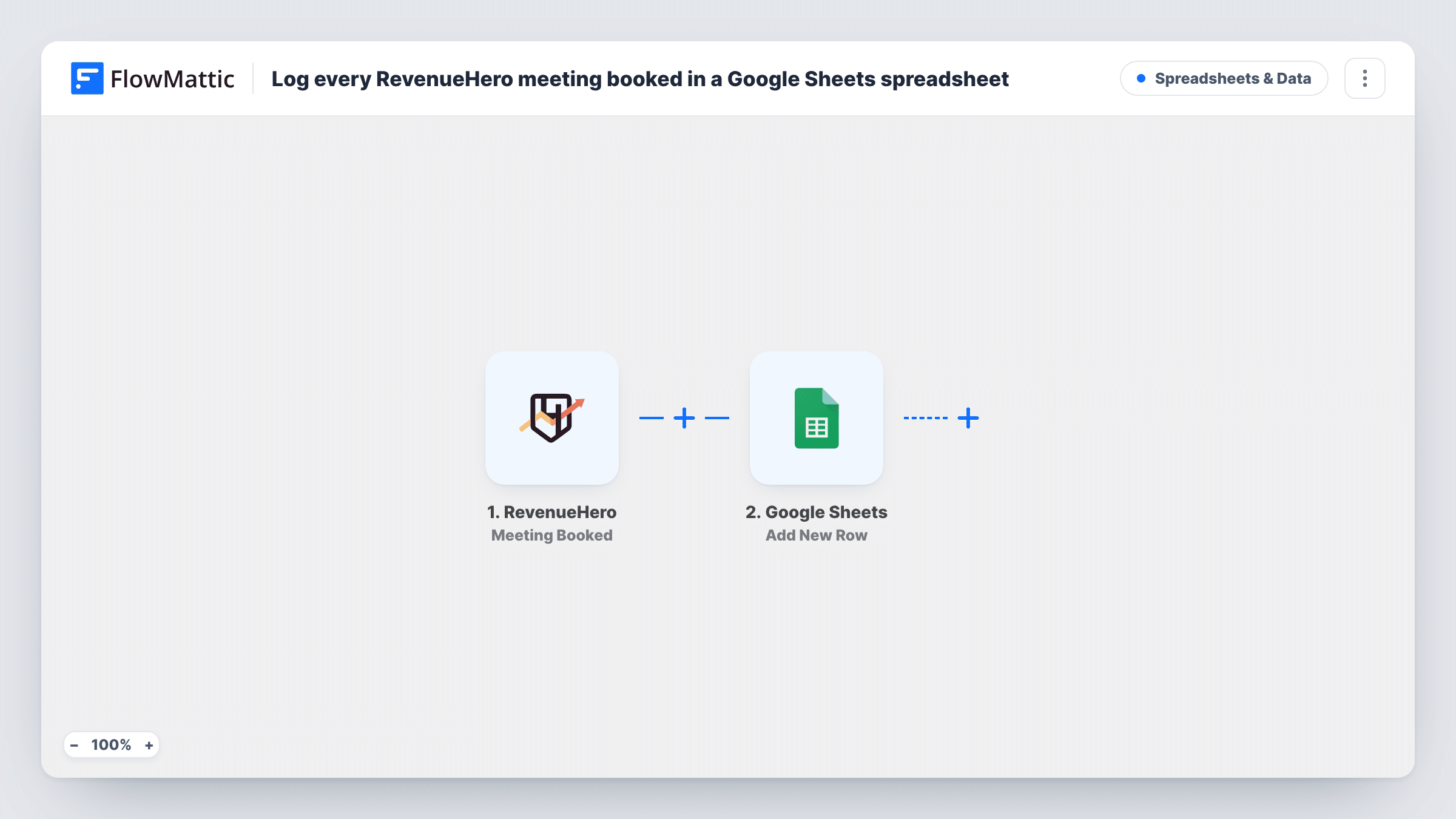
The RevenueHero trigger fires when a meeting is booked. FlowMattic passes the meeting and prospect details to Google Sheets, and Add New Row writes them to the sheet and tab you pick, one column per detail you map.
Every booked meeting gives one row. RevenueHero's other events, such as a cancellation, a reschedule or a no-show, have their own triggers and are not part of this template, so the rows record bookings as they were made. Every booked-meeting run is listed in Task History.
Weekly pipeline report
Sales ops builds a chart from the sheet showing how many meetings were booked each week and by which rep.
Sharing results with marketing
Marketing reads the sheet to see which campaigns or form sources produced booked meetings, without a RevenueHero login.
Commission tracking for SDRs
Each booked meeting is a row your team lead checks when working out monthly targets.
How this workflow runs
What happens at each step once the workflow is on, and what you need before you import it.
 RevenueHero Meeting Booked
Runs when a meeting is booked through RevenueHero. The meeting and prospect details are available to fill the spreadsheet columns.
- Google Sheets Add New Row
Logs the booked RevenueHero meeting as one more line in your chosen Google Sheets tab. Connect Google, pick the spreadsheet, and map each column to a meeting or prospect detail.
What you need
- FlowMatticCore
- RevenueHero AccountAccount
- Google Sheets AccountAccount
After importing, map your own data. To keep the template universal, not every step is pre-filled. Open each step in the builder and connect your accounts and fields (channels, lists, sheets, recipients) before you switch the workflow on.
Make it yours
Changes worth making after you import it.
- Copy the workflow with the Meeting Canceled or Meeting Marked as No Show trigger, writing to a second tab, so cancellations and no-shows are counted too.
- Book a test meeting after import to see which details RevenueHero sends before mapping the columns.
- Freeze the header row in the sheet so column names stay visible as the log grows.
Questions about this workflow
Are cancelled RevenueHero meetings removed from the sheet?
No. The workflow only adds rows for Meeting Booked. A cancellation is a different trigger, so the row stays.
Which RevenueHero details can I put in the sheet?
Whatever the Meeting Booked event sends. Run a test booking and the available details appear for mapping in the Google Sheets step.
Does a rescheduled RevenueHero meeting add another row?
Not through this trigger. Rescheduling is its own RevenueHero event, which this template doesn't listen to.
More Spreadsheets & Data workflows
Other ready-to-import templates from the same category.



Import this workflow into your WordPress site
Download the JSON, import it from the Workflows screen and connect your accounts. Every run stays on your server, with no per-task fees.
30-day money-back guarantee Unlimited workflows and runs Self-hosted