

When a student enrolls in a PETE course, add their details to Google Sheets
When a student enrolls in a free or paid PETE course, this workflow adds their details to a new Google Sheets row, giving you a running enrollment list you can share without a PETE login.
 PETE
 Google Sheets
2 steps Setup ~5 min Used on 2.8k sites Free to import
What this workflow does
Course creators often want enrollment numbers somewhere other than the course platform: a sheet to share with a co-host, to reconcile with payments, or to plan a cohort. This workflow keeps that sheet for you by adding a row each time someone enrolls in a PETE course.
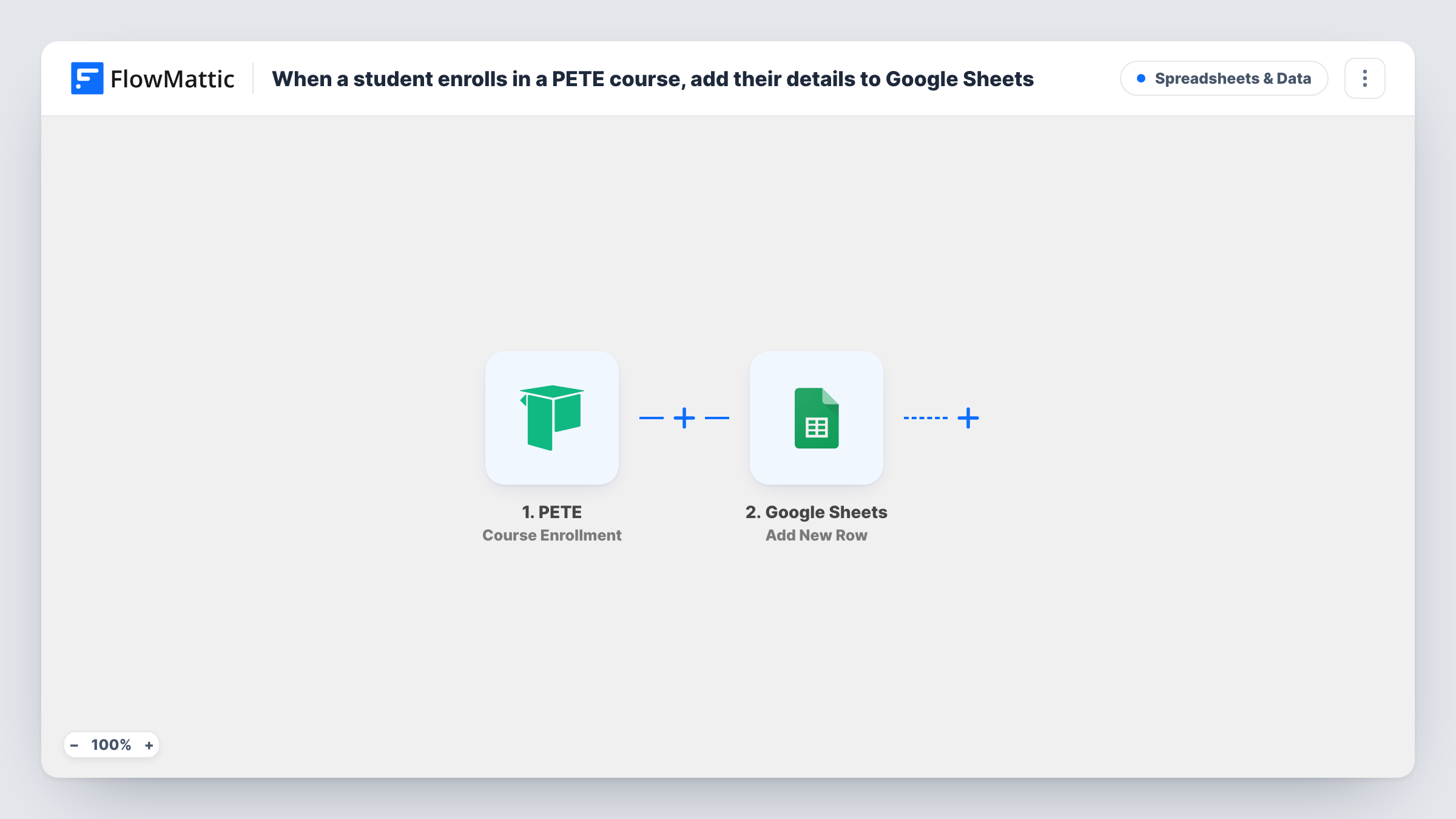
The PETE trigger is Course Enrollment, which fires when a student enrolls in a free or paid course in your school. The student and course details become values you can map. The Google Sheets step runs Add New Row and writes them to the spreadsheet you choose.
There is no Filter, so enrollments in every course land in the same sheet, one row per enrollment. A student who joins two courses appears twice, once for each. PETE keeps the enrollment as normal; the workflow only copies details out. Task History shows each run with what PETE sent and whether Google accepted the row.
Cohort planning
A coach running a live cohort watches the enrollment sheet fill up and closes the cohort once it holds enough students.
Sharing numbers with a co-instructor
Two instructors split a PETE course. The shared sheet shows both of them every enrollment without giving the partner admin access.
Free course lead list
A free PETE mini-course works as a lead magnet, and the sheet becomes the list your sales team works from for upsell calls.
How this workflow runs
What happens at each step once the workflow is on, and what you need before you import it.
 PETE Course Enrollment
Fires when a student enrolls in a free or paid course in your PETE school. Connect PETE; the student and course details become data for the sheet.
- Google Sheets Add New Row
Adds a row for the enrollment to the Google Sheets spreadsheet you choose. Connect Google, select the sheet and map each column to a PETE value you see in a test enrollment.
What you need
- FlowMatticCore
- PETE AccountAccount
- Google Sheets AccountAccount
After importing, map your own data. To keep the template universal, not every step is pre-filled. Open each step in the builder and connect your accounts and fields (channels, lists, sheets, recipients) before you switch the workflow on.
Make it yours
Changes worth making after you import it.
- Want a separate sheet per course? Add a Router with a route for each course name and an Add New Row step on each route, pointing at different sheets.
- Add a Filter after the trigger if you only want paid or only free enrollments, using a value that separates them in a test run.
- Freeze the header row in Google Sheets so student names and courses stay readable as the PETE enrollment list grows.
Questions about this workflow
Does this track enrollments in every PETE course?
Yes. The trigger fires for enrollments in any free or paid course, and nothing in the template narrows it. Add a Filter to limit it to certain courses.
What if a student enrolls in two PETE courses?
Each enrollment is its own event, so the student gets one row per course. You can tell them apart by the course column you map.
Will existing PETE students be added?
No. Only enrollments made after you turn the workflow on reach the sheet. Earlier students need to be exported from PETE.
More Spreadsheets & Data workflows
Other ready-to-import templates from the same category.




Import this workflow into your WordPress site
Download the JSON, import it from the Workflows screen and connect your accounts. Every run stays on your server, with no per-task fees.
30-day money-back guarantee Unlimited workflows and runs Self-hosted