

Log LoneScale workflow results in a Google Sheets spreadsheet
Each time a LoneScale workflow captures results, this workflow writes them to a new Google Sheets row, giving your team a running record of buyer-intent signals to sort, share and work through.
 LoneScale
 Google Sheets
2 steps Setup ~5 min Used on 914 sites Free to import
What this workflow does
LoneScale watches for buying signals and runs workflows that produce results about accounts and people. Those results are most useful where your team already plans its outreach, and for many teams that is a shared spreadsheet. Copying results out by hand means delays and missed rows. This workflow sends each result to Google Sheets as LoneScale captures it.
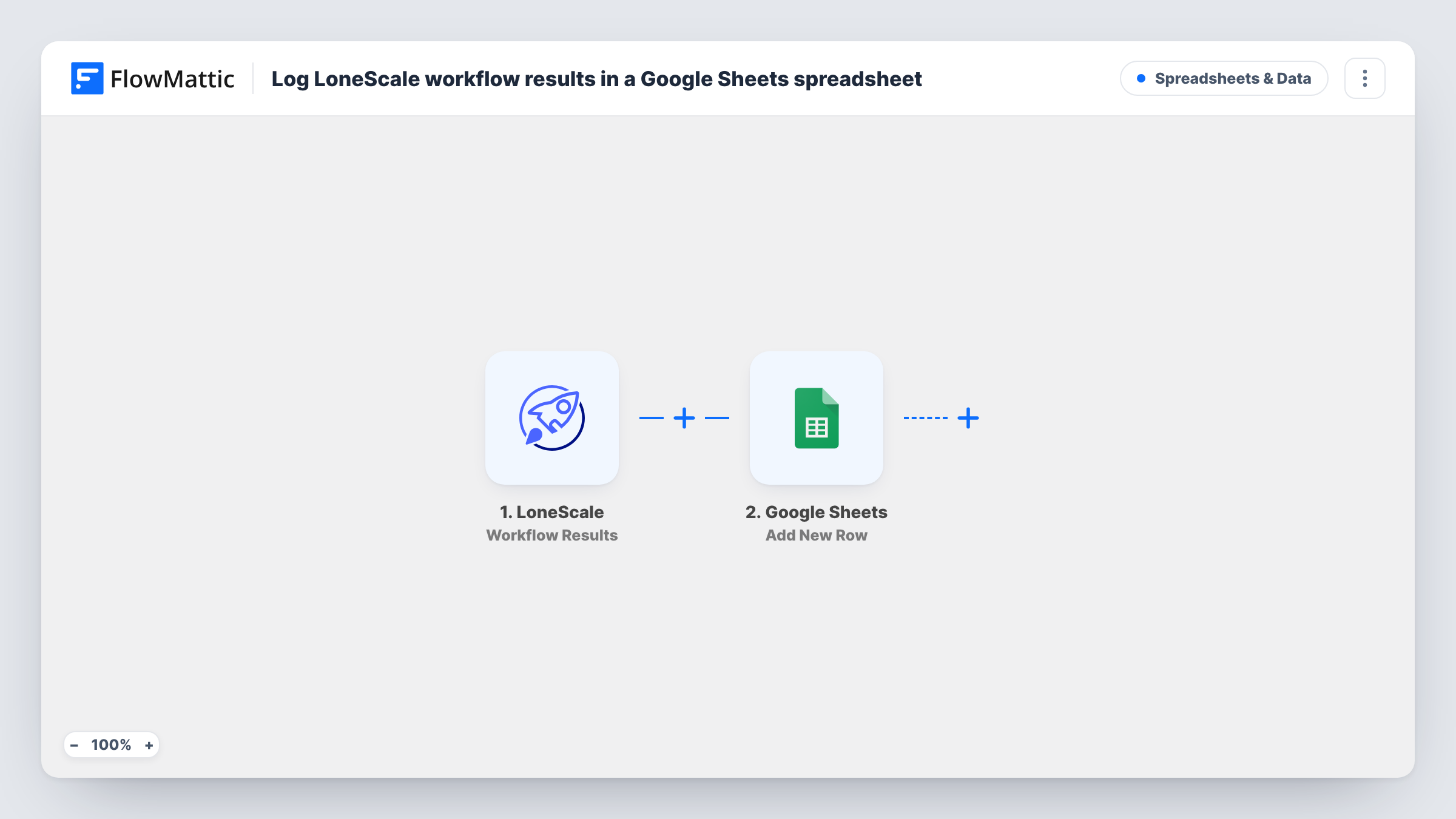
The LoneScale trigger fires when results of a LoneScale workflow are captured. FlowMattic passes that result data to Google Sheets, whose Add New Row action writes it to the spreadsheet and tab you choose. You decide which result values go in which columns when you map the step.
Every captured result adds a row, so the sheet becomes a history of what LoneScale found. Rows are never updated, so a result captured twice appears twice. Task History lists each run with the data sent to Google Sheets, which is the first place to look if a row is missing.
Weekly prospect review
A sales manager sorts the sheet of LoneScale results each Monday and assigns the most relevant accounts to reps for outreach.
Sharing signals with partners
An agency running outbound for a client shares the results sheet, so the client sees each signal without a LoneScale login.
Building a signal archive
Keep every result in one spreadsheet over months, then count rows per signal type to see which LoneScale workflows produce the most results.
How this workflow runs
What happens at each step once the workflow is on, and what you need before you import it.
 LoneScale Workflow Results
Fires when the results of a LoneScale workflow are captured. The result data becomes available to map into the Google Sheets step.
- Google Sheets Add New Row
Adds one row per captured result to the spreadsheet and tab you select. Set up column headers first, connect your Google account, then map LoneScale values to each column.
What you need
- FlowMatticCore
- LoneScale AccountAccount
- Google Sheets AccountAccount
After importing, map your own data. To keep the template universal, not every step is pre-filled. Open each step in the builder and connect your accounts and fields (channels, lists, sheets, recipients) before you switch the workflow on.
Make it yours
Changes worth making after you import it.
- Let one LoneScale workflow capture a result after import, so FlowMattic records the fields it sends and you can map them to columns.
- Running several LoneScale workflows? If the result data names the workflow, add a Router with a route per workflow name, each with its own Add New Row step pointed at a different tab.
- Add a column for the date the row was written, using a date value from the result if LoneScale includes one, so you can sort the sheet by when each signal arrived.
Questions about this workflow
Which LoneScale result details reach Google Sheets?
The values the Workflow Results event sends and that you map. Capture a test result to see the available fields before you set up your columns.
Will older LoneScale results be added to the sheet?
No. Only results captured after you turn the workflow on start a run. Export earlier results from LoneScale if you want them in the same sheet.
Can the same LoneScale signal create two rows?
Yes. The step only adds rows and never checks for duplicates, so a result captured again is logged again.
More Spreadsheets & Data workflows
Other ready-to-import templates from the same category.





Import this workflow into your WordPress site
Download the JSON, import it from the Workflows screen and connect your accounts. Every run stays on your server, with no per-task fees.
30-day money-back guarantee Unlimited workflows and runs Self-hosted