

When a lesson is completed, update a student progress record in Airtable
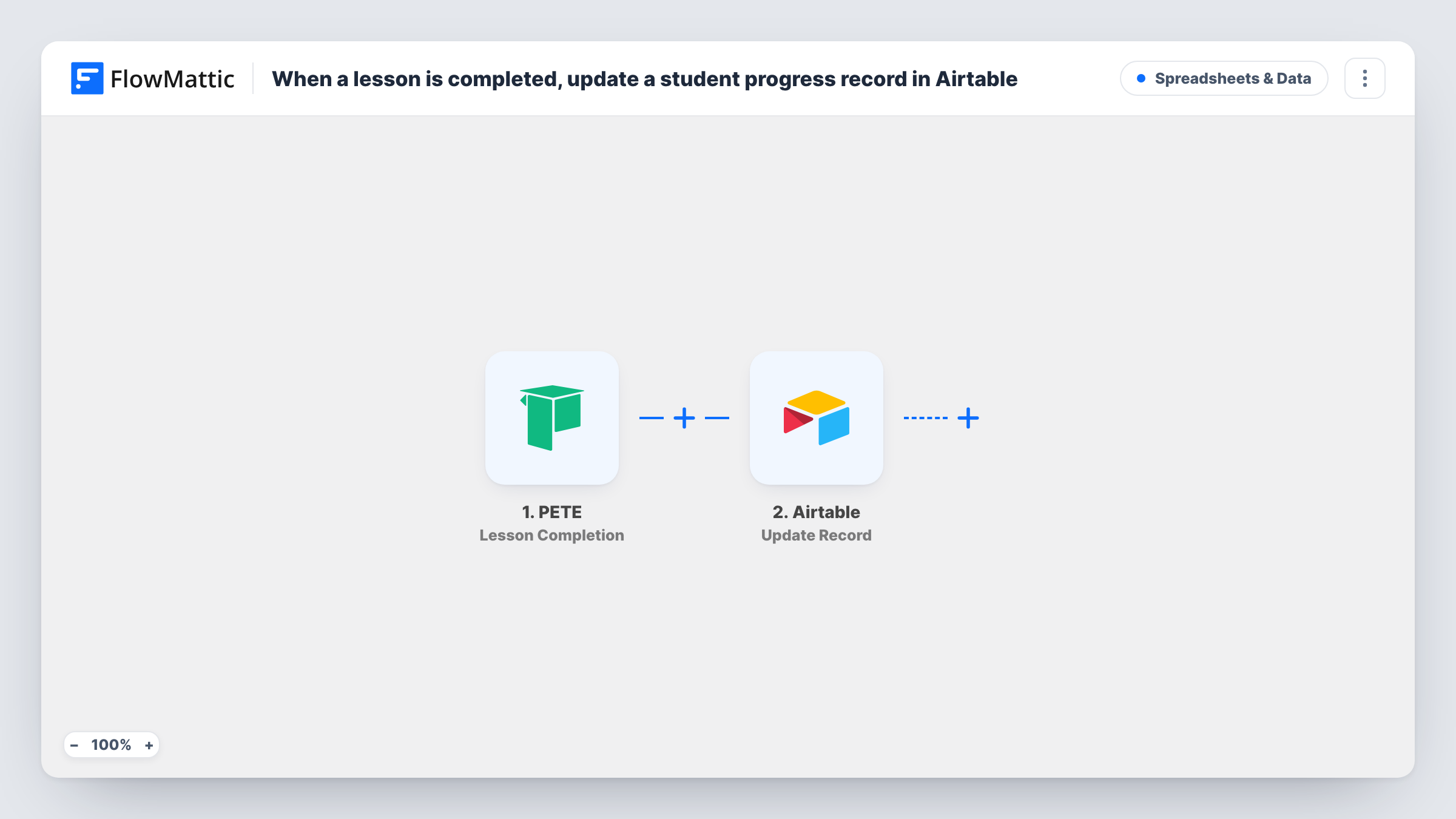
Each time a student completes a lesson in PETE, FlowMattic finds that student’s progress record in Airtable and updates it, so your base shows how far every learner has got.
 PETE
 Airtable
3 steps Setup ~5 min Used on 3.3k sites Free to import
What this workflow does
Course platforms show progress inside the platform, but coaches and school admins often want it next to their own data: cohorts, payments, coaching notes. If you keep a student table in Airtable, this workflow updates each student's record as they work through your PETE lessons.
The PETE trigger is Lesson Completion. FlowMattic describes it as firing when a student completes all the content from a course lesson, so partly finished lessons don't start a run. The student and lesson details from that event are passed on; a test completion shows exactly which values arrive.
The rest of the run happens in Airtable. Search Record looks for records with a filter formula, which you write to match the student, for example on their email address stored in your table. Update Record then changes the record the search found. Map the found record and write the new values, such as the last lesson completed and the date. Both steps ship unmapped.
The workflow only updates students who already have a record; it doesn't create one. If the search finds no match, there is nothing to update. Test with a student you know is in the base and check Task History for each step's response.
Coaching programme check-ins
A coach keeps one Airtable record per client and sees the latest finished lesson before each call, without logging in to PETE.
Cohort progress overview
An online school groups students by cohort in Airtable and sorts by last completed lesson to spot who is falling behind.
Completion data for certificates
A training provider records lesson completions in Airtable and uses the base to decide when a learner is ready for a certificate.
How this workflow runs
What happens at each step once the workflow is on, and what you need before you import it.
 PETE Lesson Completion
Fires when a student completes all the content in a PETE lesson. The student and lesson details are passed to Airtable; a test run shows the exact values.
- Airtable Search Record
Looks up the student's progress record in Airtable with a filter formula you write. The step ships unmapped: pick the base and table and match on a value such as the student's email.
- Airtable Update Record
Changes the progress record the search found. Map that record from the previous step and write the new values, such as the lesson name and completion date.
What you need
- FlowMatticCore
- PETE AccountAccount
- Airtable AccountAccount
After importing, map your own data. To keep the template universal, not every step is pre-filled. Open each step in the builder and connect your accounts and fields (channels, lists, sheets, recipients) before you switch the workflow on.
Make it yours
Changes worth making after you import it.
- Store each student's email in its own Airtable field and match on it in the search formula, so the lookup finds exactly one record.
- Use a second workflow on PETE's User Registration or Course Enrollment trigger with Airtable's Create Record action, so every student has a record before their first lesson is done.
- To keep a count of finished lessons, add a Maths step between Search Record and Update Record that adds 1 to the record's current count field, then map its result into Update Record.
Questions about this workflow
Does this create an Airtable record for a new PETE student?
No. It searches for an existing record and updates it. Use Airtable's Create Record action in a separate workflow on an enrollment trigger to add new students.
How does the Airtable search find the right student?
Through the filter formula you write in Search Record, comparing a field in your table, such as email, with the matching value from the PETE event.
Does finishing part of a PETE lesson start a run?
No. Lesson Completion fires when a student completes all the content in a lesson.
More Spreadsheets & Data workflows
Other ready-to-import templates from the same category.




Import this workflow into your WordPress site
Download the JSON, import it from the Workflows screen and connect your accounts. Every run stays on your server, with no per-task fees.
30-day money-back guarantee Unlimited workflows and runs Self-hosted